 -60%
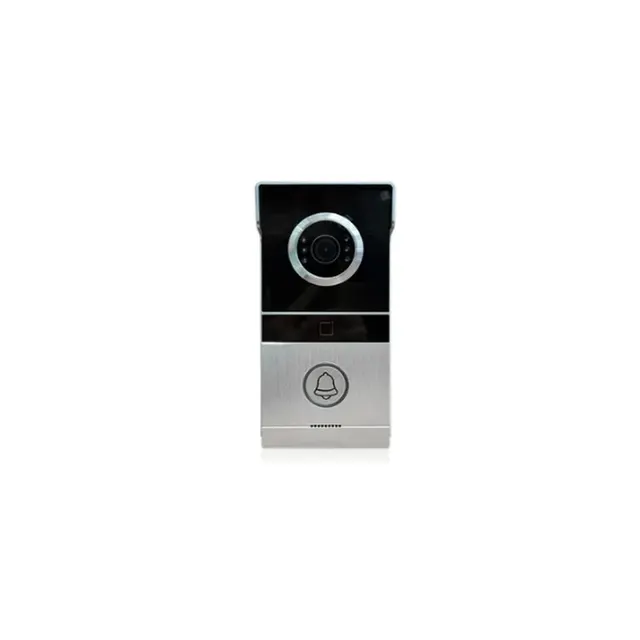
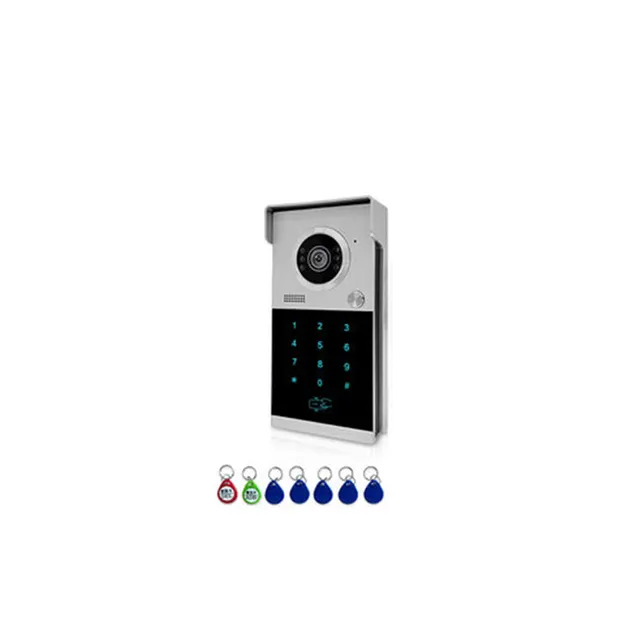
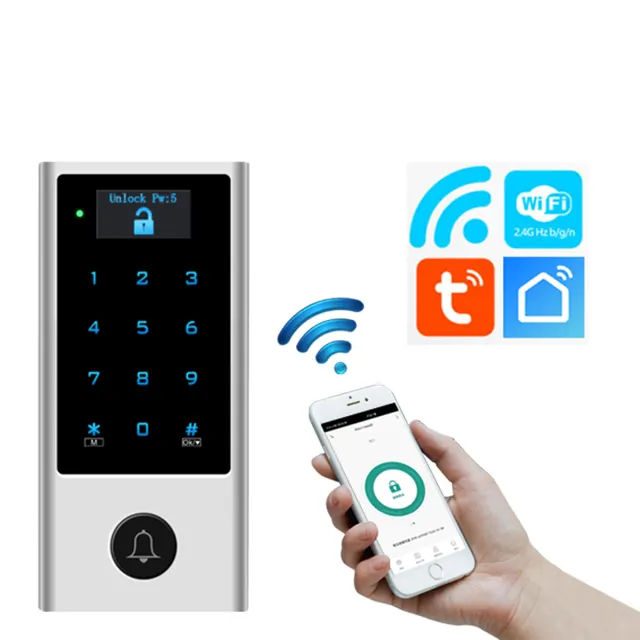
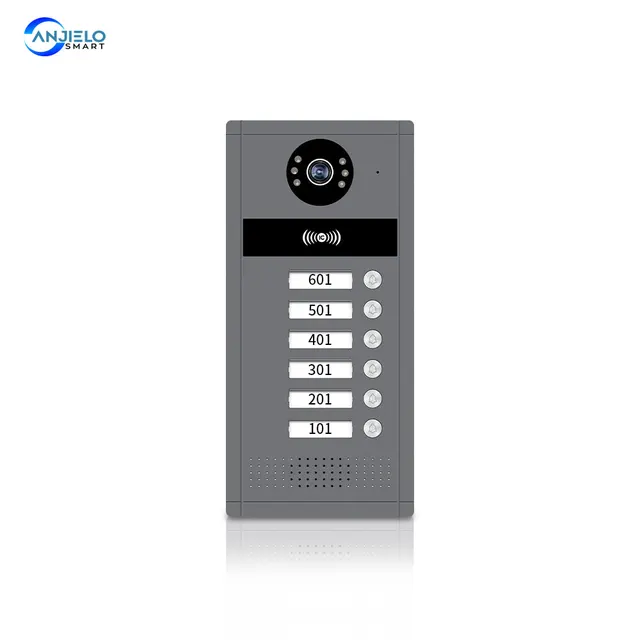
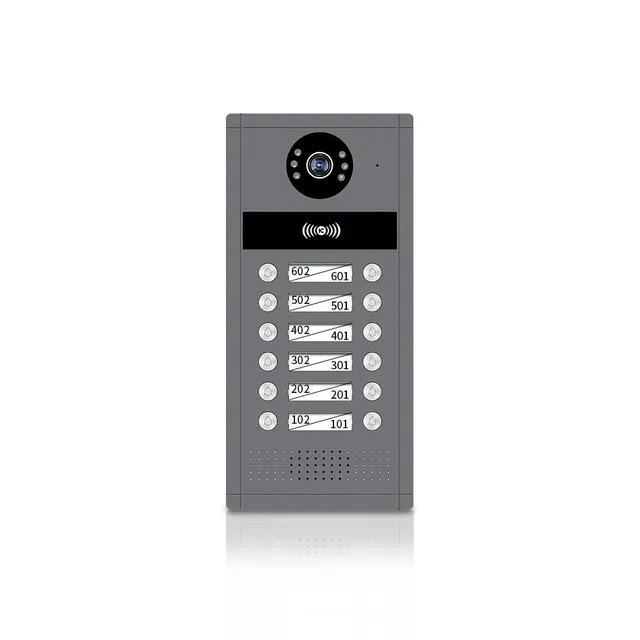
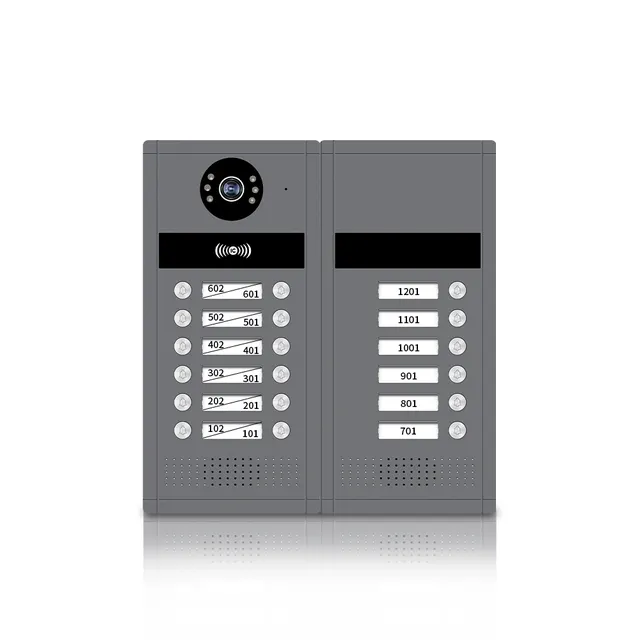
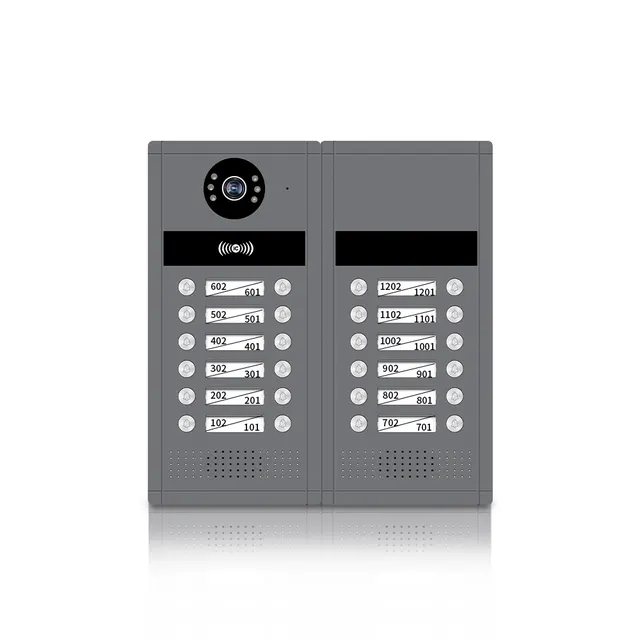
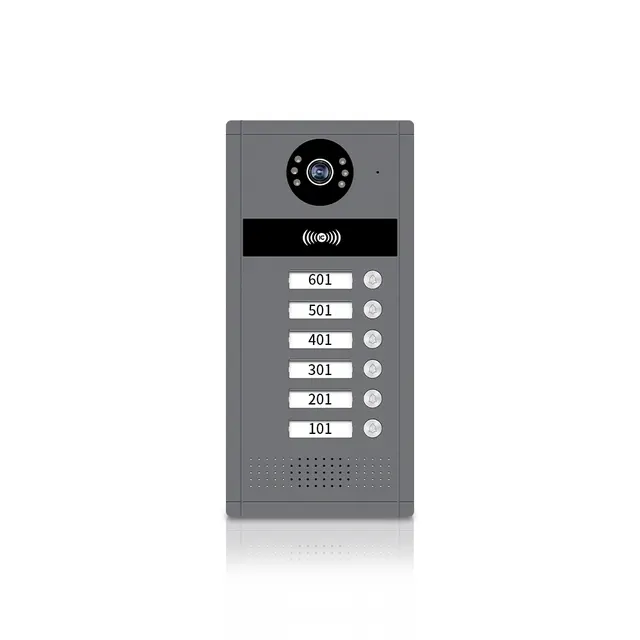
Anjielo AHD Tuya WiFi Night Vision Building Doorbell Video Intercom System
$63.89
Regular price
In stock
- No payment now. You send a request and we confirm the price and delivery by email.
- 30-day money-back guarantee and 18-month warranty
- Our own factory
Buying for a company? Request wholesale price
Product details
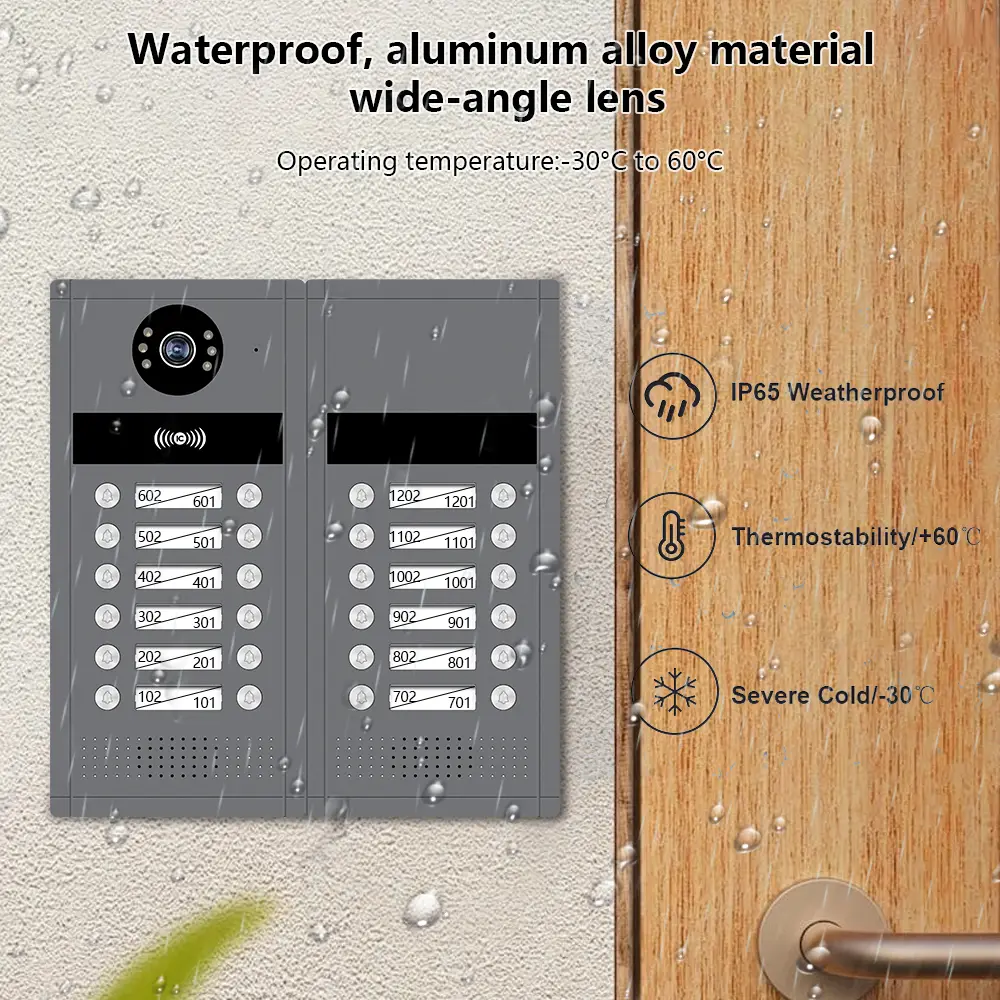
Anjielo AHD Tuya WiFi Night Vision Building Doorbell Video Intercom System
1080P Doorphone Video Intercom System Tuya Wifi Motion Detection for Multi-family intercom System Doorphone
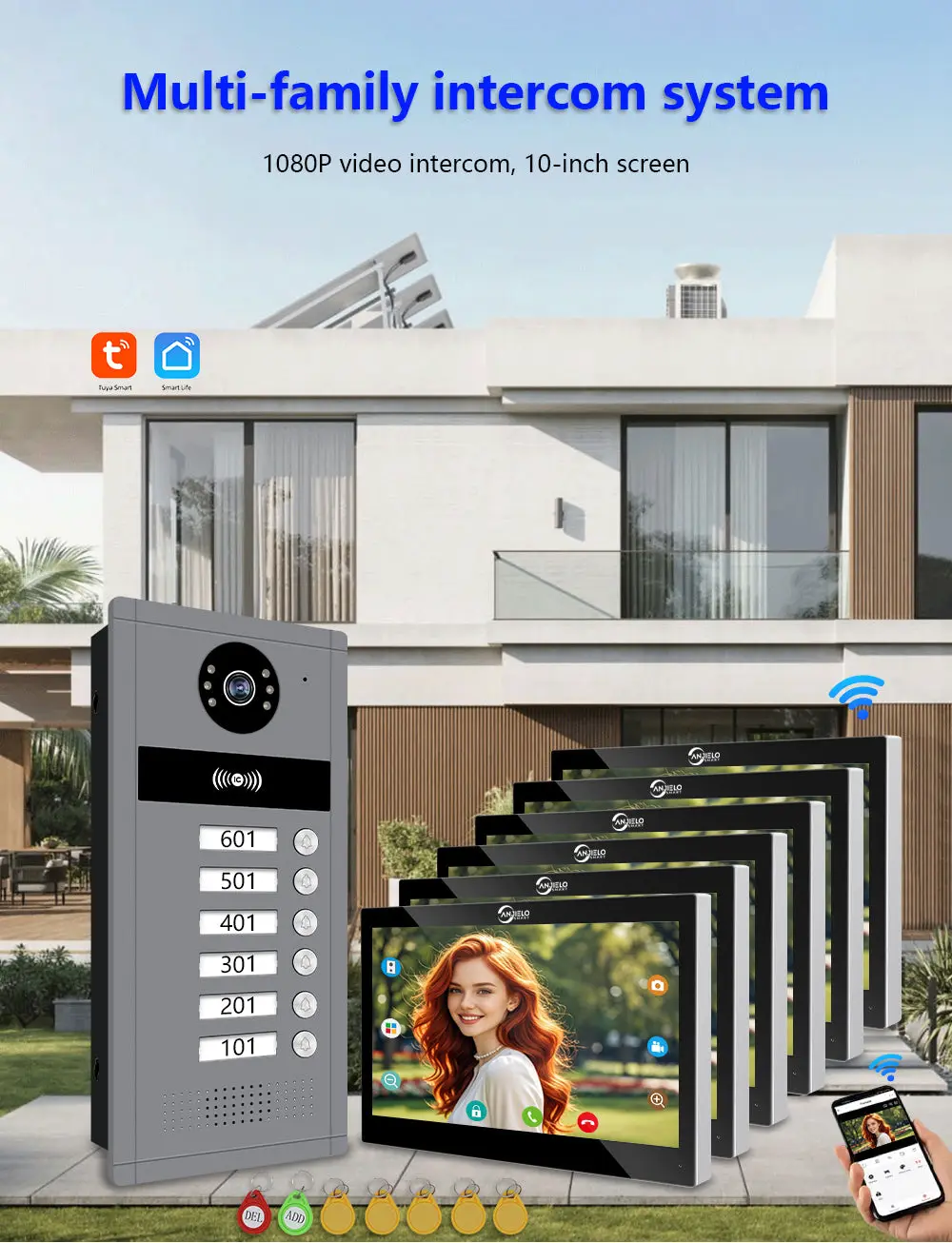
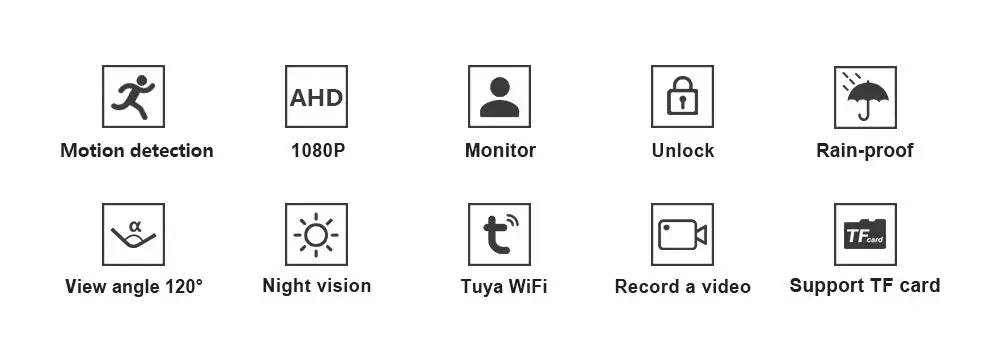
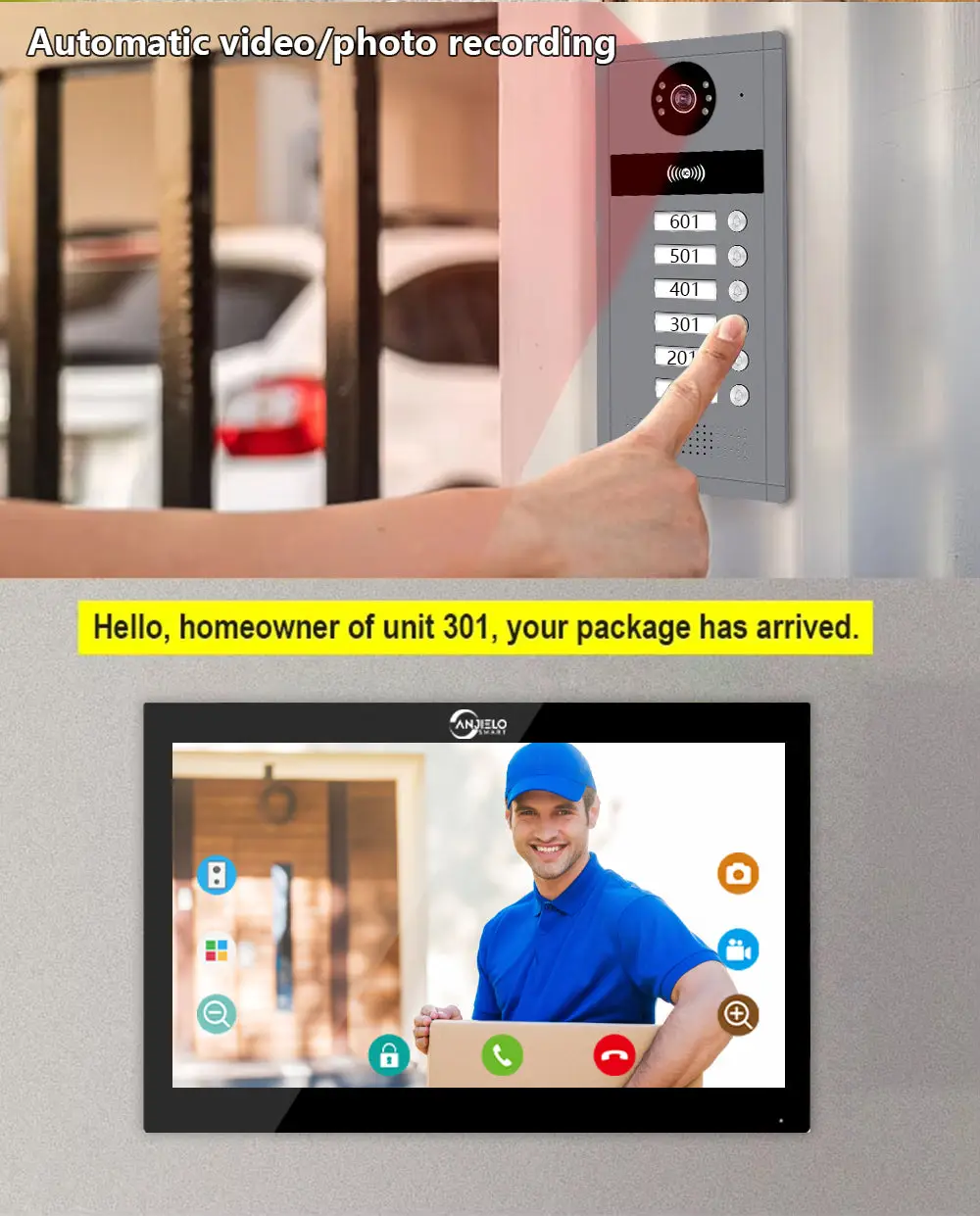
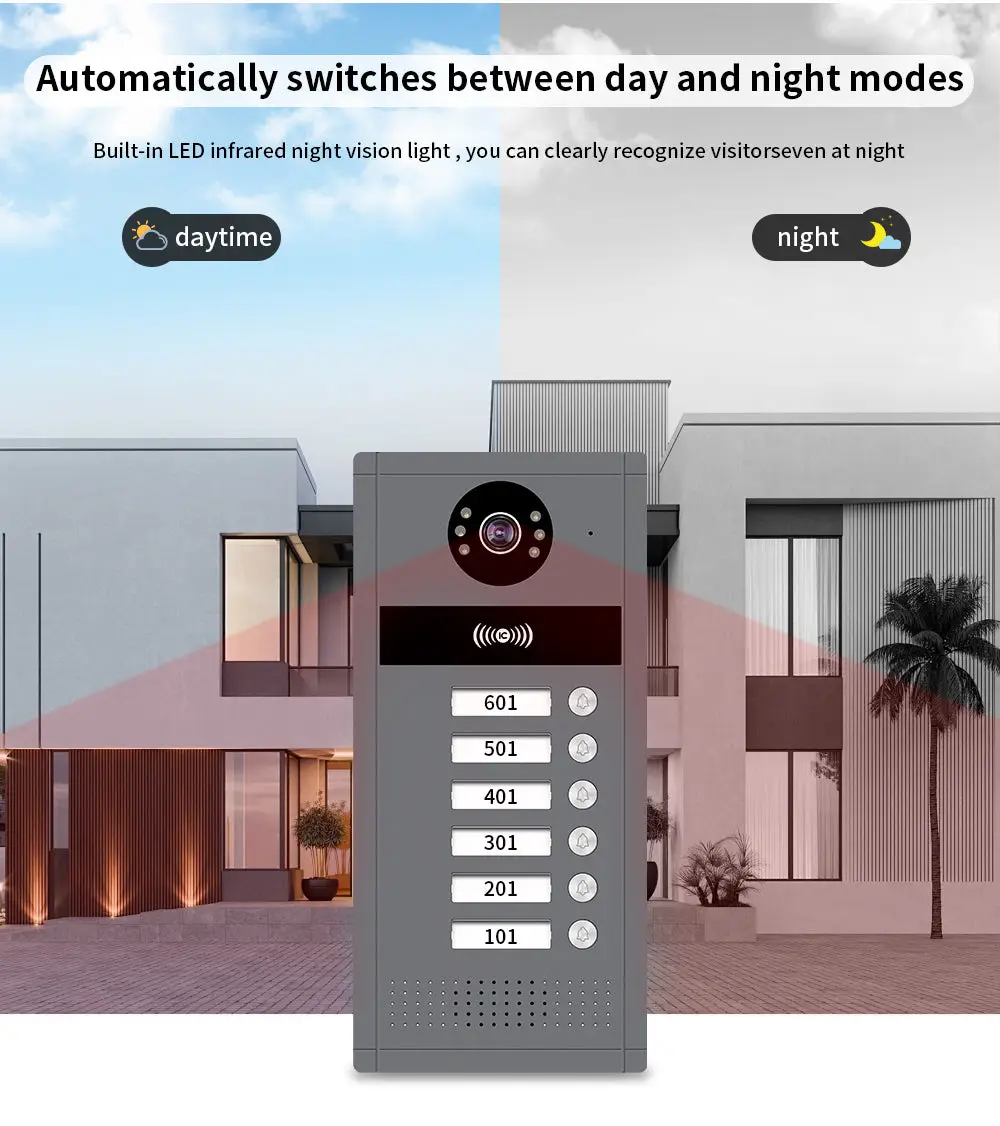
The latest building video intercom is compatible with IoT platforms and third-party security systems. It can connect to elevator control, property notifications, and mobile phone APP remote operation, helping to upgrade the digitalization of buildings and enable a panoramic smart community ecosystem.
More
Learning to Create Management Cards
(Note: Please familiarize yourself with the operating steps before proceeding. If there is no continuous operation within 10 seconds during the process, the system will exit the operating interface with two "beep" sounds. This may result in unsuccessful operations, and you will need to start over.)
A.Register Management Card
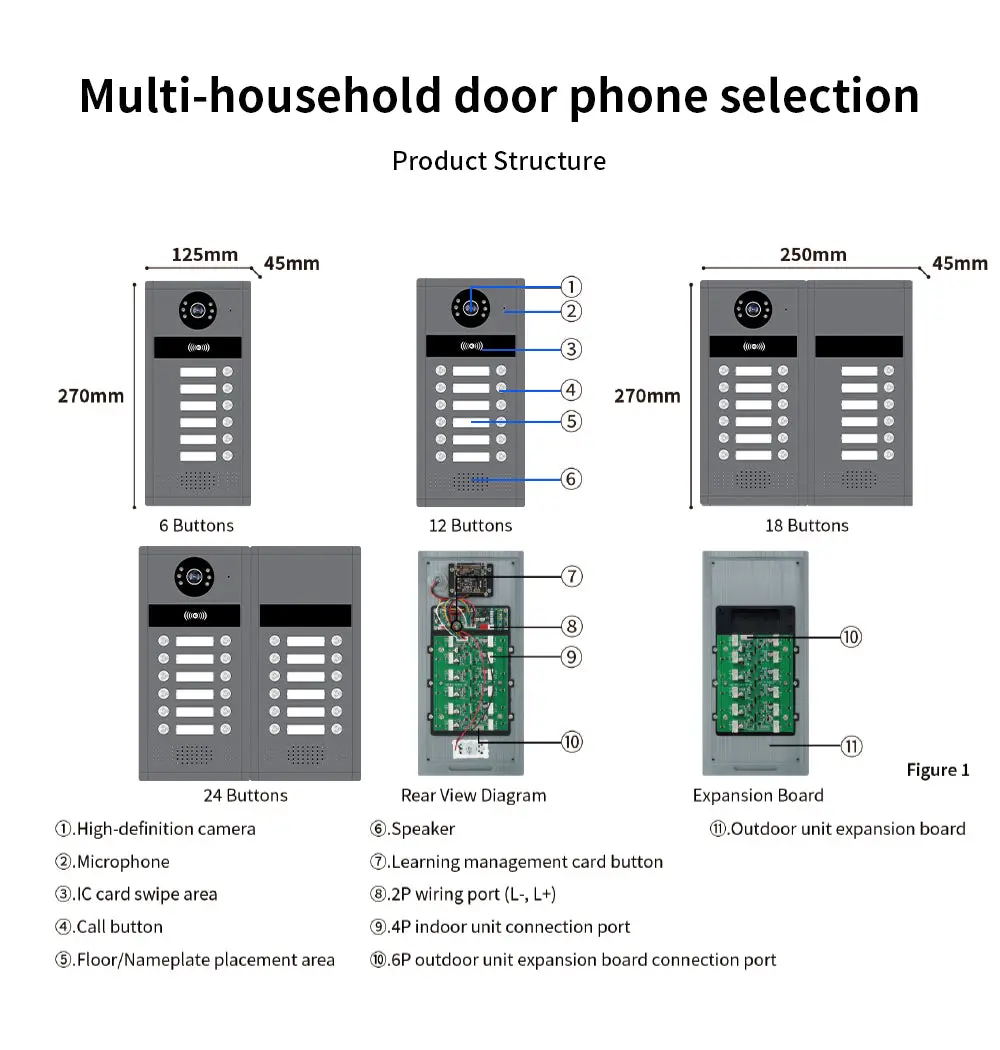
First, power on the indoor unit and turn on the power supply function for the outdoor unit (for detailed functions, refer to the indoor unit user manual) →Then, with the outdoor unit not connected, press and hold the learing management card button on the back of the outdoor unit (see Figure 1⑦)→ Connect the outdoor unit to the indoor unit with a test cable (the buzzer will sound“beep”once), and then release the button → Swipe the first increase card (green card) (the buzzer will sound“beep” once)→Swipe the second delete card (red card) (the buzzer will sound“beep”once)→The management card is now created.
B.Add User Card
Swipe the increase card (green card) (the buzzer beeps once) →Then swipe the blank card (yellow card)(the buzzer beeps once. If you want to add multiple user cards at the same time, you can swipe the blank cards continuously) → Swipe the increase card (green card) again to confirm (the buzzer beeps twice, indicating the cards have been added).
C.Delete User Card
Swipe the delete card (red card) (the buzzer beeps once) →Then swipe the card you want to delete (yellow card) (the buzzer beeps once) →Wait for the buzzer to beep again →Swipe the delete card (red card) again to confirm (the buzzer beeps twice, indicating the card has been deleted).
D. Delete all user cards
Swipe the deletion card (red card) (the buzzer beeps once) →Then swipe the increase card (green card), the buzzer beeps once (the buzzer beeps once) →Swipe the deletion card (red card) again to confirm (the buzzer beeps once and the red light flashes rapidly) →The buzzer beeps "di di di di di di di di" continuously for 7 times, which means all user cards have been cleared and deleted.
Product details
You may also like
-60%
 -50%