 -51%
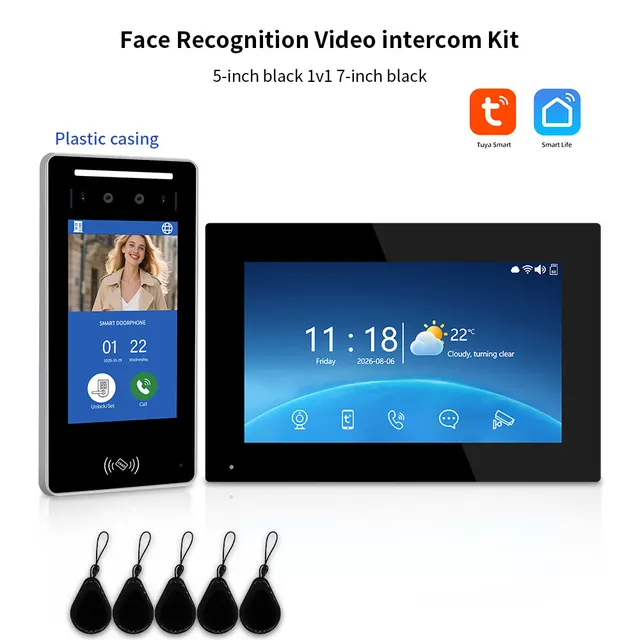
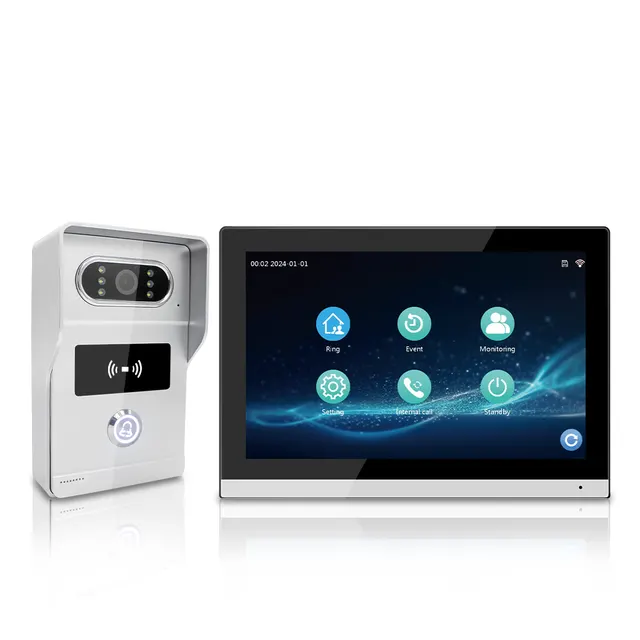
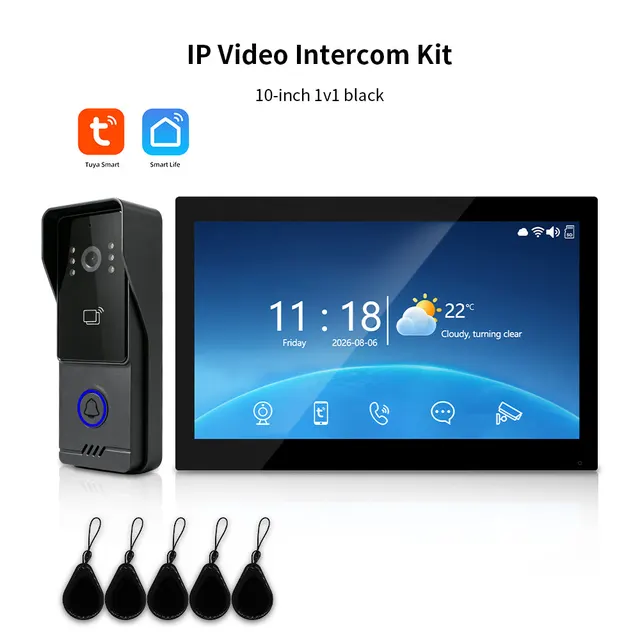
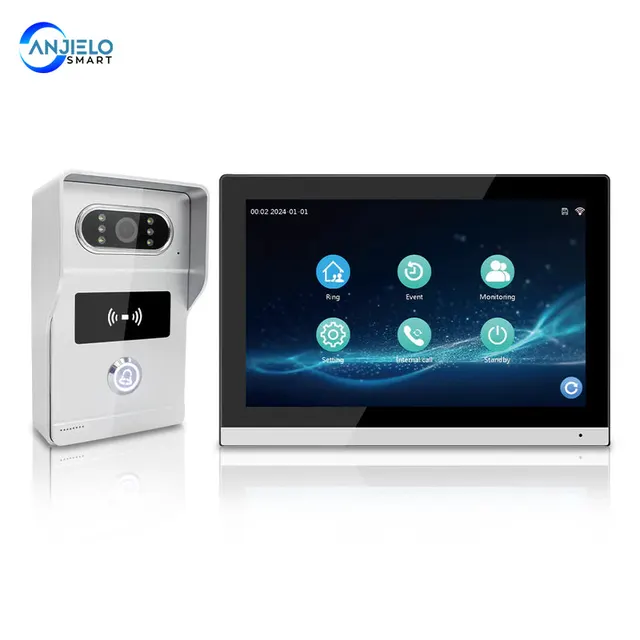
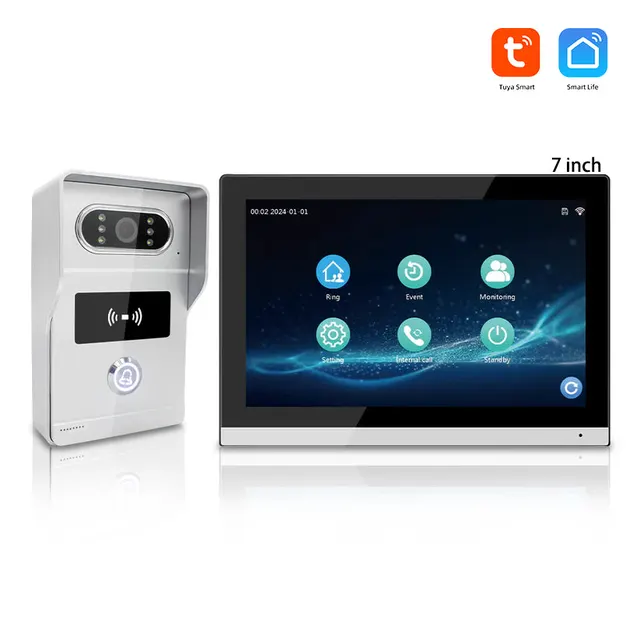
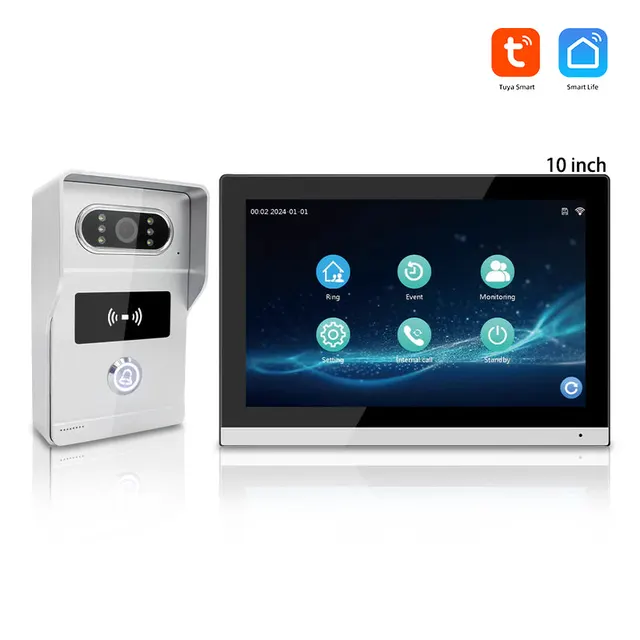
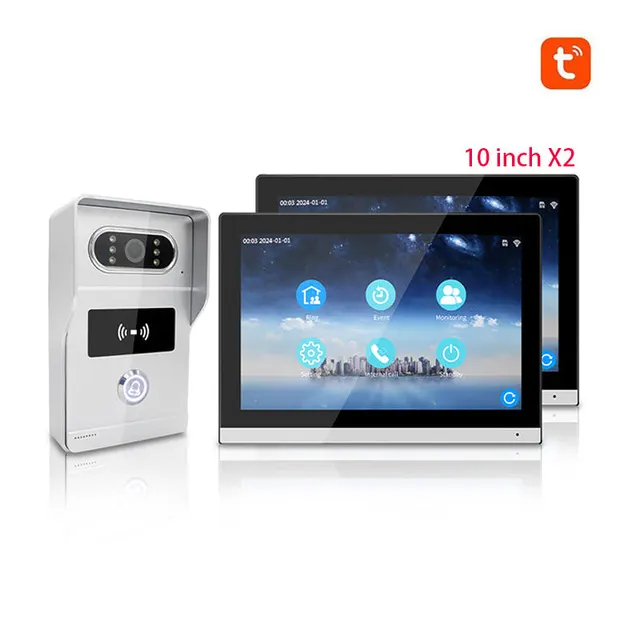
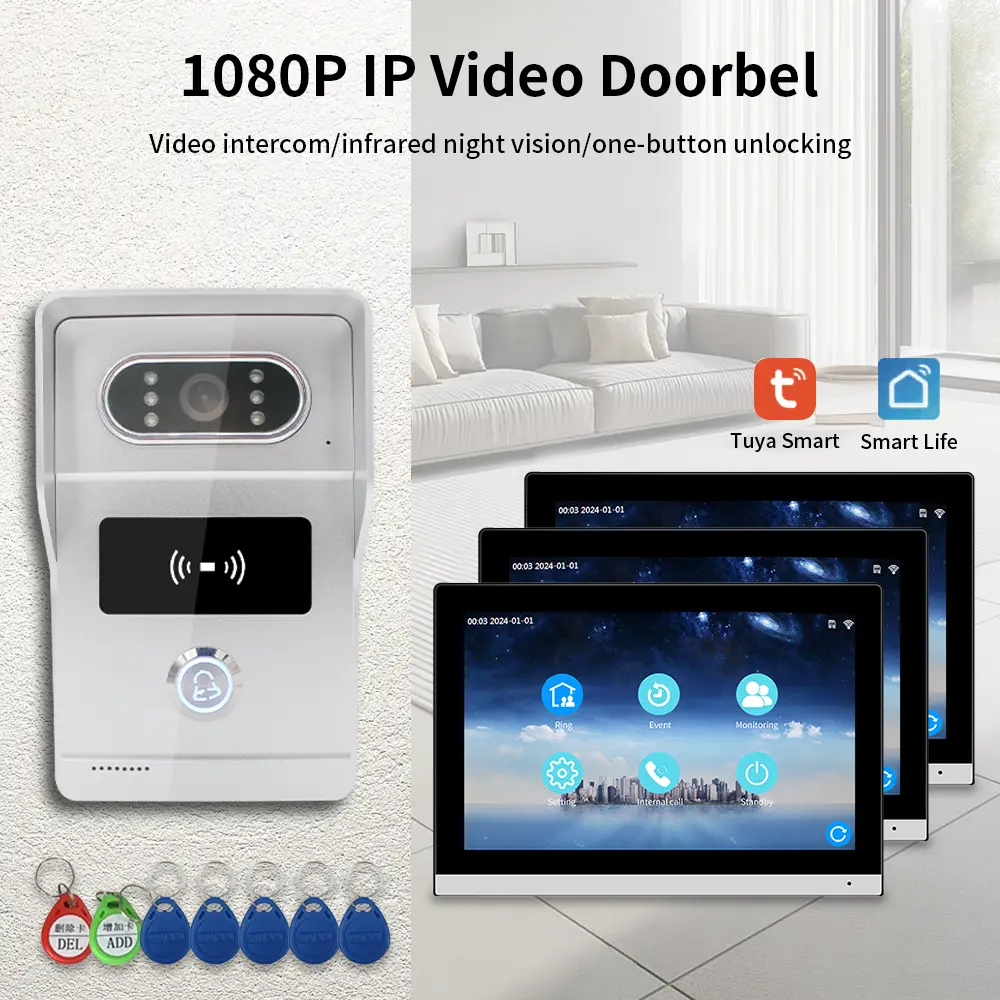
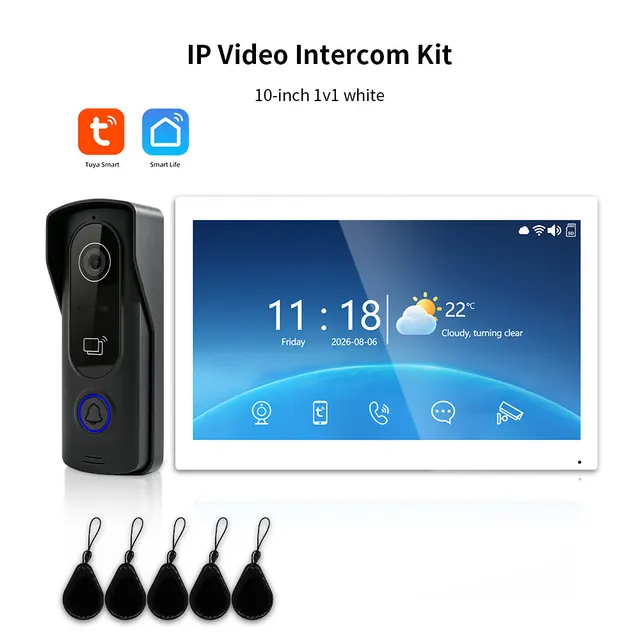
Anjielo Tuya IP Video Intercom System, 1080P Villa Video Door Phone with Remote Unlock, Infrared Night Vision, Motion Detection
From $121.89
Regular price$249.00

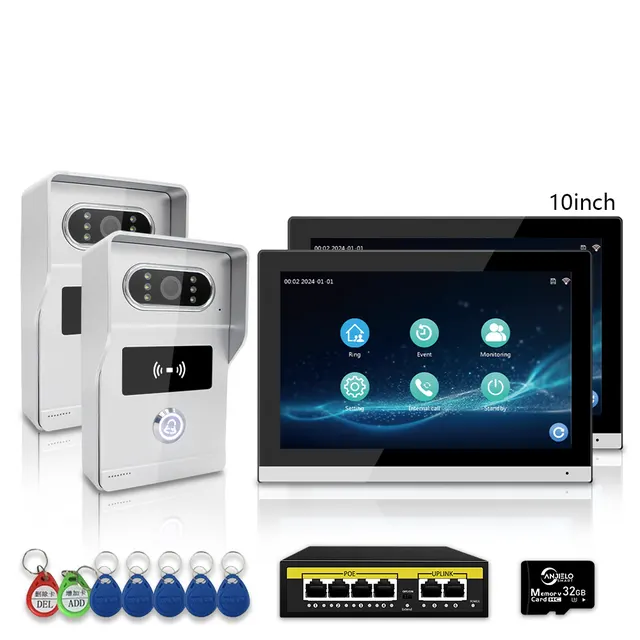
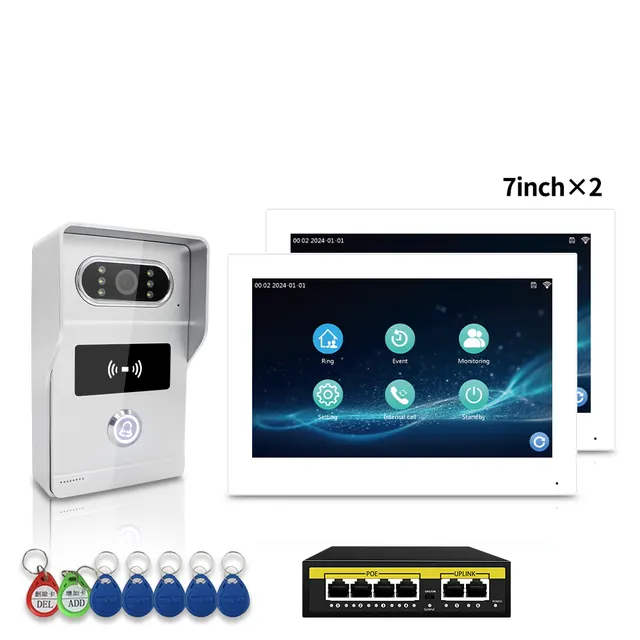
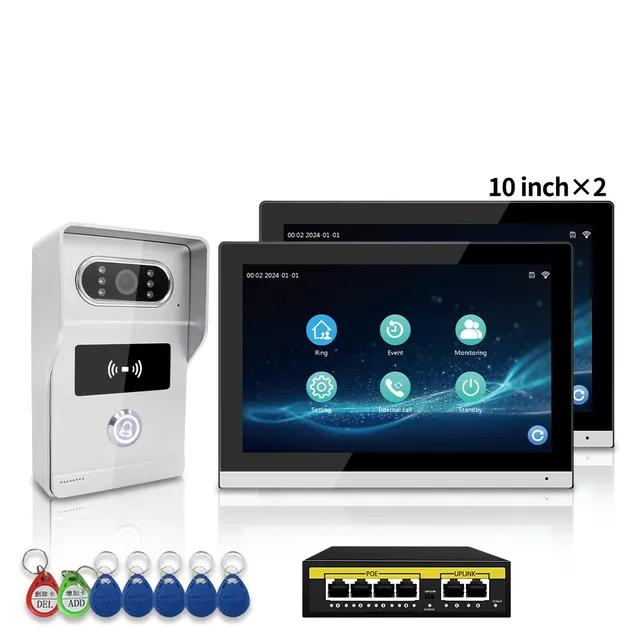
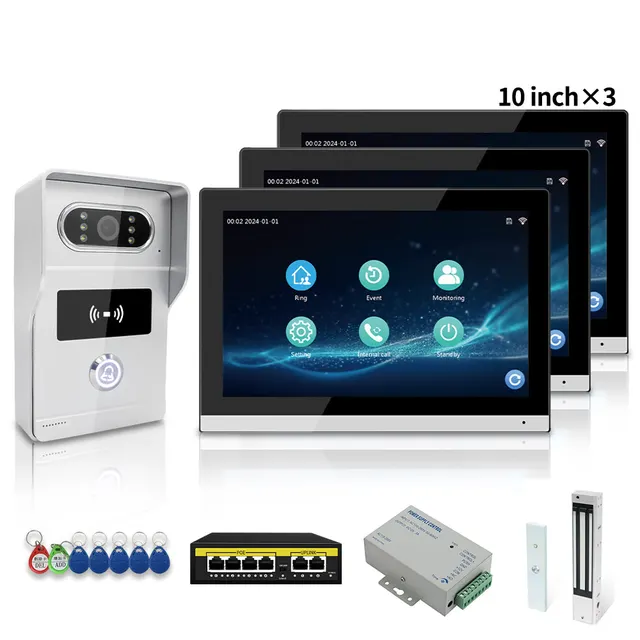
$106.08
Regular price$151.00
Save $44.92 (30%)
In stock
Buying for a company? Request wholesale price
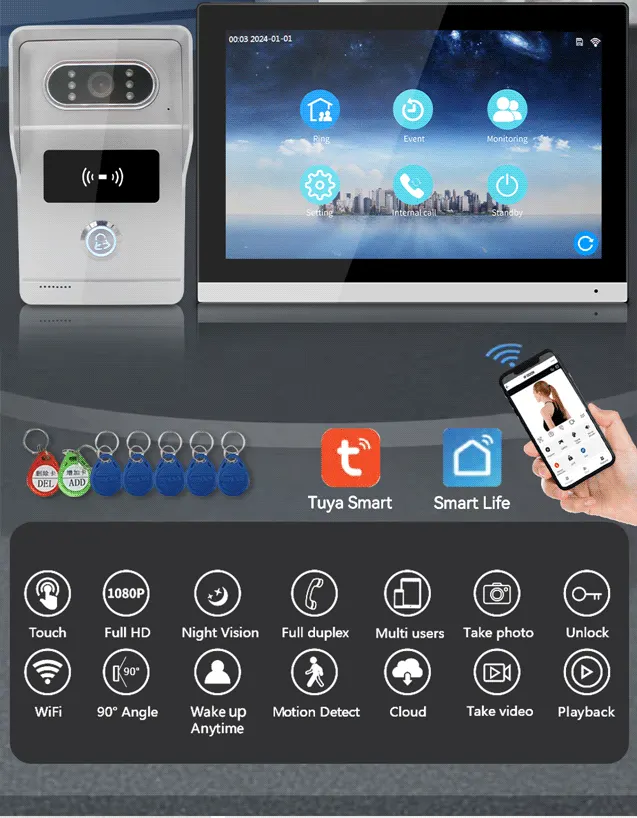
| Resolution | 2Mega pixels,140Horizontal angle |
|---|---|
| Night Vision | IR CUT no color deviation, B/W night vision |
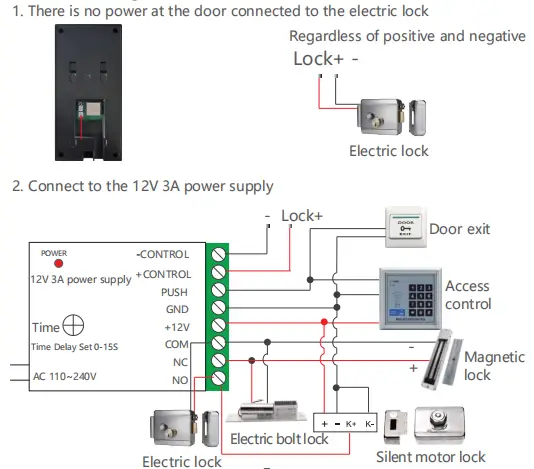
| Unlock | Power on or off unlock, unlock delay time setting by indoor monitor |
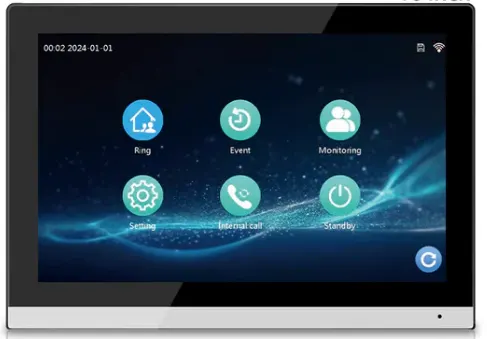
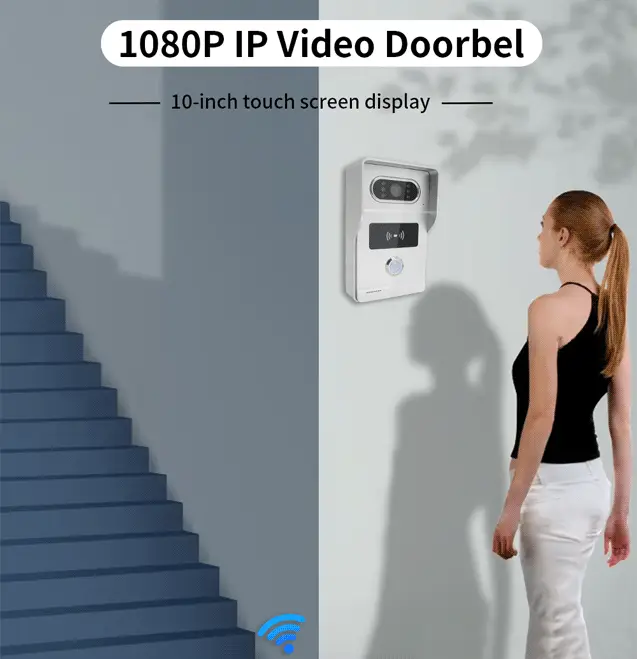
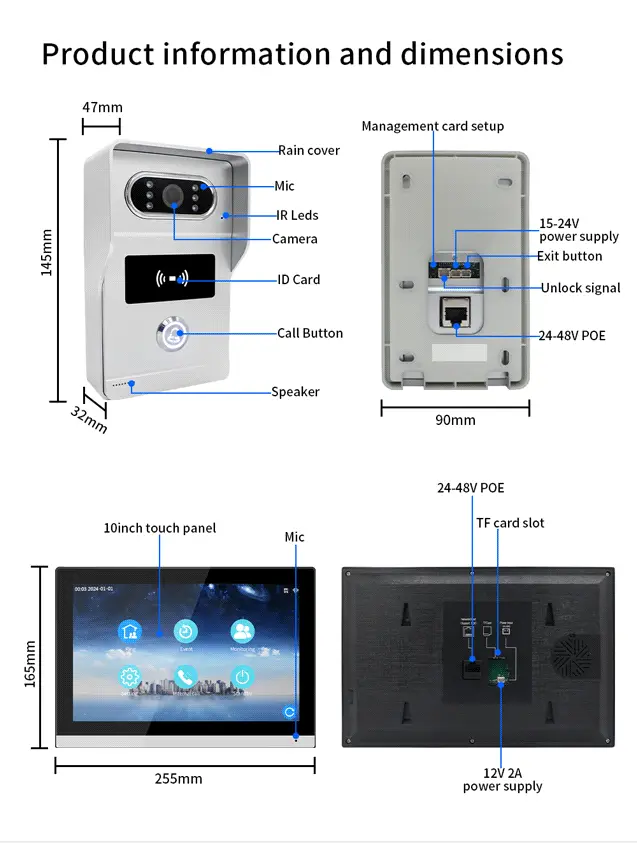
| Monitor | 7inch or 10.1inch capacitive touch 1024*600 indoor monitor |
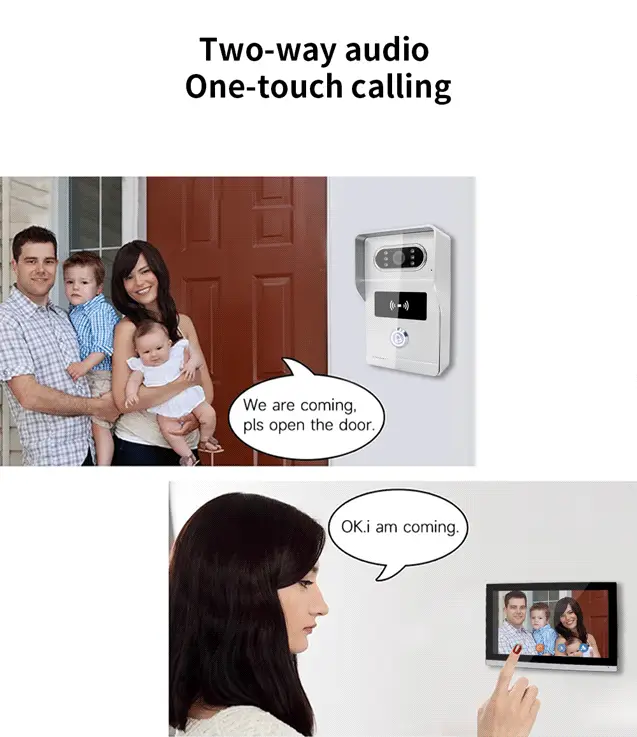
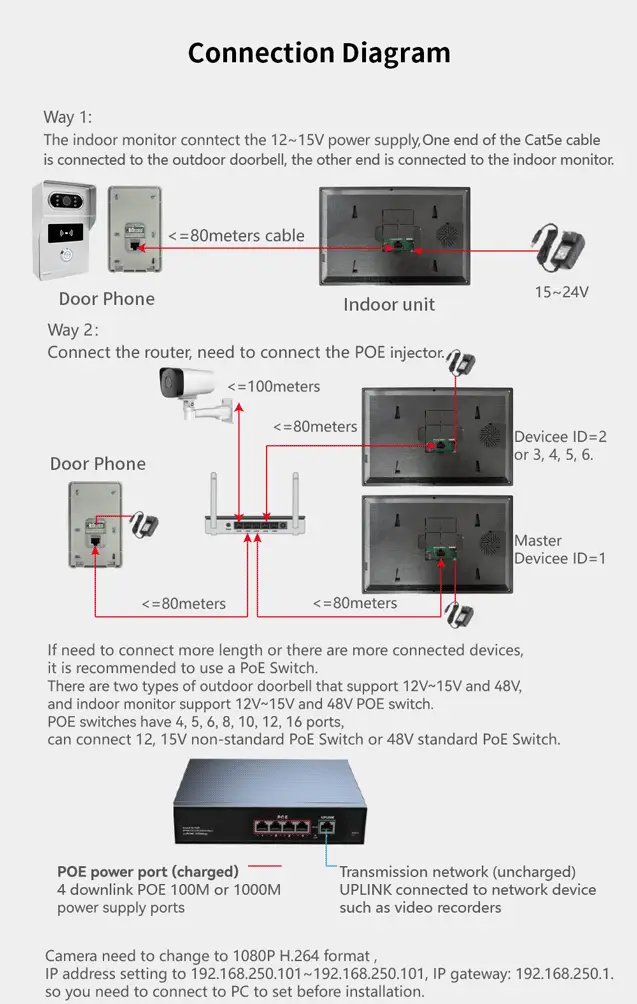
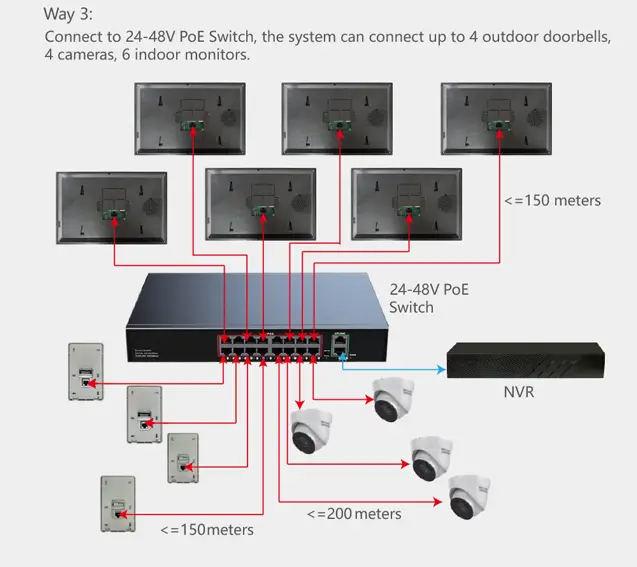
| Connect | Connect up to 4 outdoor doorbells and 6 indoor monitors,the indoor monitors can talk to each other |
| Network | Master indoor monitor connects2.4G WiFi 802.11 b/g/n |
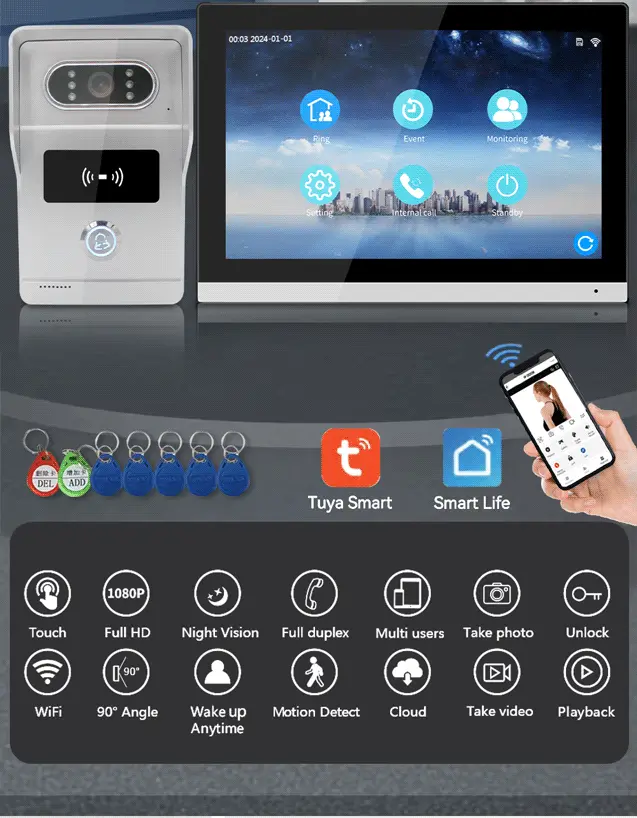
| Function | Take photo, take video, unlock, lock delay, motion detectioncalendar, adjust brightness, contrast, color |
| TF Card | Extemal 128GB TF card to save photos or videos, leave messages |
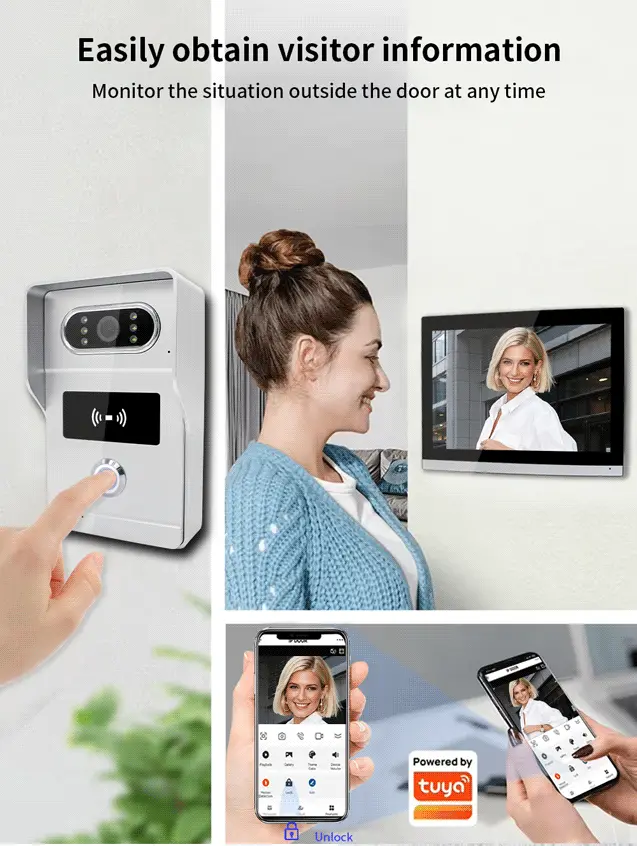
| Tuya smart or Smart Life App | 20 App users can connect to the system, users can talk to visitors anytime and anywhere, and take photo or video,monitor, unlock |
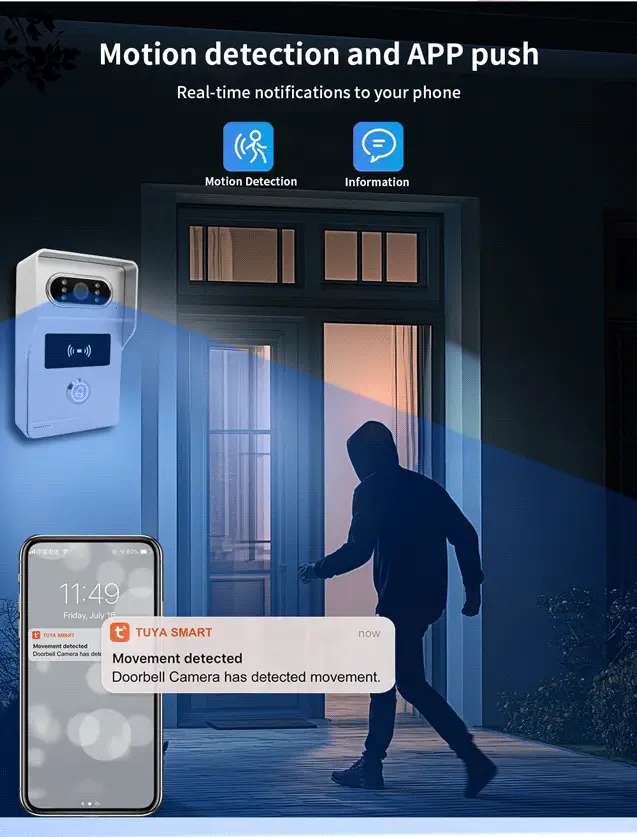
| Message | Push photo to APP when motion detection or call |
| Playback | Video recording after the call or motion detection |
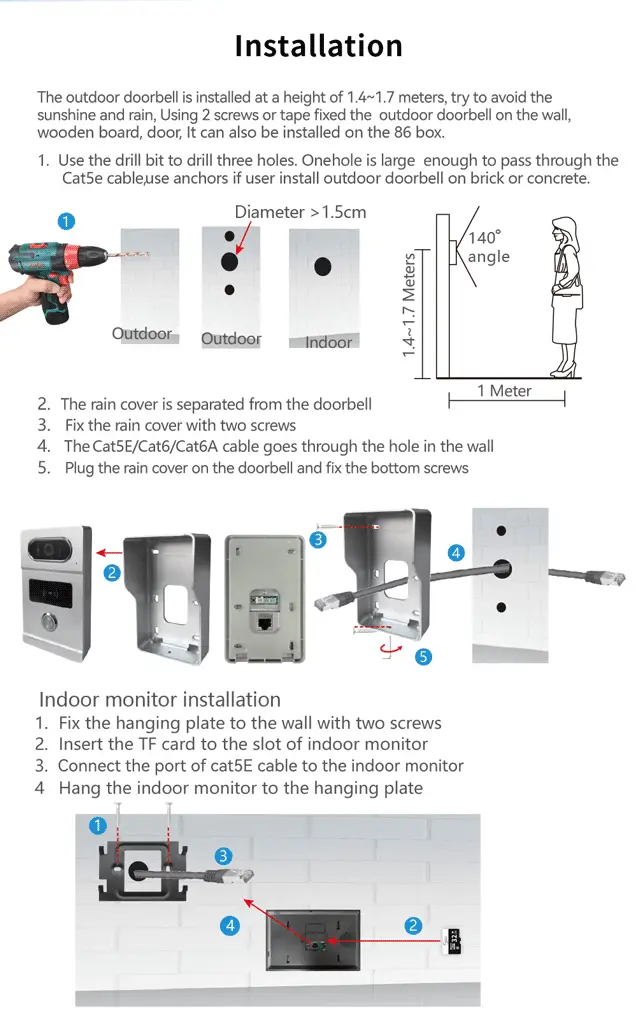
Product details
Function:
Schematic diagram of connect the lock
Operating Instructions
1. Settings for add and delete cards (already set at the factory)
Creating and Deleting Cards: Within 10 seconds of powering on, press the settings button to enter
settings mode. The first IC card you swipe will automatically become the admin card. The second
IC card you swipe will be set as the delete card.
2. Add user cards
First, swipe the add card. Enter the add user card mode and swipe a blank ID card. The process is
complete once the card is added.
3. Delete a single user card
First, swipe the delete card. Enter the delete user card mode and swipe the user ID card you want to
remove. The deletion is complete once the card is swiped.
Product details
-51%
From $121.89
Regular price$249.00
 -53%
From $116.69
Regular price$249.00