 -60%
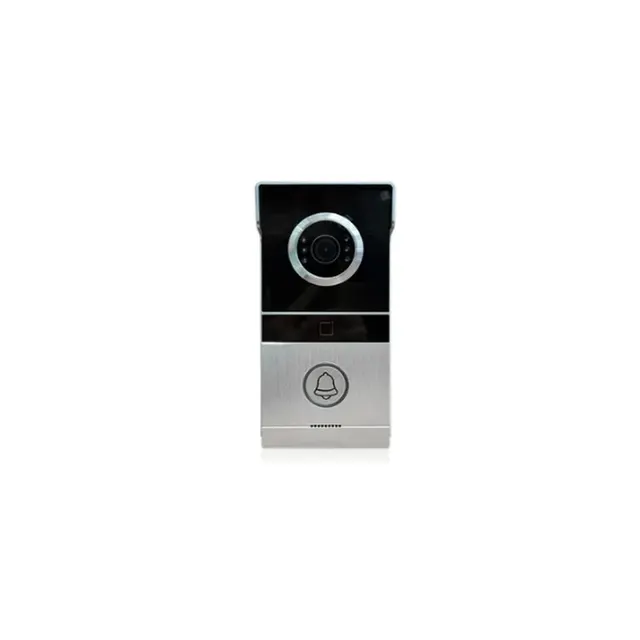
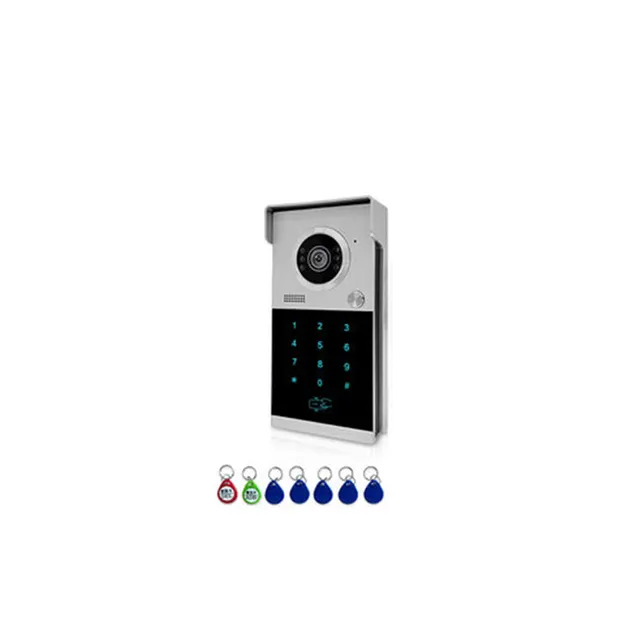
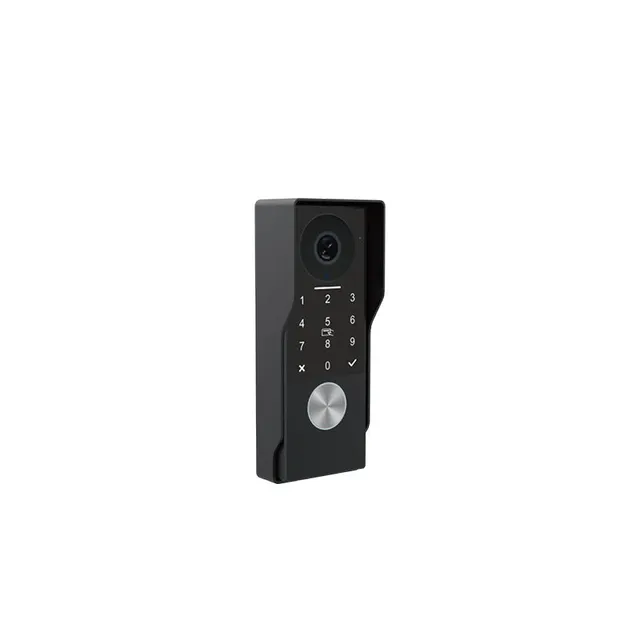
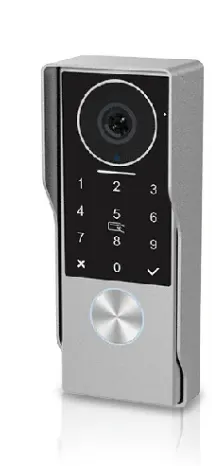
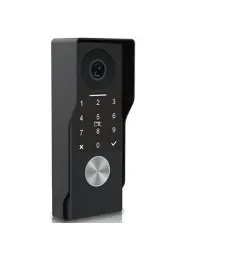
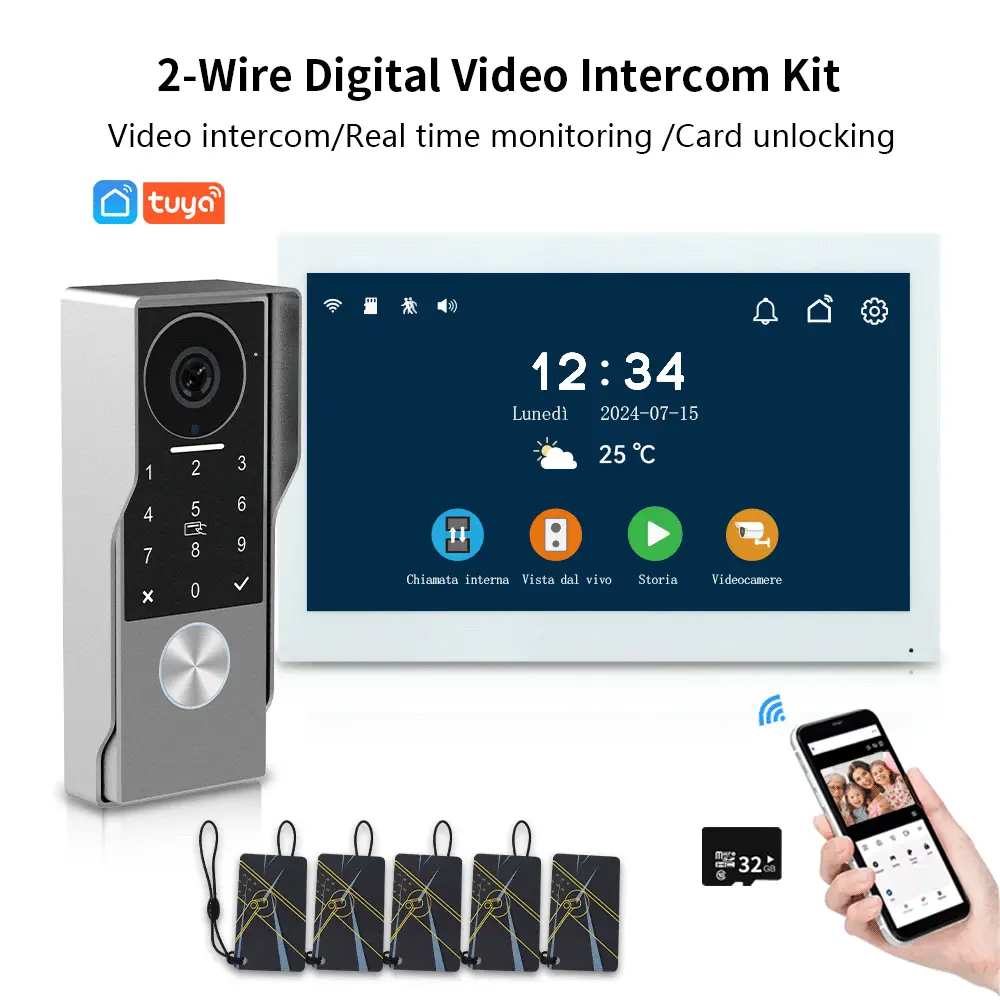
Anjielo Smart 2 Wired Video Doorbell with IC Card Password Waterproof with Motion Detection for Monitoring
$45.26
Regular price
In stock
- No payment now. You send a request and we confirm the price and delivery by email.
- 30-day money-back guarantee and 18-month warranty
- Our own factory
Buying for a company? Request wholesale price
Specifications
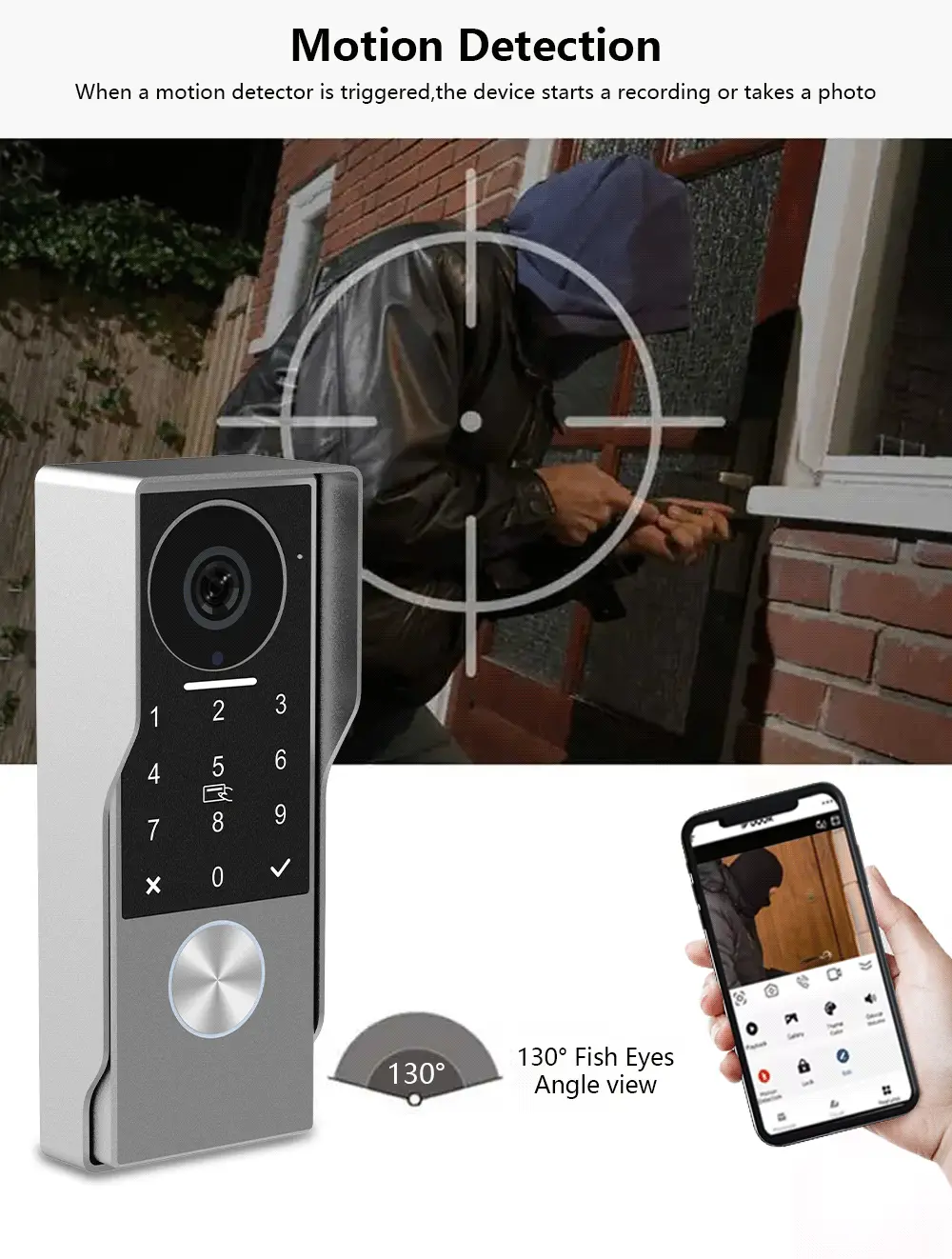
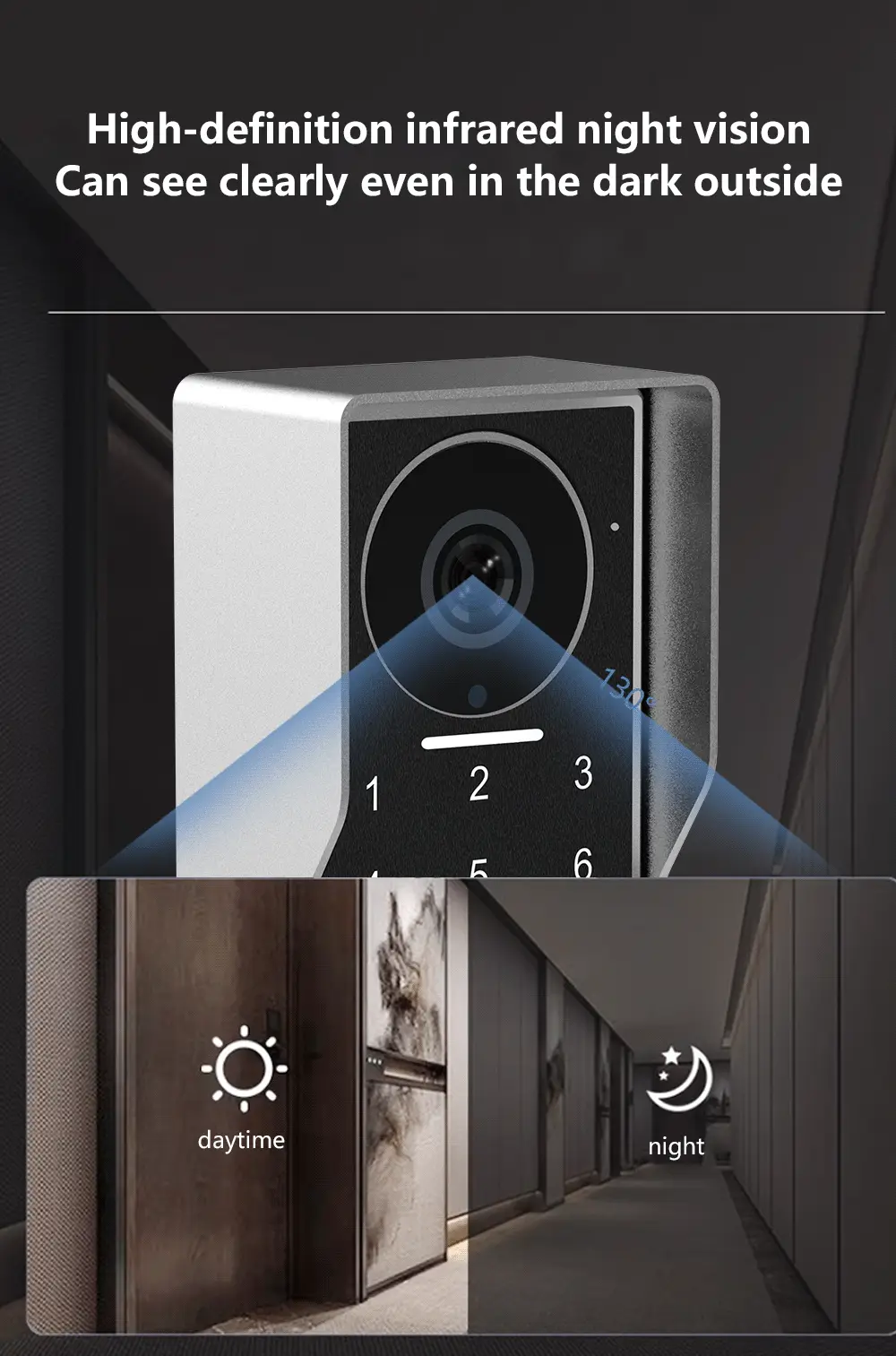
| - Viewing angle | Horizontal ~130°/ Diagonal ~165° |
|---|---|
| - Current consumption | 220mA,Power consumption: 5.5W |
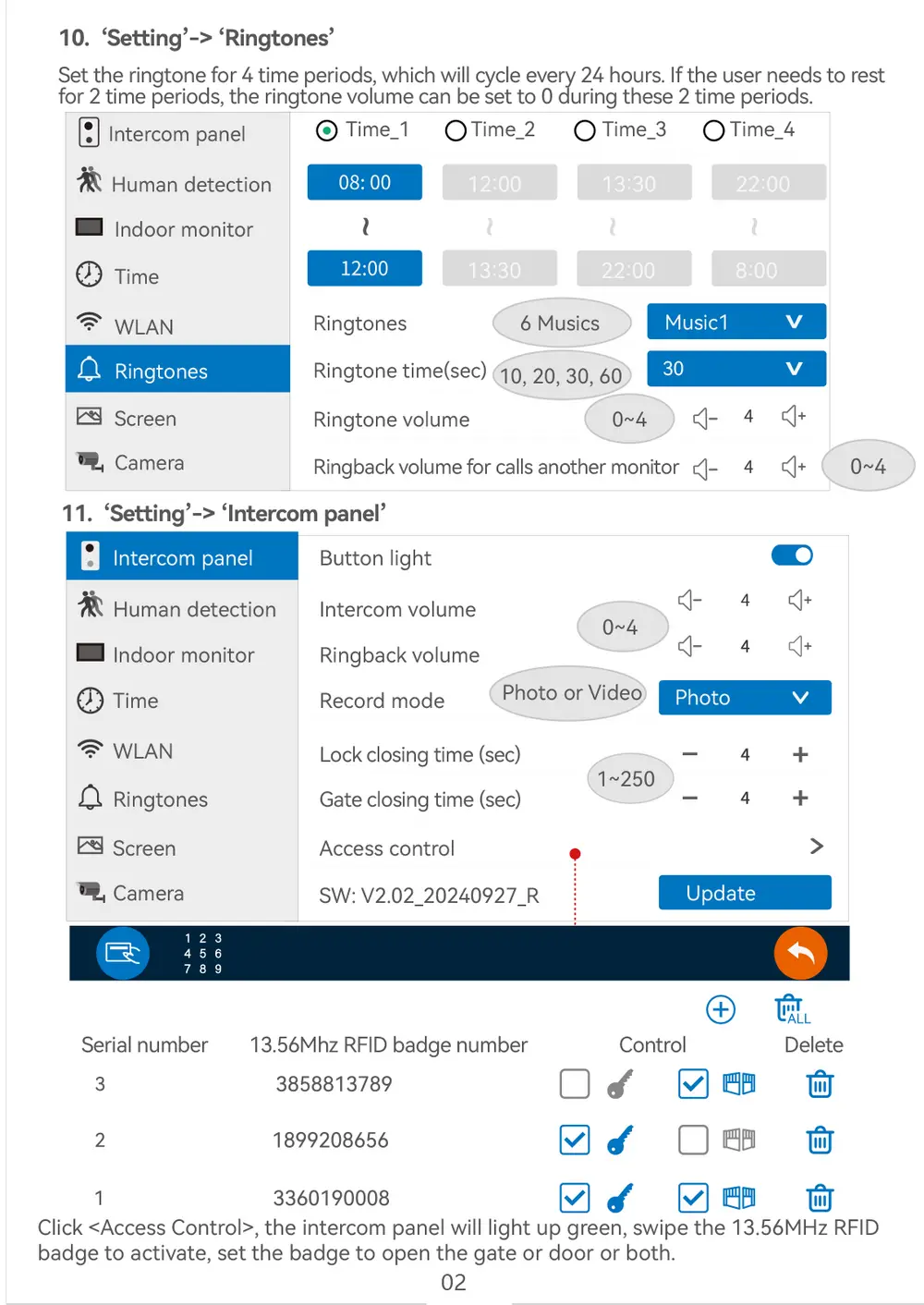
| - RFID | 13.56MHz - 100 badges max. |
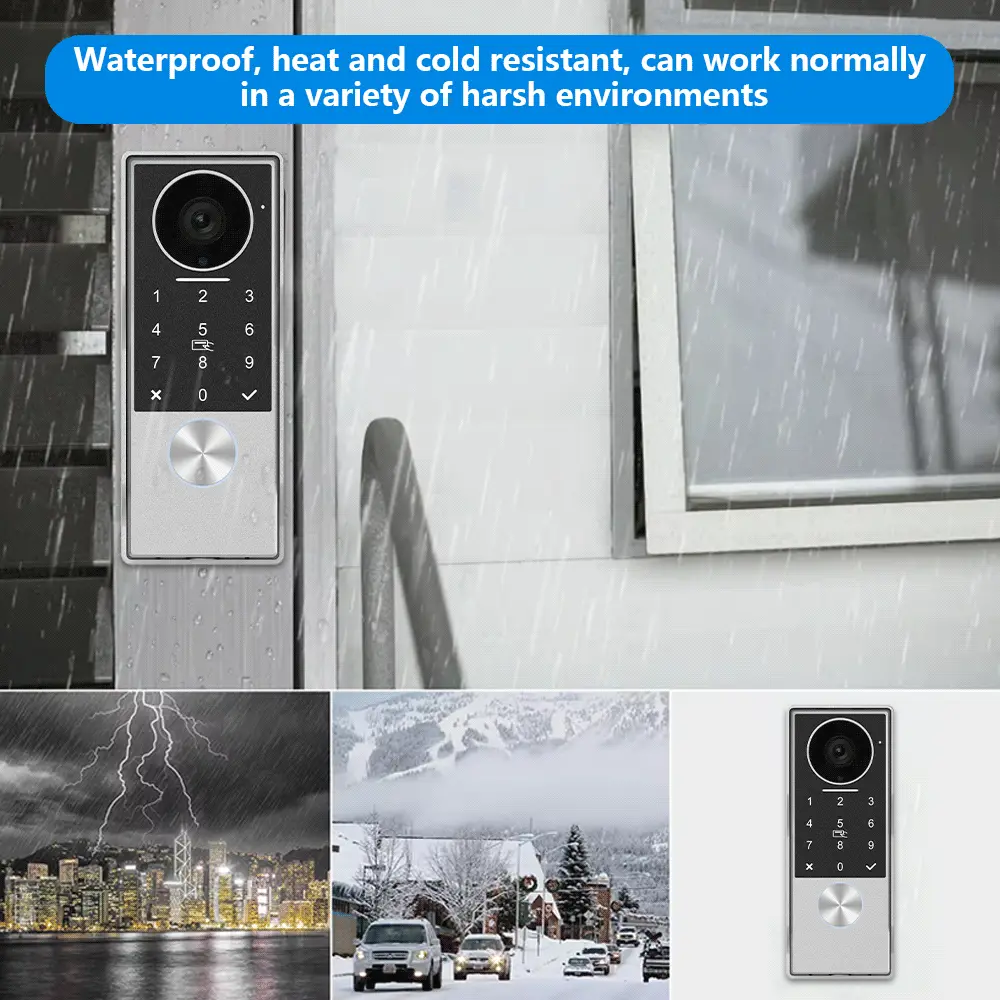
| - Operating temperature | -30°C / +70°C |
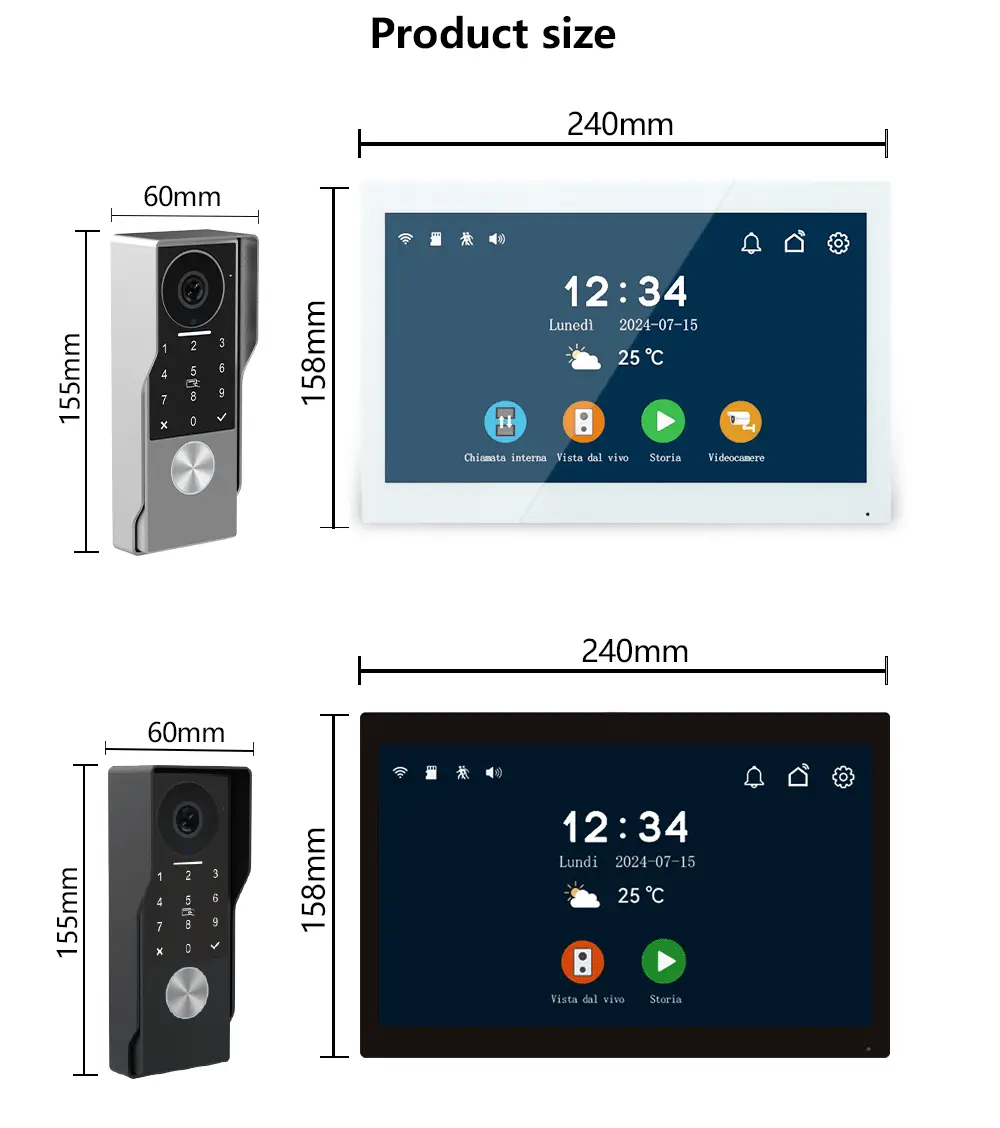
| - Dimensions | 147(h) x 55 (w) x 22(d) or 36(d) with weather-proof shield |
Product details
Anjielo Smart 2 Wired Video Doorbell with IC Card Password Waterproof with Motion Detection for Monitoring
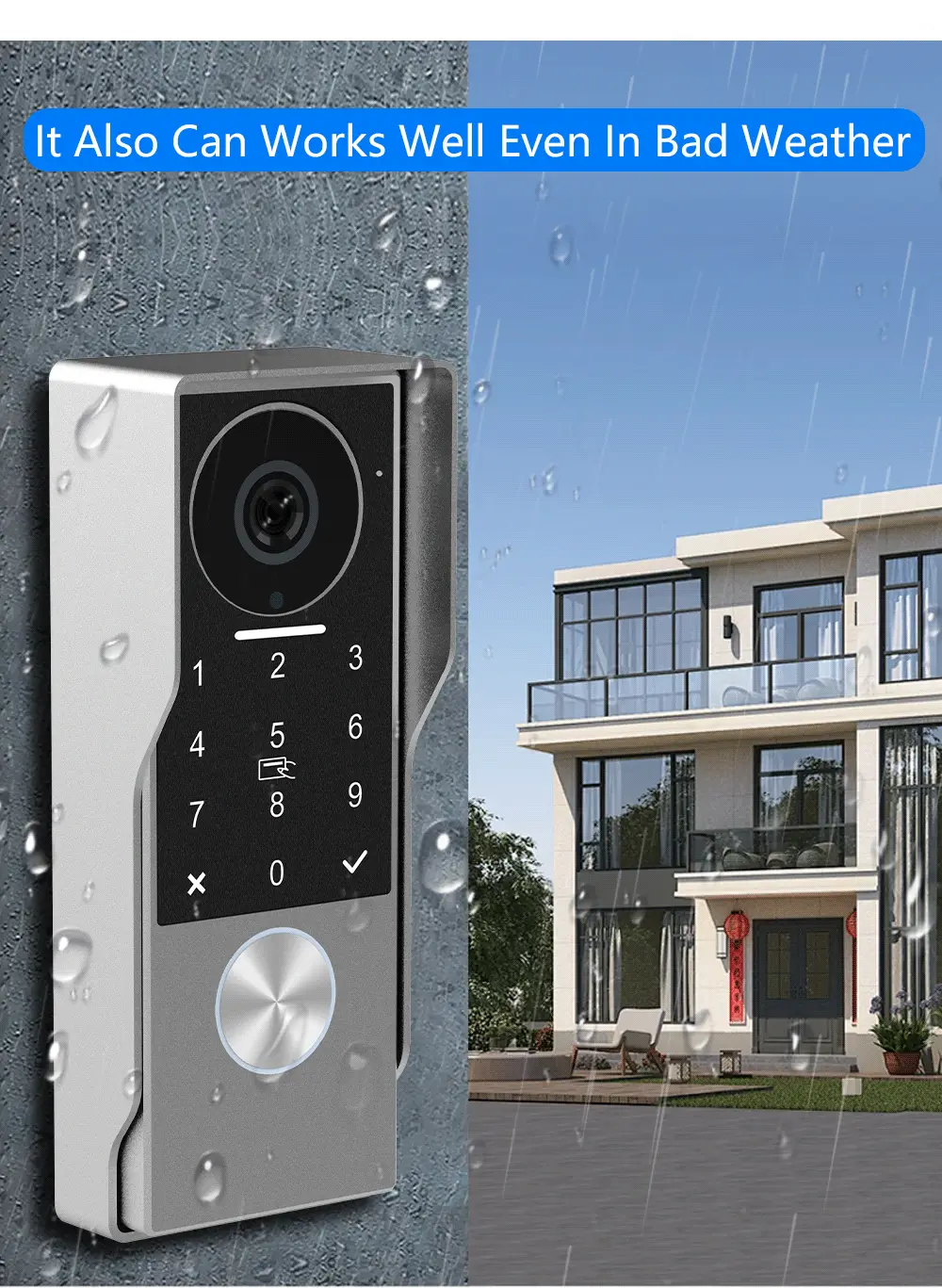
2025 Newest 2-Wired Waterproof Unlocked by Swiping a Card with Password for the Apartment Intercom System for Home Villa.
Features:
Intercom panel:
- CMOS colour sensor 2Mega pixels
- IR CUT no color deviation (4 IR LEDs)
- Camera with wide dynamic range
- Camera distortion correction to avoid video stretching and bending
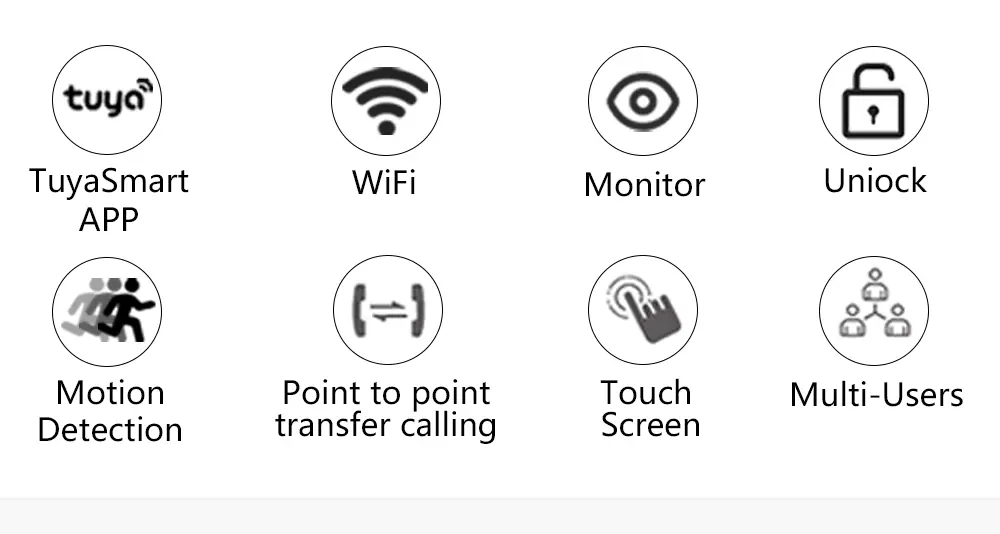
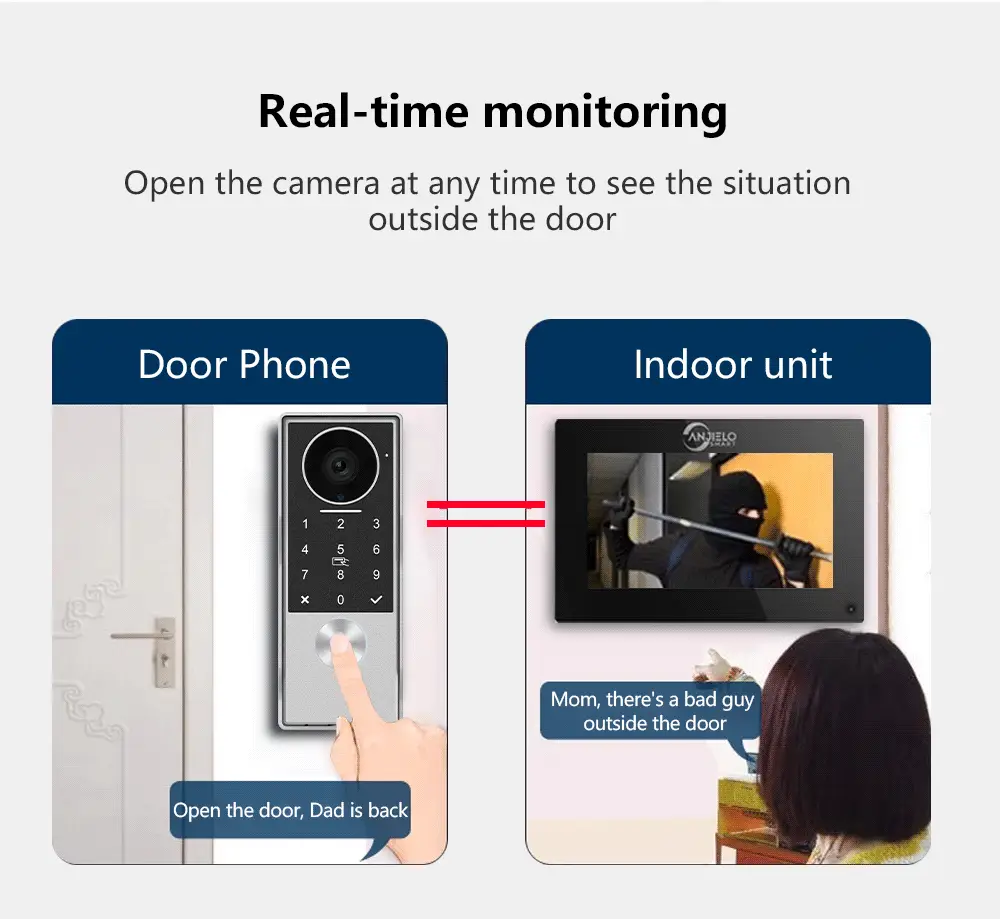
- Human detection and setting Motion zone
More
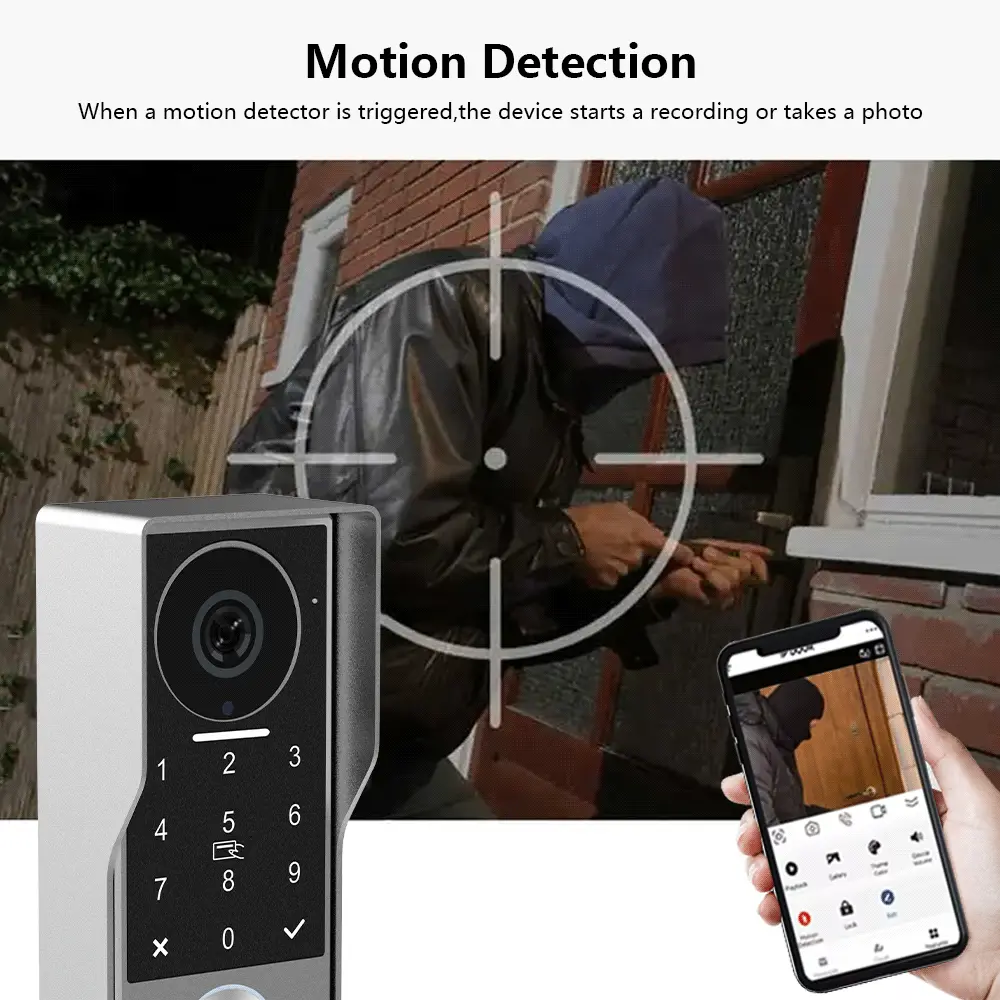
App:
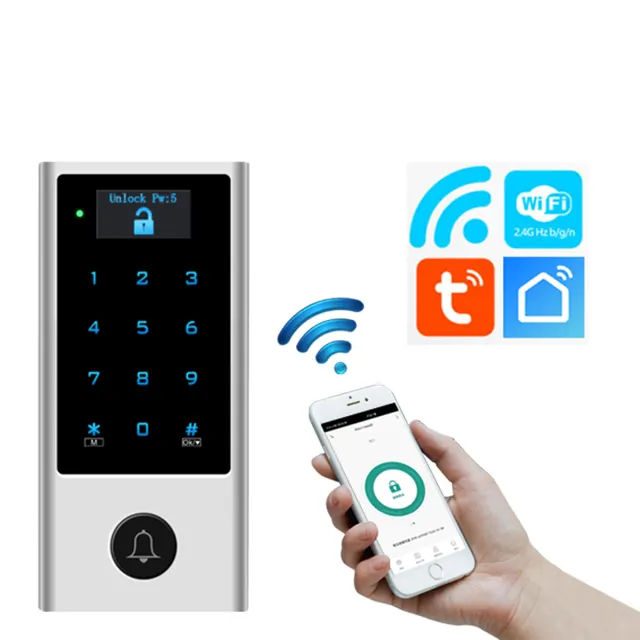
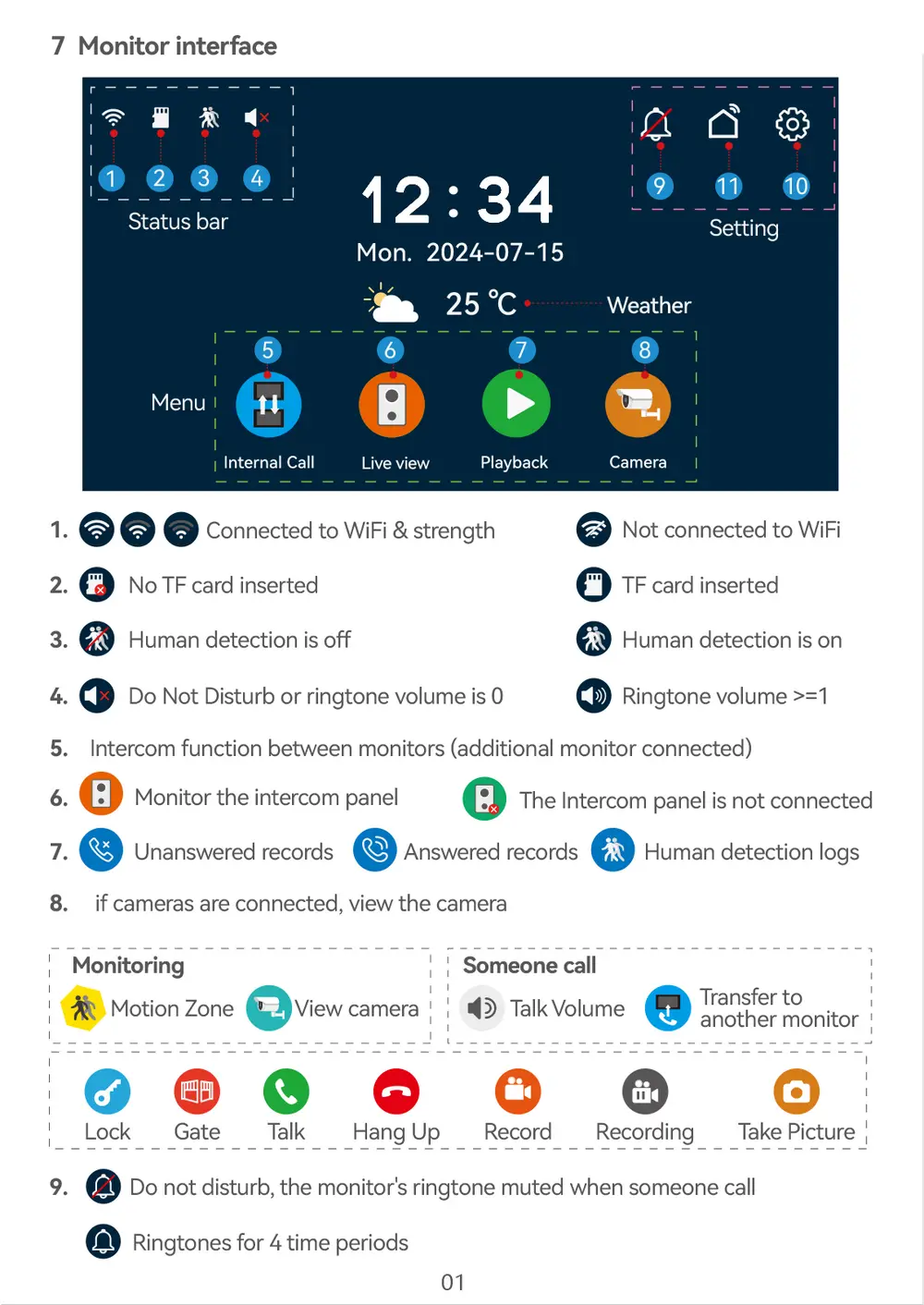
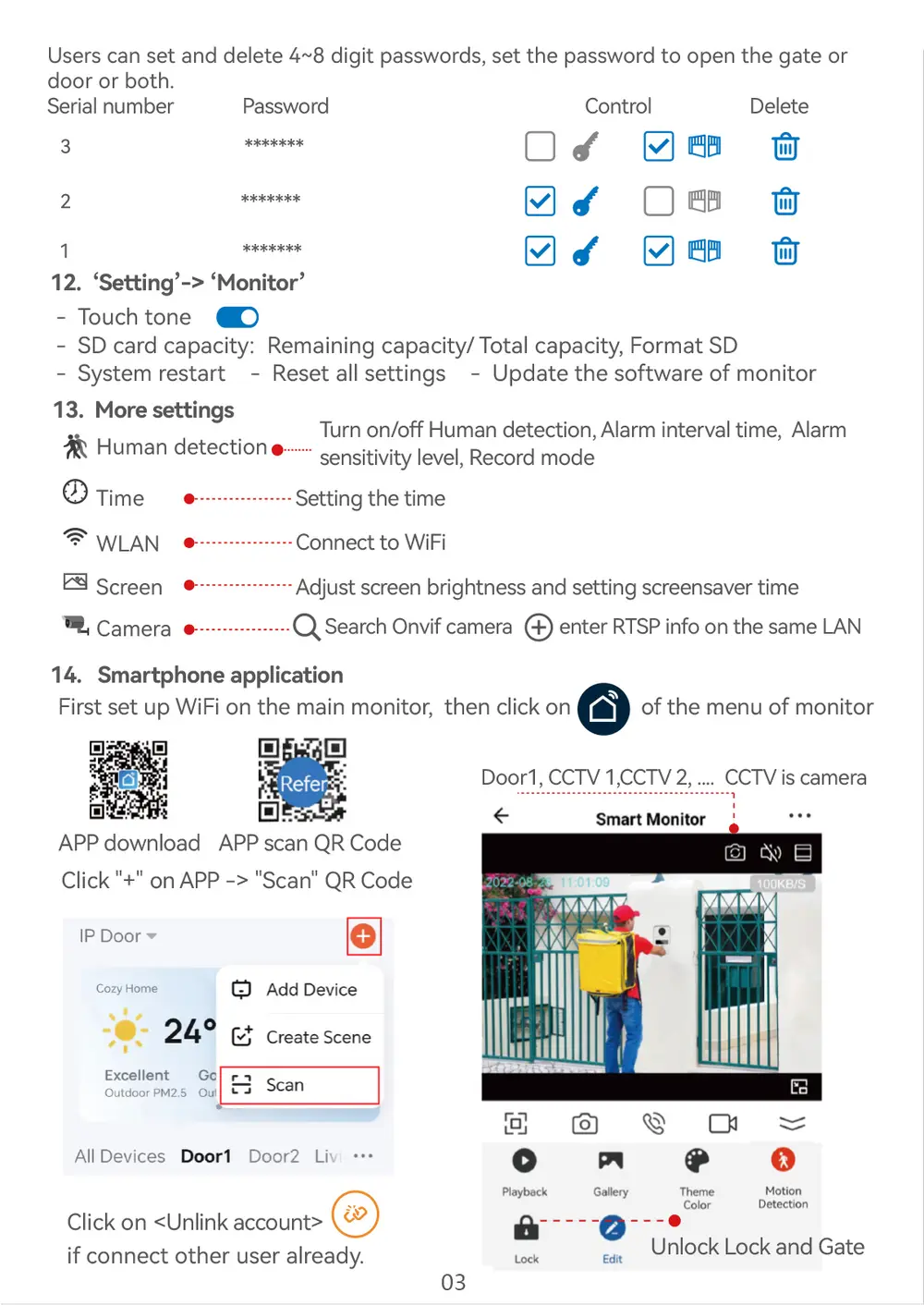
- Main monitor connects to "Tuya Smart" or "Smart Life" App
- 20 App users connect to the APP, users can talk to visitors anytime and anywhere,
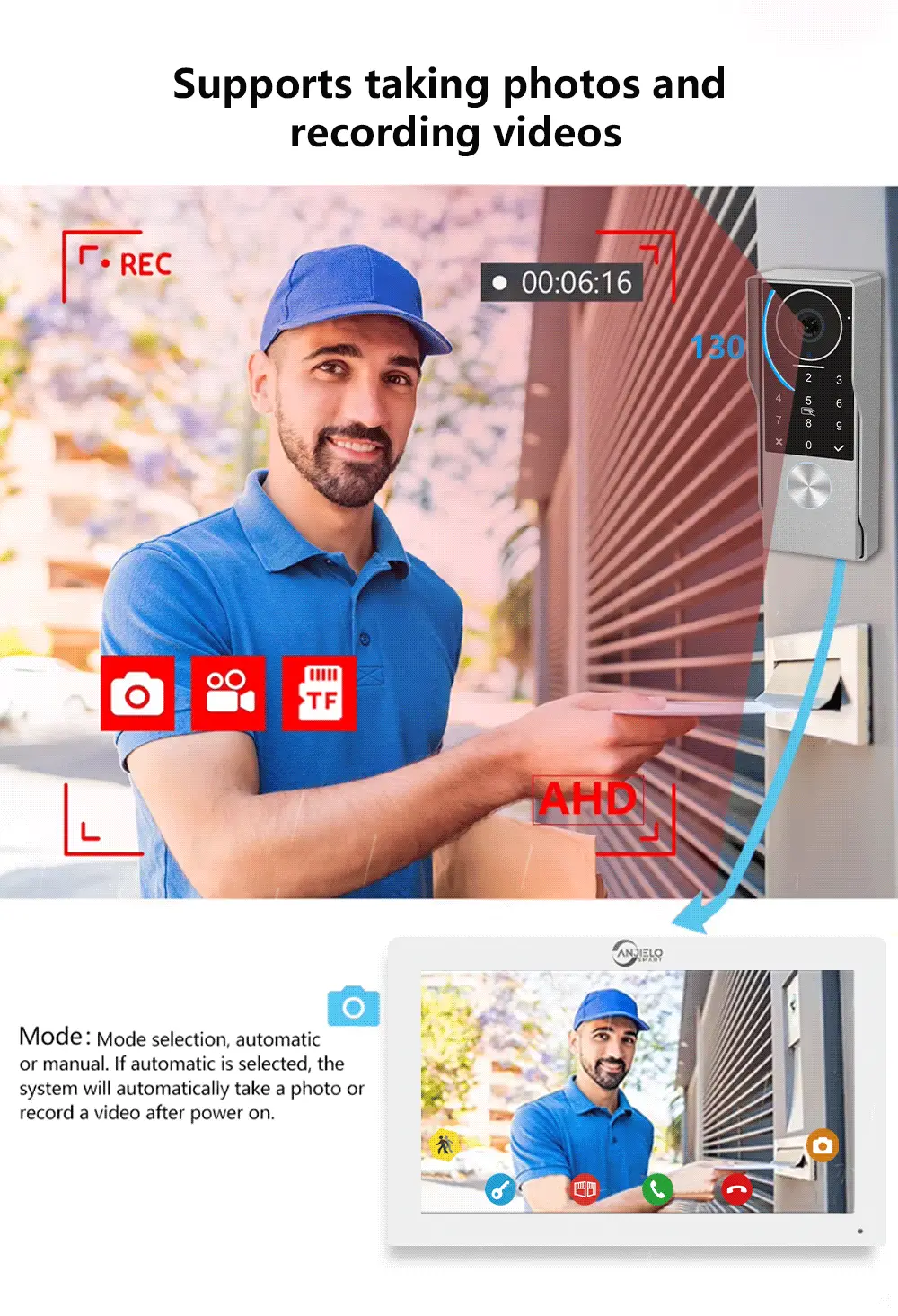
take photo or video, monitor, unlock lock and gate, cloud storage
- Video recording or take photo when human detection or call
- Search "Tuya Smart" or "Smart Life" from APP store or Google Play
- Scan the QR code on the menu of monitor to download
Connect:
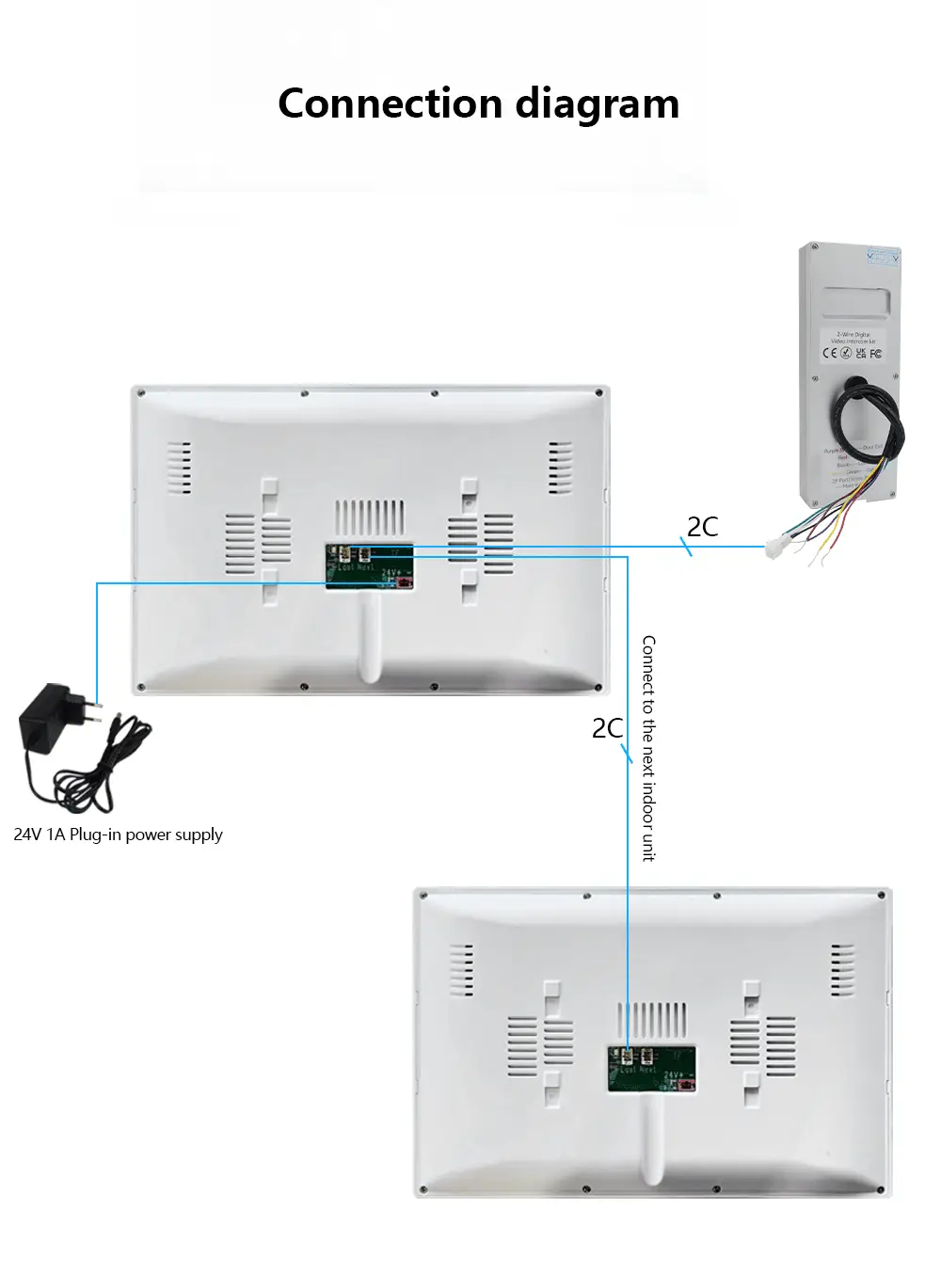
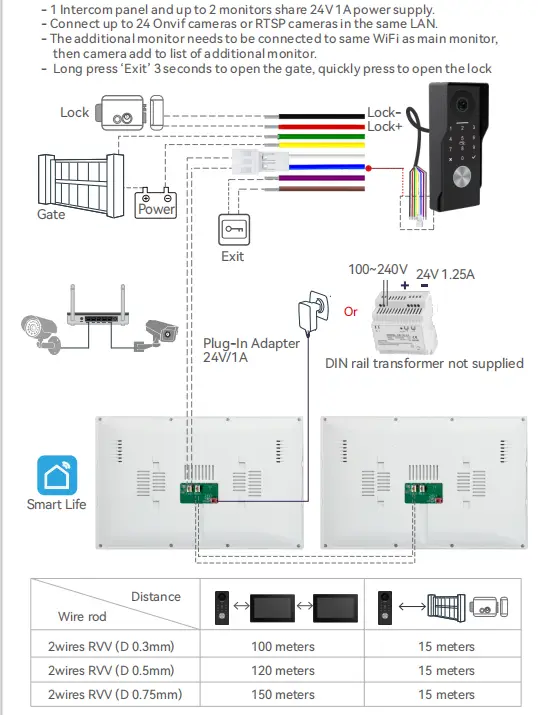
1 Intercom panel and 2 monitors share one power supply
- 2 wires no polarity to conect intercom panel and monitors
- Connect up to 24 Onvif cameras in the same LAN
Wiring:
APP register & login
Please register first when using the APP for the first time.
2. After logging into the APP, please create a family and add devices.
In the lower right corner of the APP homepage, click "Me" ->
"Home Management" -> "Create a home", fill in the information.
The user who adds the device will become the family owner and
set up a home owner or general member.
3. Once the home owner adds the doorphone, the home members will add
the doorphone automatically, home members can open lock and gate,
but shared accounts cannot open lock and gate.
Product installation:
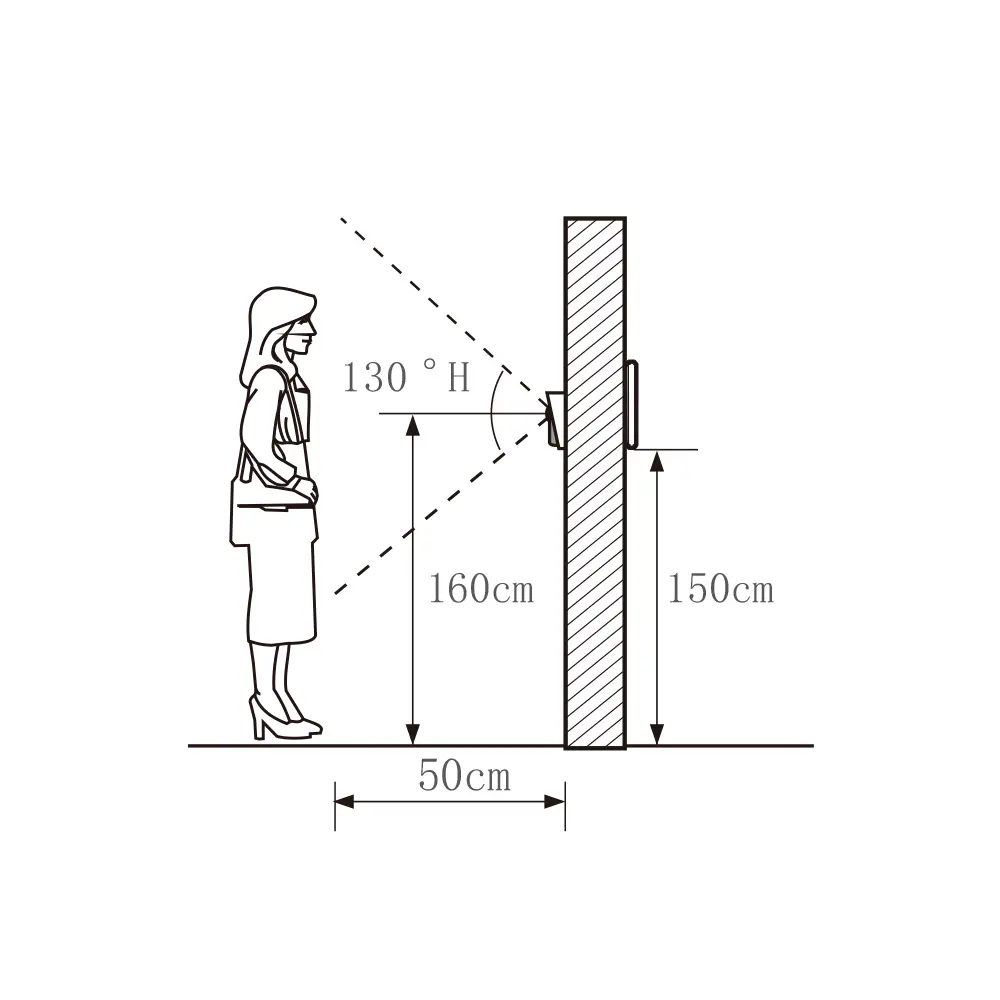
The Intercom panel is installed at a height of 1.6 meters, try to avoid the sunshine
and rain, fixed the intercom panel on the wall, wooden board, door.
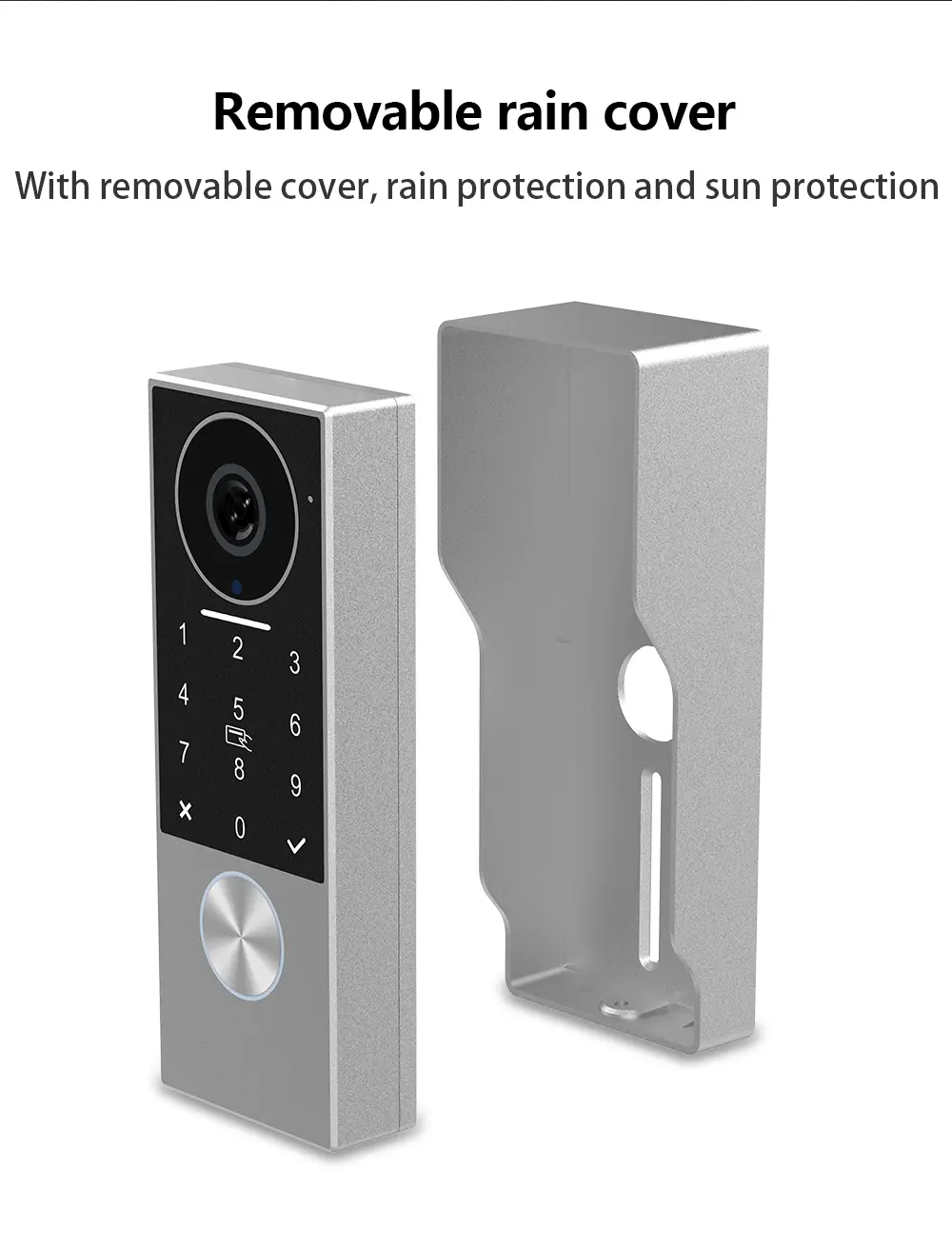
If the user does not need a rain cover, the installation of the rain cover can be omitted.
1. Use drill bits to drill three holes or replace your doorbell.
2. The rain cover is separated from the intercom panel
3. Remove the screws inside the intercom panel
4. Fasten the bottom shell and rain cover to the wall
5. Intercom panel aligned with top of rain cover
6. Pull the intercom panel down to lock the bottom case and fix the bottom screws
7. Fix the wall bracket to the wall with two screws
8. Insert the MicroSD card into the slot of monitor
9. Connect the other end to the " Last" port of the monitor
10. Connect the monitor to a 24V 1A Plug-In Adapter or DIN Rail Power
11. Hang the monitor on the wall bracket
Product details
You may also like
-60%
 -50%