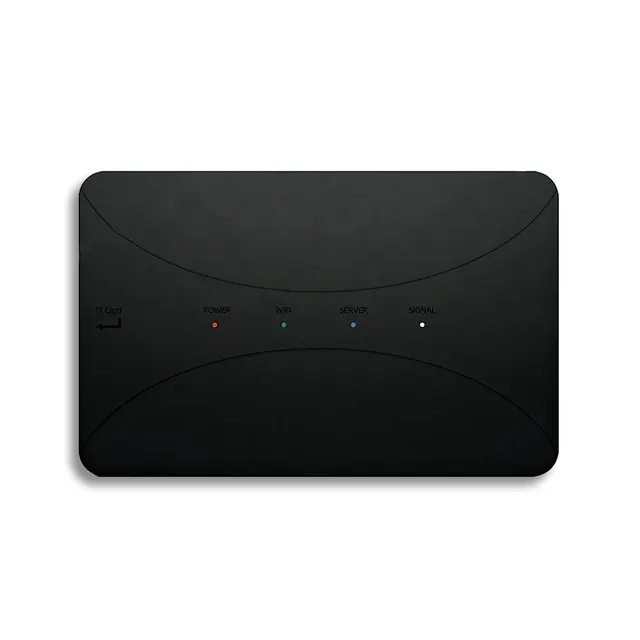
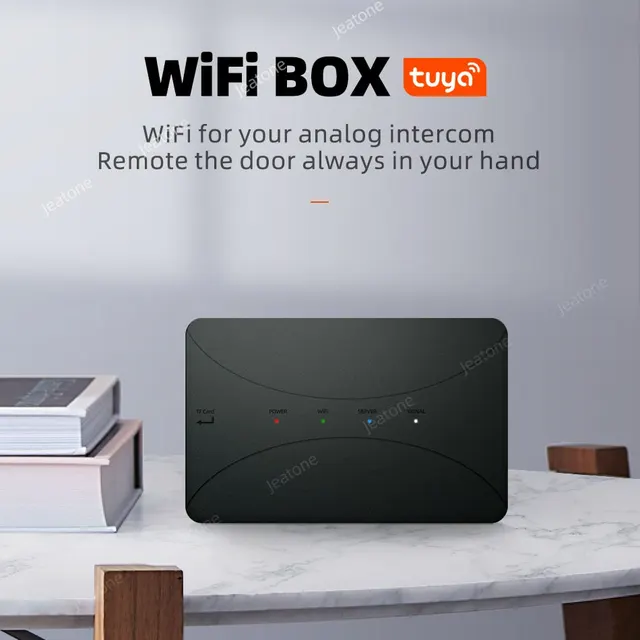
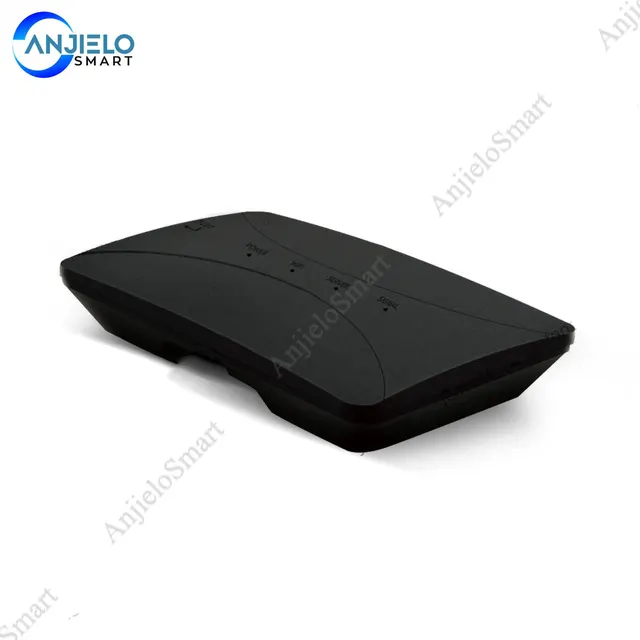
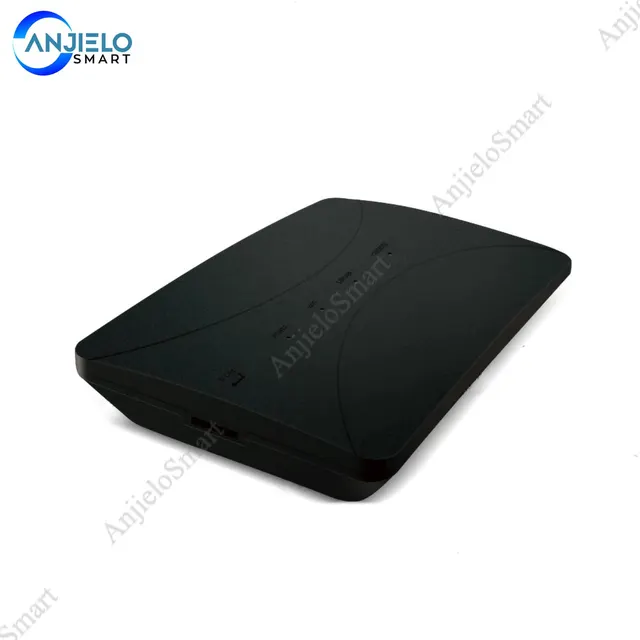
Anjielo Smart Wireless WiFi IP BOX For Analog Video Doorphone Intercom System Control 3G 4G Android iPhone Tuya APP on Smart Phone
$58.99
Regular price
In stock
- No payment now. You send a request and we confirm the price and delivery by email.
- 30-day money-back guarantee and 18-month warranty
- Our own factory
Buying for a company? Request wholesale price
Specifications
| -Instant incoming call alert | Permanently free App-Tuya Smart |
|---|---|
| RESET button | Long press with 5s, the device will enter into factory setup, and restart the WiFi box again. |
| WiFi Box | 1PCS |
| Screws | 2PCS |
| 4 Pin connection wire | 8PCS |
| User Manual | 1PCS |
| External power supply switch (DC12V 2A) | 1PCS |
Product details
Anjielo Smart Wireless WiFi IP BOX For Analog Video Doorphone Intercom System Control 3G 4G Android iPhone Tuya APP on Smart Phone
| Brand: Anjielo Smart | ConnectionMethod: Wired |
| Answering Mode: Hands-free | Camera Sensor type: CCD |
| Display Size: 3.5 | Display Screen Type: Color Touch Screen |
| Material: Plastic | Viewing Angle (°): none |
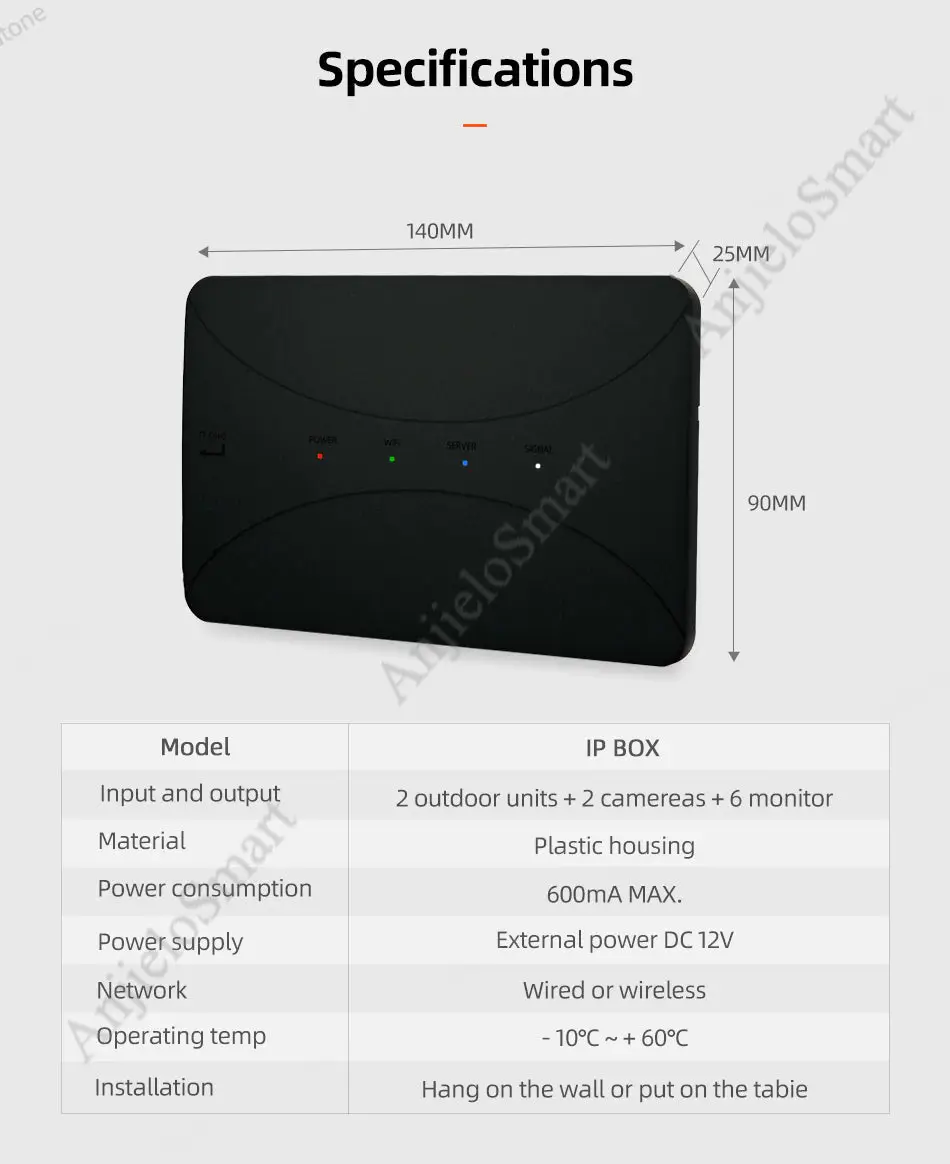
| Size: 140mm*90mm*25mm | Plug Type: AU Plug |
| Plug Type: EU Plug | Plug Type: US Plug |
| Plug Type: UK Plug | Power: External power DC12V |
| Model Number: IP box-01 | IP Camera Interface: No |
| Zone Input: None | Smart Home Interface: No |
| Connection Type: Wired | Installation: Wall Mounting |
| Resolution: Null | Doorbell: No |
| Access Control: None | Sensor Size(Inch): 1/3 |
| Technology: Analog | Camera: Color |
| Type: Intercom Accessory | Power: 220v |
| Name: Wifi IP Box | Power consumption: 600mA MAX. |
| Power Supply: External power DC 12V | Network: Wired or wireless |
| Operating temp: -10℃~ 60℃ | APP: Tuya Smart APP |
| Support: App remote control | Installation: Hang on the wall or put it on the table |
| Function: control wired video door phone via app | support device: 4 wired video door phone |
| Waterproof: No |
AnjieloSmart Wireless WiFi IP BOX For Analog Video Doorphone Intercom System Control 3G 4G Android iPhone Tuya APP on Smart Phone
More
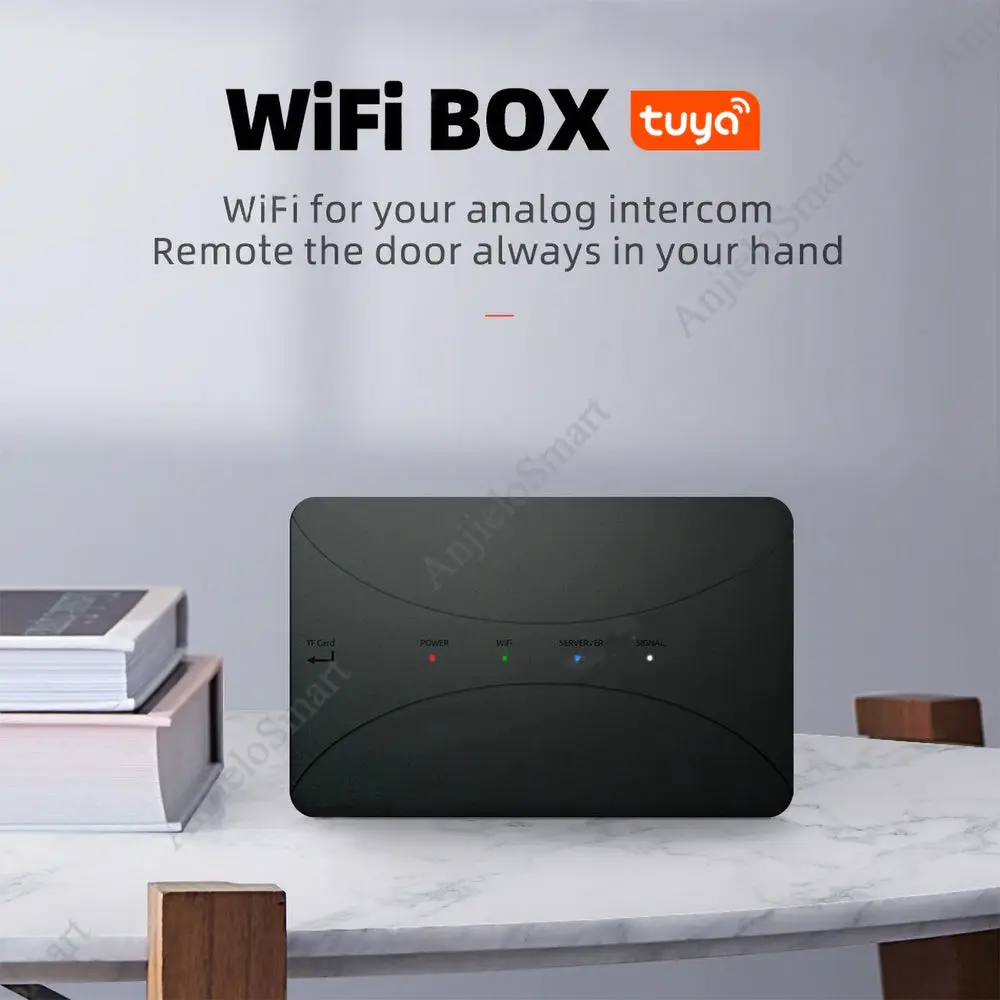
WiFibox is a globally revolution product that convert traditional wired analog system into WiFi IP intercom system. It can be connected to a 4wires villa system or multi-apartment intercom system.
-WiFibox is compatible with any of our old and new products.
-All old and new users also can use WiFibox to extend to smartphones.
-With WiFibox, no matter where you are, you won't miss any visitor to your house.
- -Simple and easy DIY setup;
- -Support Android/iOS devices;
- -Support smart phone3G/4G/Wifi connection;
- -Remote unlocking;
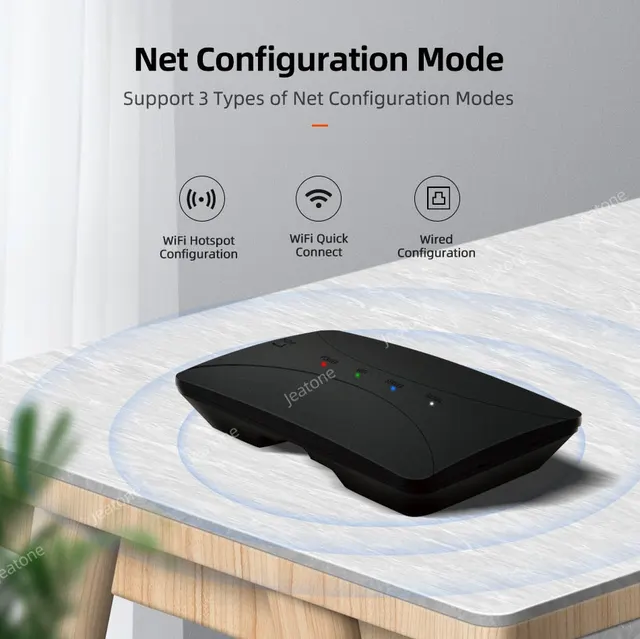
- -Three types of Net Configuration Modes
- -Wifi or wired router enabled for option;
- -Support multiple smartphone users;
- -Support villa and multi-apartments system
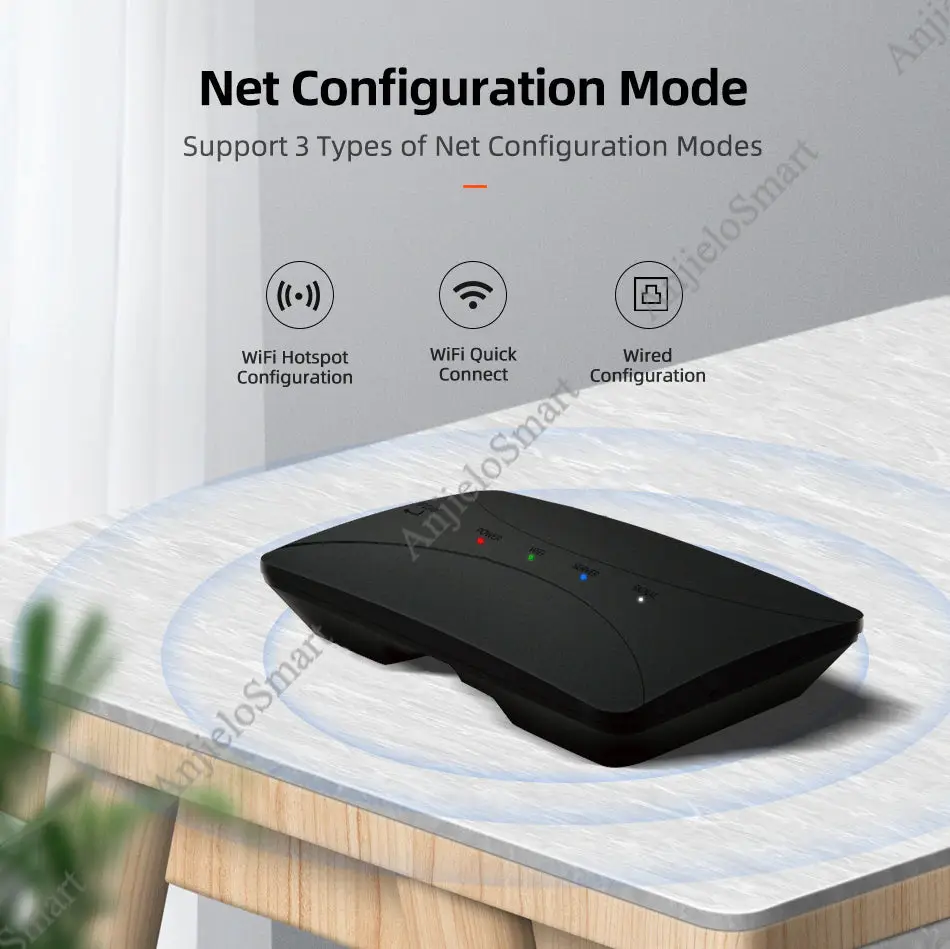
Three types of Net Configuration Modes
-WiFi Hotspot Configuration(AP mode)
-WiFi Quick Connect mode
-Wired net Configuration mode
(each configuration's step will mention in the manual book)
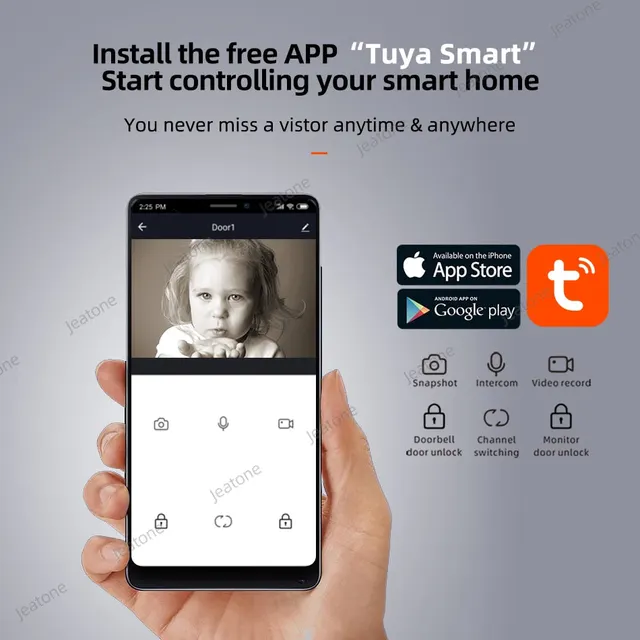
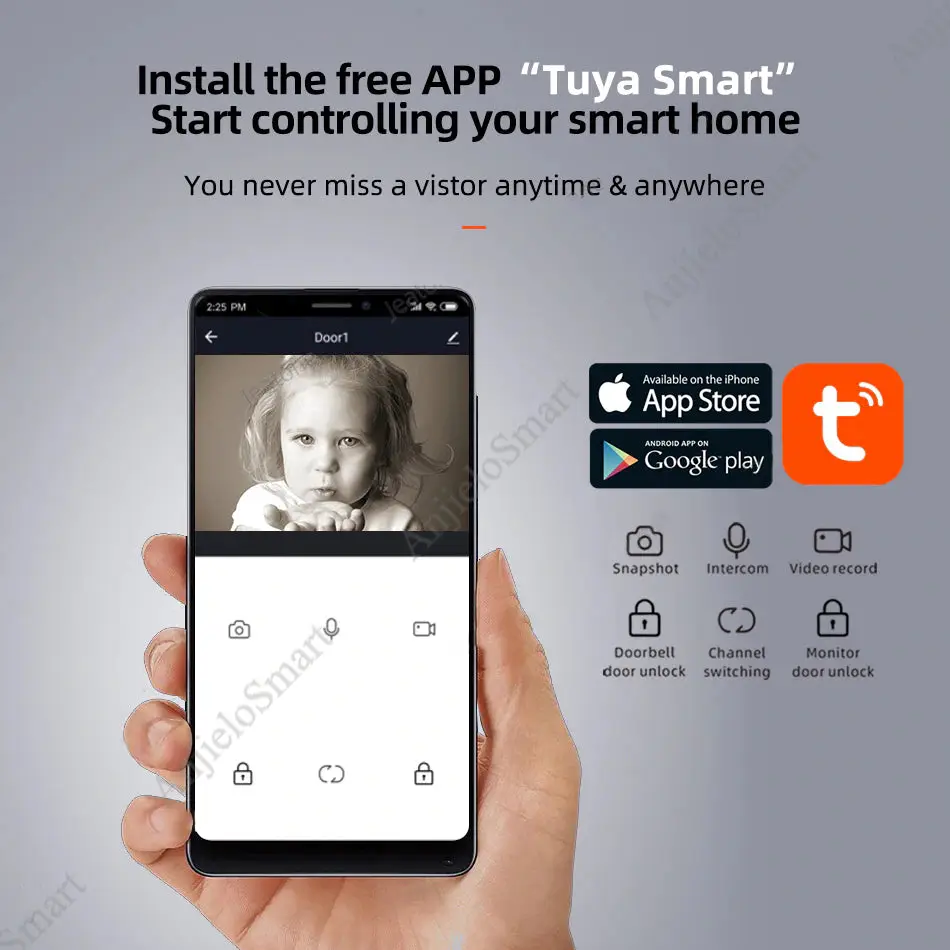
Support Tuya Smart APP, Controlling your smart Phone
-You never miss a visitor anytime & anywhere
App Download And Register
- Download the “Tuya Smart” App before network connection and setup.
- Open the App to register an account, make sure choose the correct country and area.
- log in to the App after registration.
Note: Network connection needs to use a mobile App (Tuya smart).
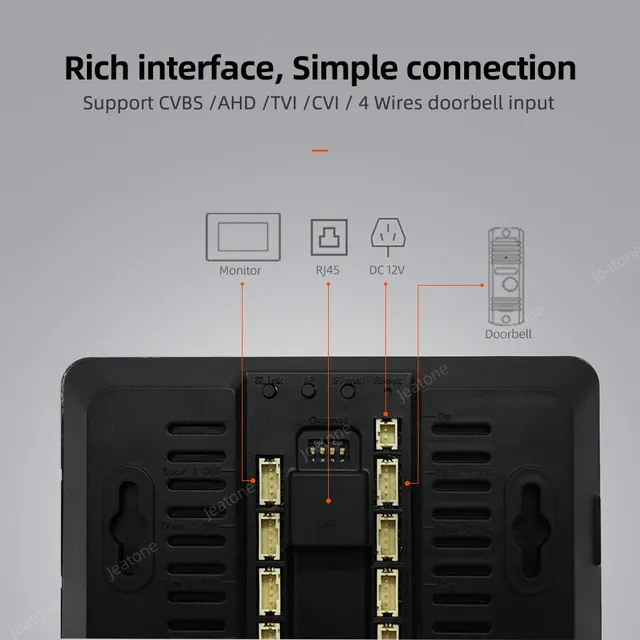
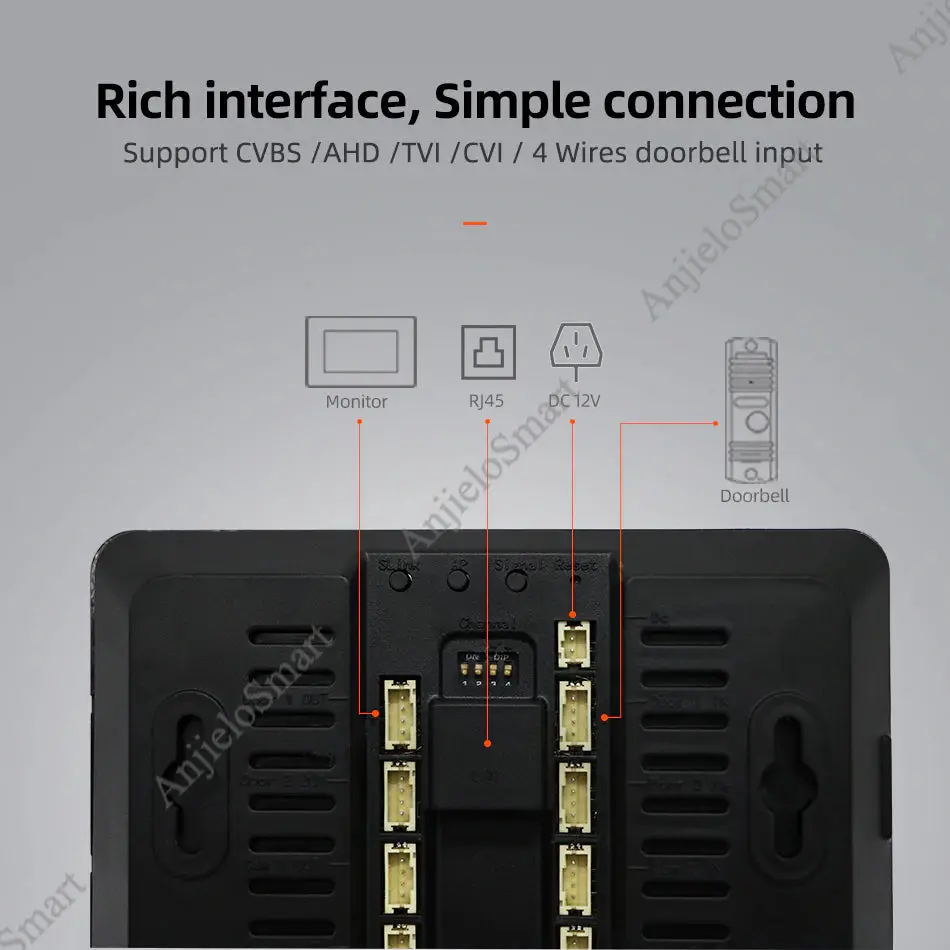
Rich Interface, Simple Connection
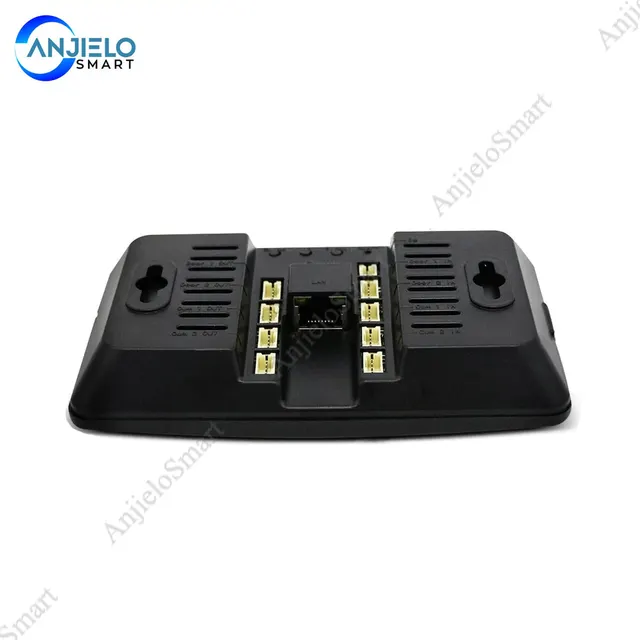
-Support CVBS/AHD/TVI/CVI/4 Wires doorbell input
IF there are other questions, please contact the seller.
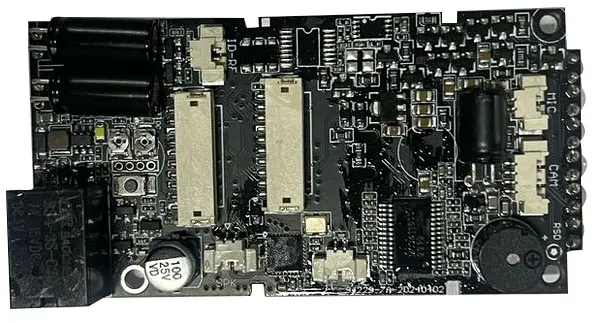
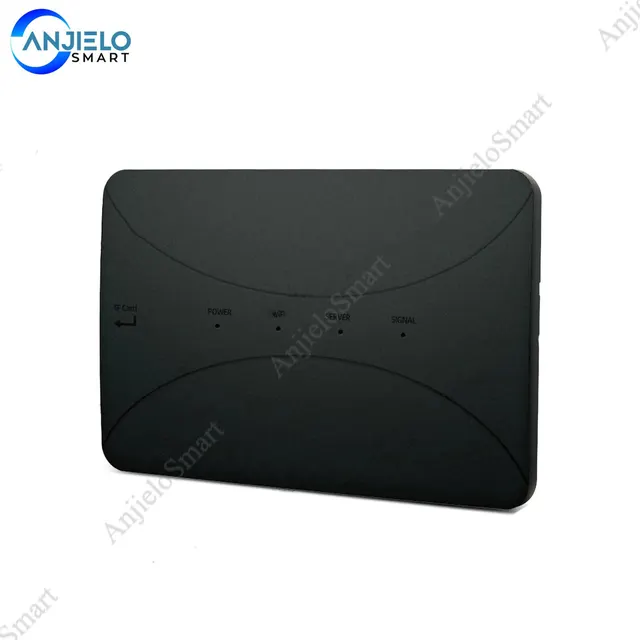
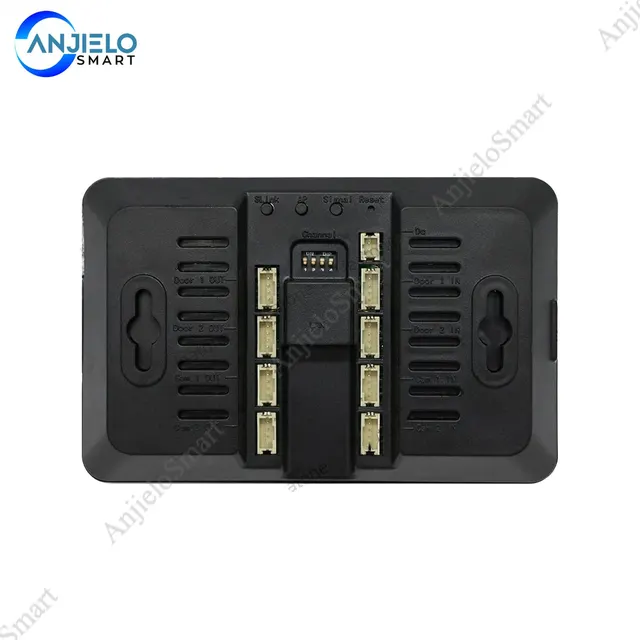
WiFi IP Box Appearance Introduction
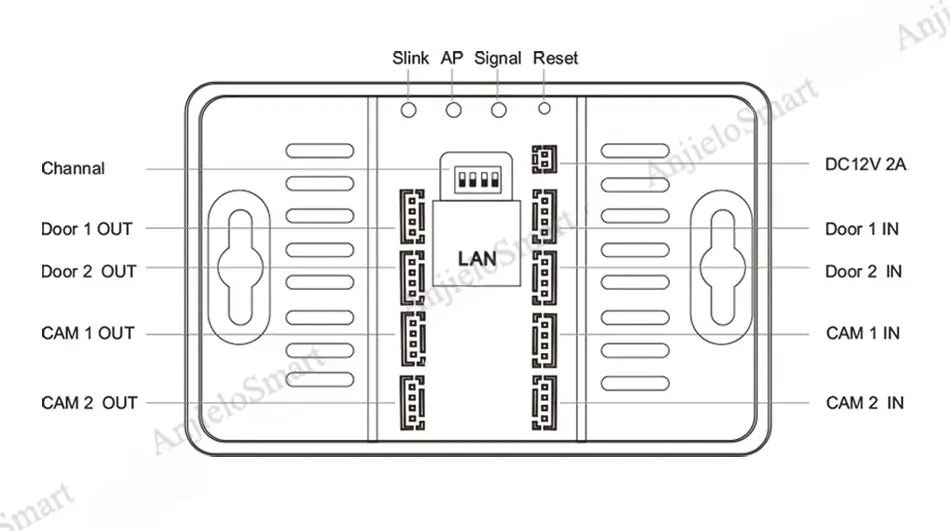
Buttons Instruction:
Slink button: Switch the configuration network mode to WiFi quick connect mode. The switch is valid only when the SERVER light is not always on. Short press the SLINK button to restart the WiFi box. After the restart, the WiFi light (green light) FL flashes slowly, and switches successfully.
AP button: Switch the network configuration mode to WiFi hotspot network configuration mode. The switch is valid only when the SERVER light is not always on. Press the AP button briefly to restart the WiFi box. After the restart, the SERVER light (blue light) FL flashes slowly, and the WiFi hotspot is generated, and switches successfully. Mobile WiFi hotspot SSID: “doorbell” password “12345678”.
SIGNAL button: Setup PAL manually, short press SIGNAL button to switch the channel, long press SIGNAL button confirm and exit from setup.
Note:
- Restoring the factory setup manually setting standards will restore automatic recognition.
- Restoring the factory setup will disconnect from the network, the mobile App need to reconfigure the network to connect the device.
Connection Diagram
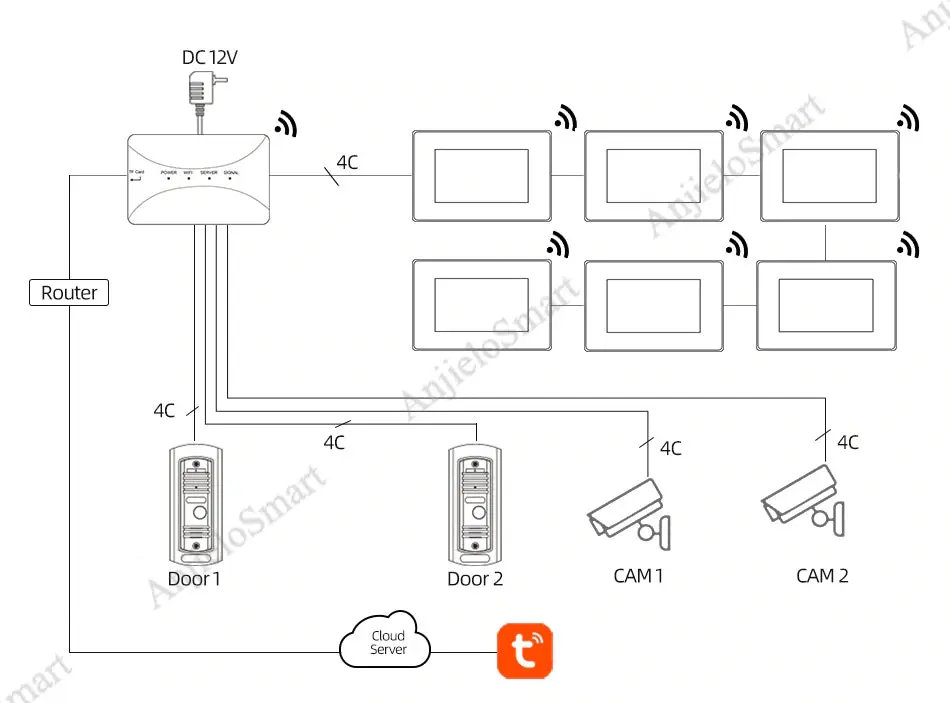
Please Notes:
The Extension Cable(5m,15m,25m) Is Not Included, You Need To Buy It Separately According To Your Needs.(Input:100V-240V)
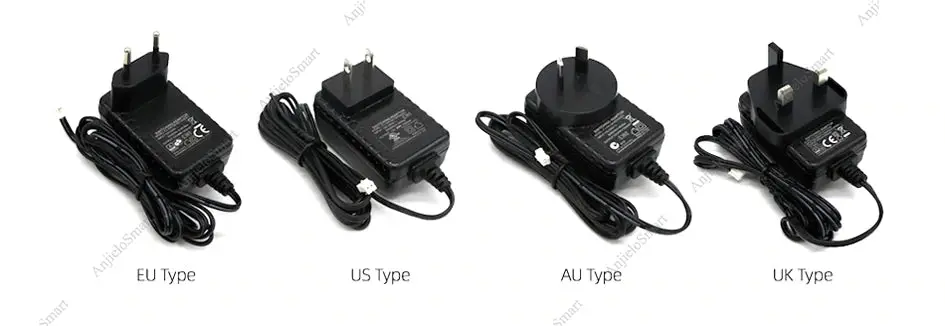
Package:
Plastic anchors:
Product details