 -48%
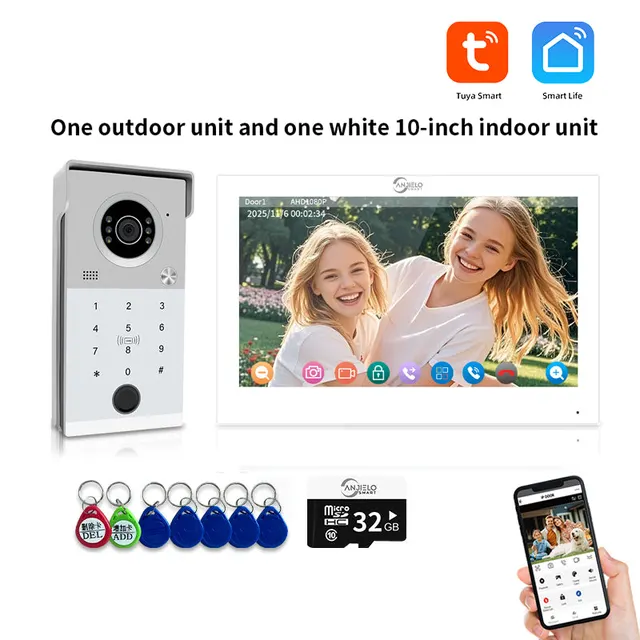
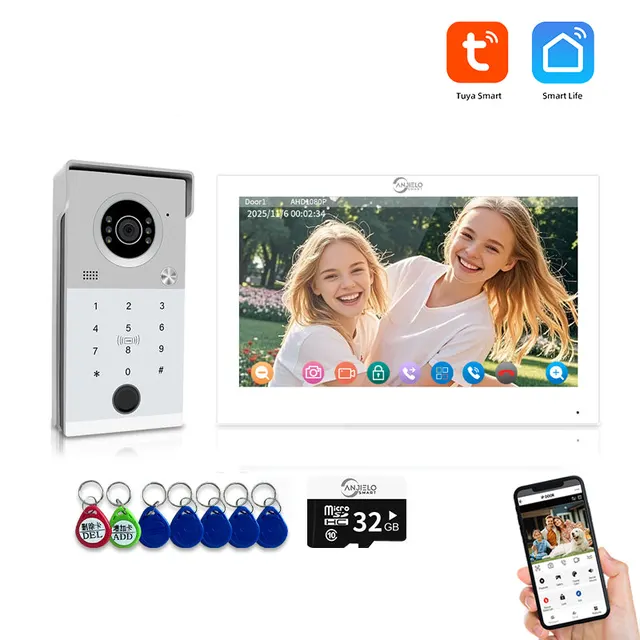
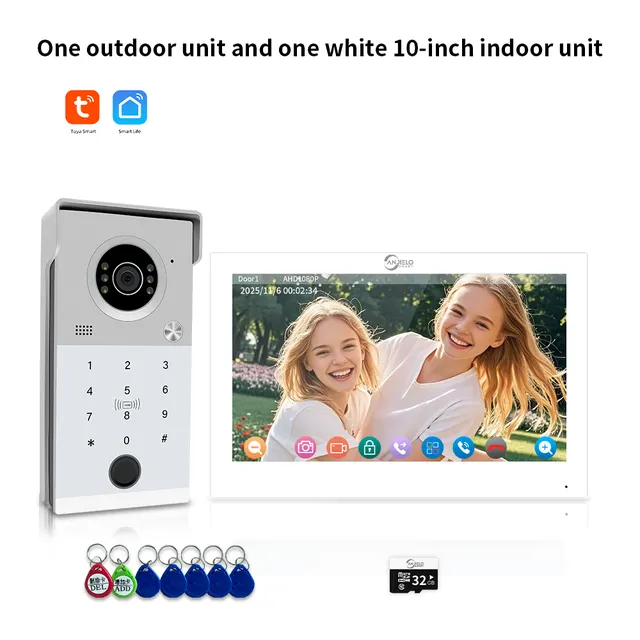
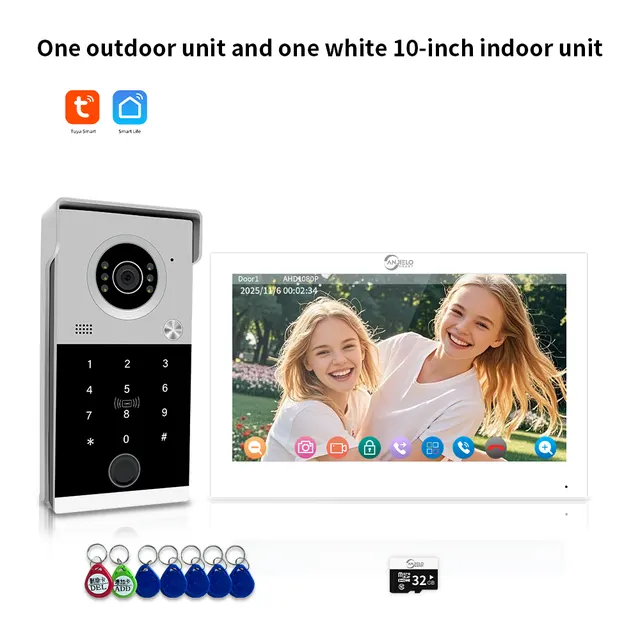
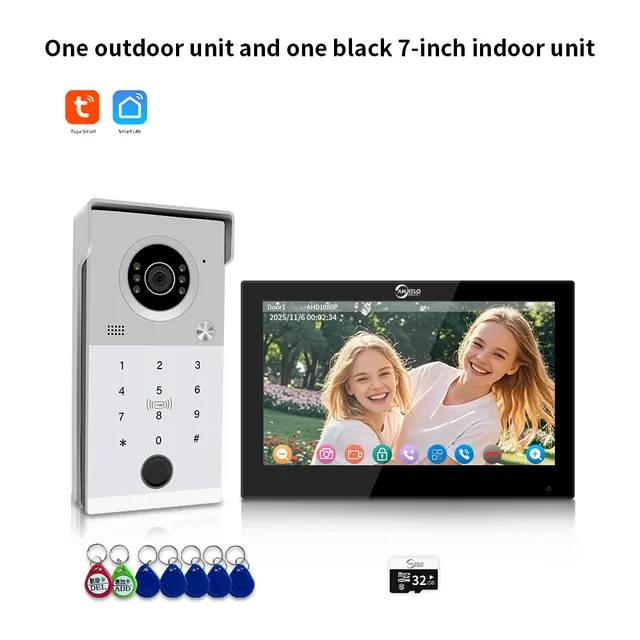
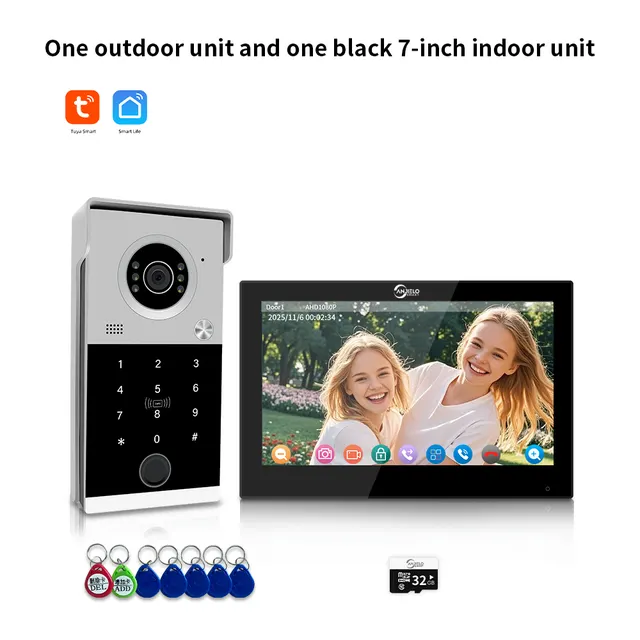
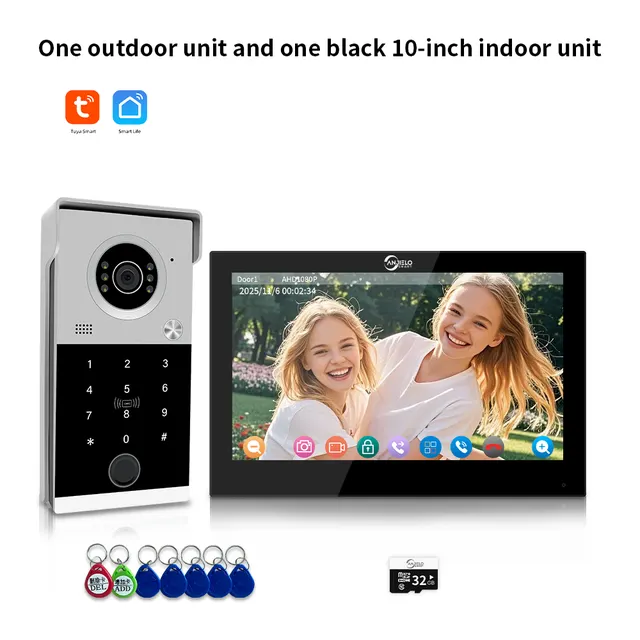
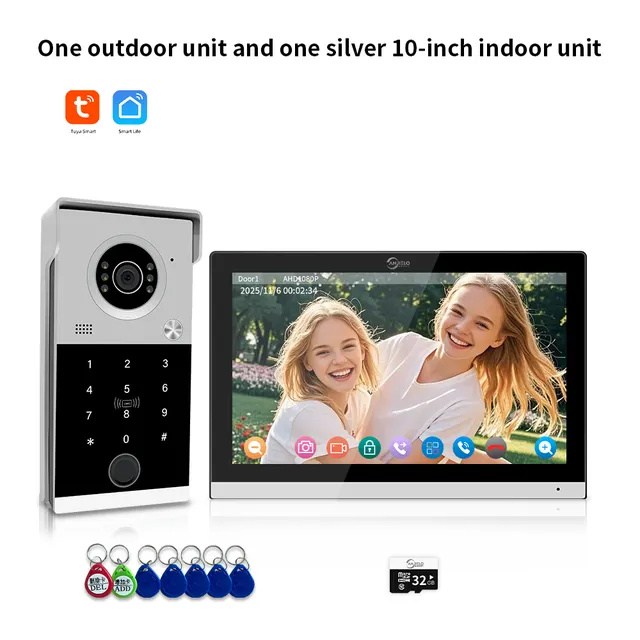
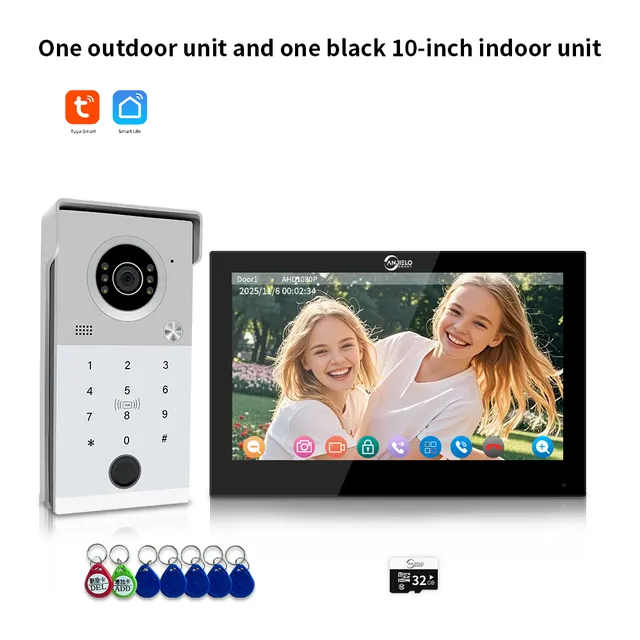
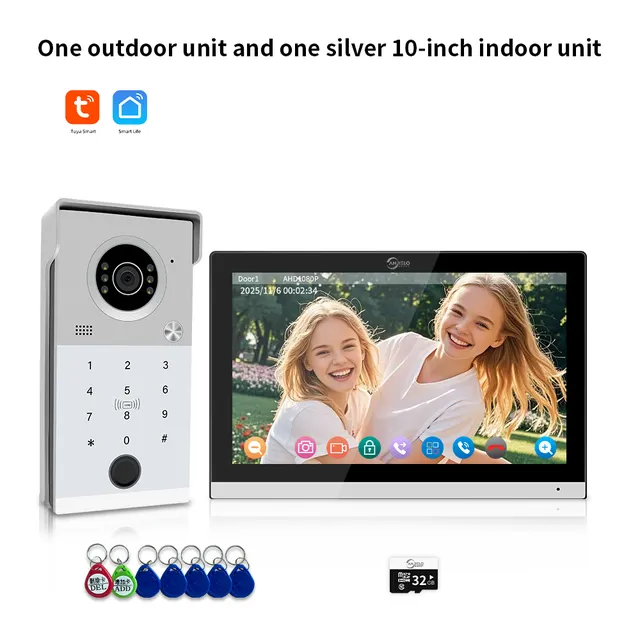
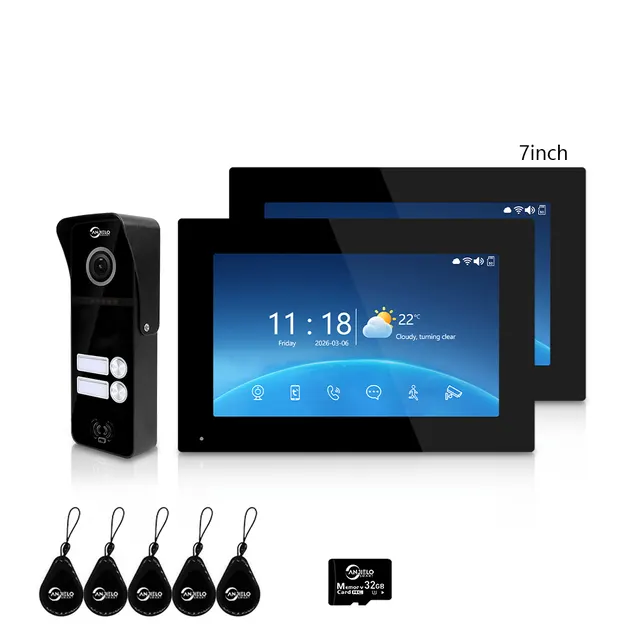
AnjieloSmart 1080P Tuya Smart Video Intercom System Video Doorbell Camera with RFID Card Unlcok Fingerprint and Passcode Unlock for Apartment
$102.08
Regular price
In stock
- No payment now. You send a request and we confirm the price and delivery by email.
- 30-day money-back guarantee and 18-month warranty
- Our own factory
Buying for a company? Request wholesale price
Specifications
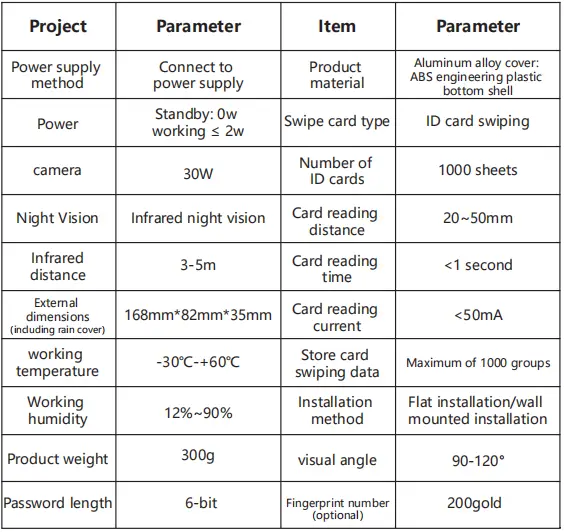
| Camera | AHD 2MP, 1/2.9" CMOS, 2.8mm; |
|---|---|
| Photosensitivity | 0.001 lux; |
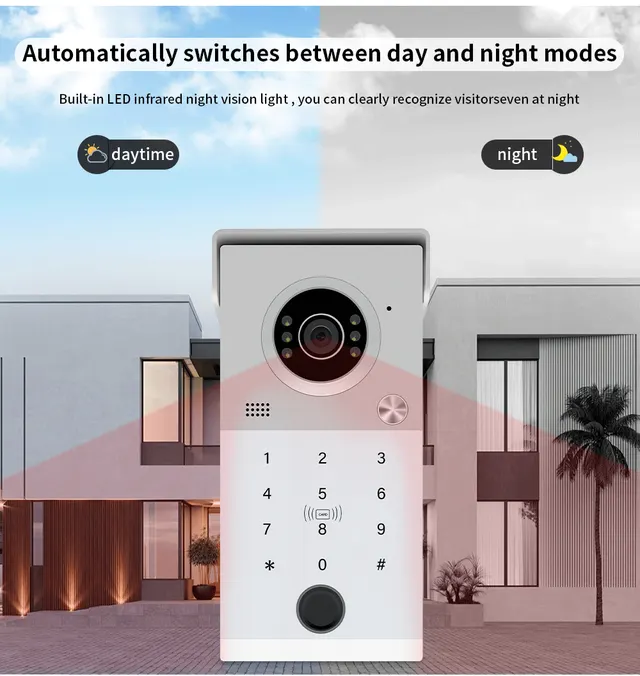
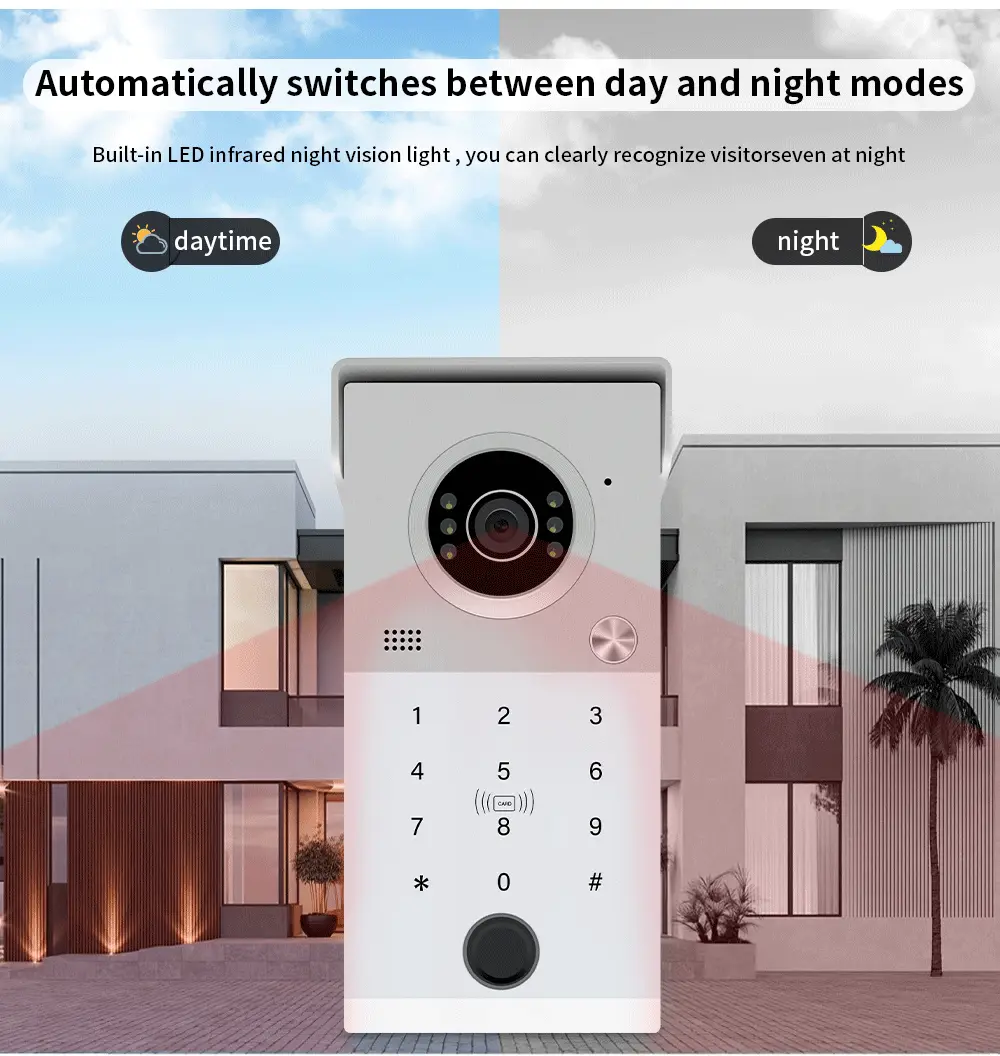
| Night vision | LED*6; |
| Night vision distance | 3 meters; |
| Camera angle | 120°; |
| Using temperature | -40~+60℃; |
| Material | aluminum alloy brushed panel; |
| Rain cover | aluminum alloy rain cover; |
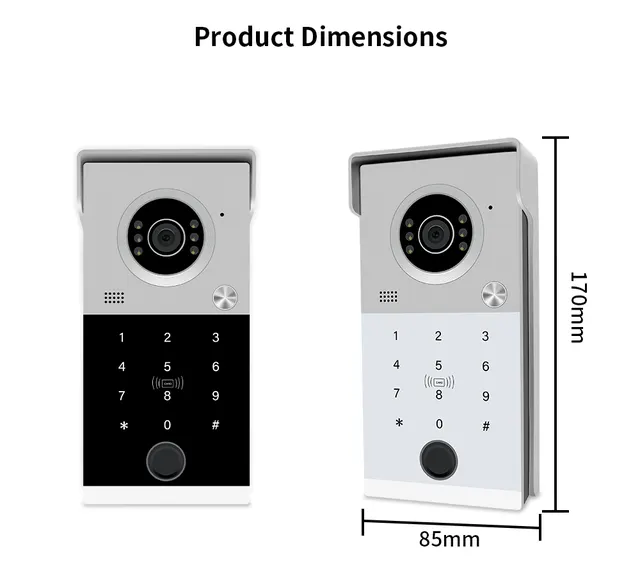
| Product size | 168*82*35mm; |
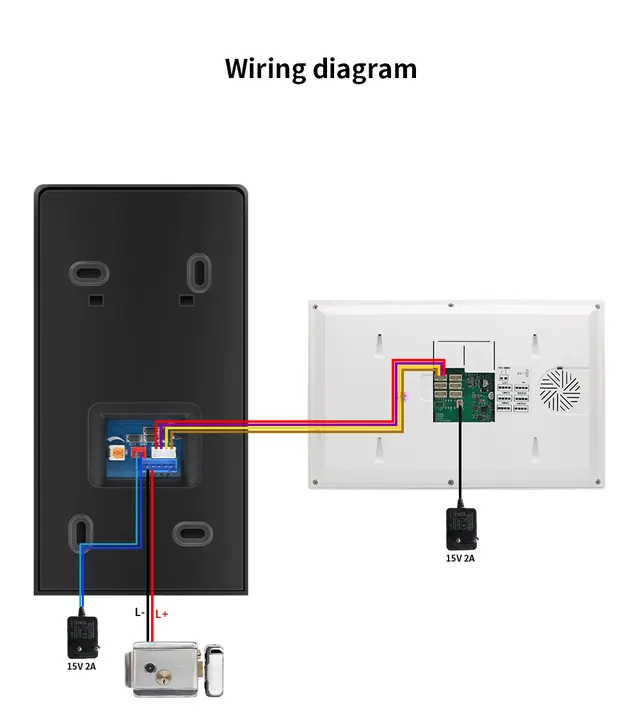
| Wire used | RVV4; |
| Installation method | flat installation; |
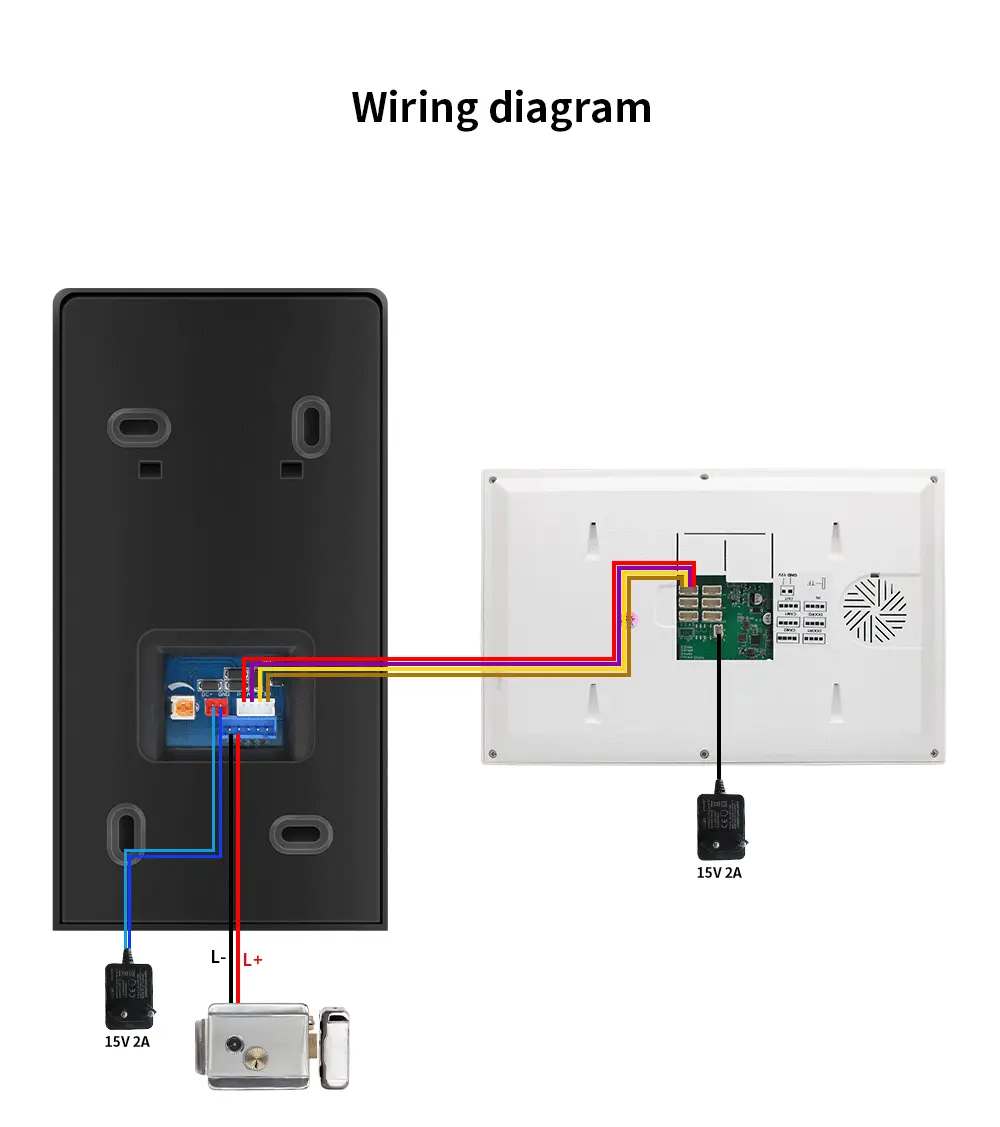
| Power supply method | indoor unit power supply, door unit power supply; |
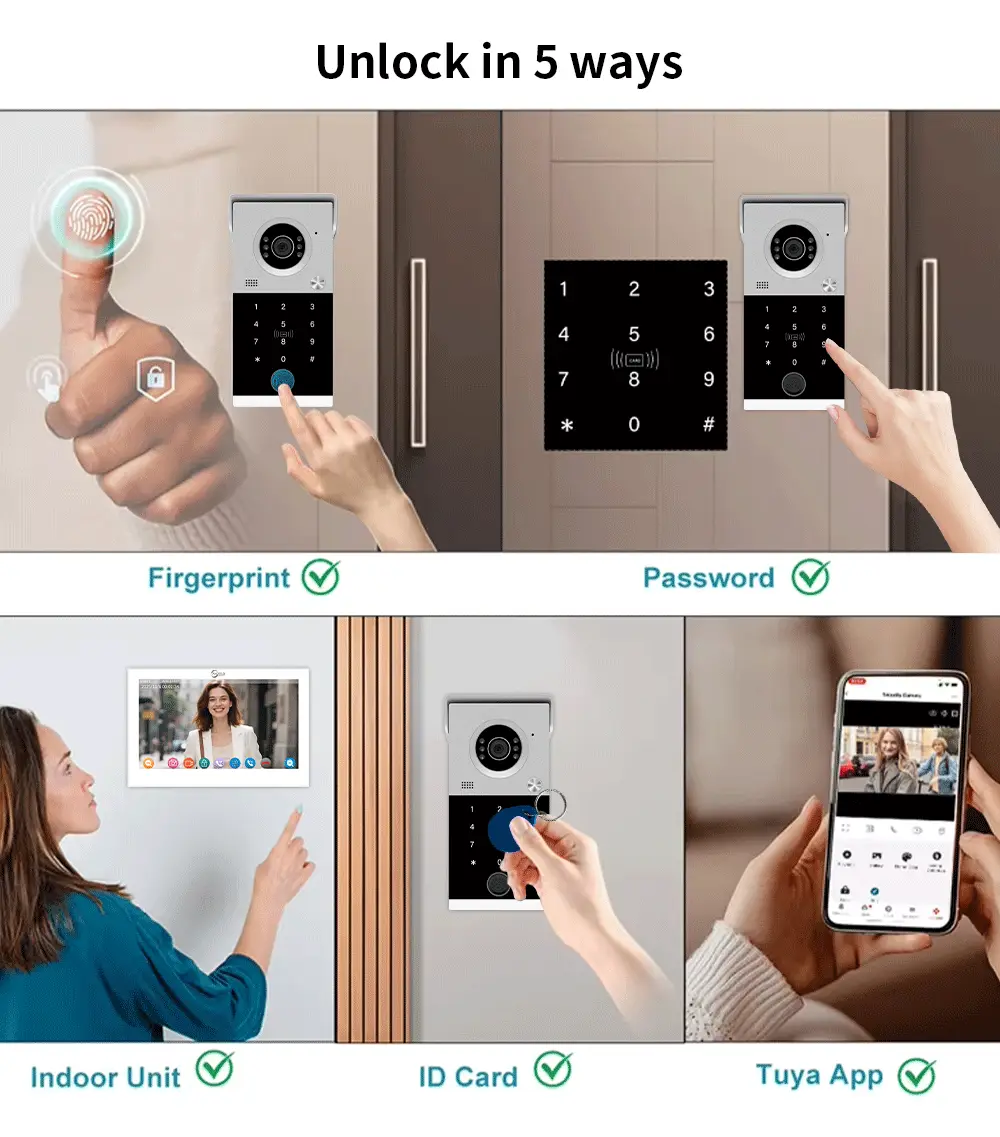
| Unlocking method | indoor unit unlocking, card unlocking, password unlocking, mobile phone APP remote unlocking; |
| Unlocking signal | voltage signal, open normally closed signal; |
| 7. Two installation options | wall-mounted or flat-mounted. |
| 1. Fault Phenomenon | No response to operation. |
| 2. Fault Phenomenon | Cannot unlock with card swipe. |
| 3. Fault Phenomenon | No intercom sound or poor intercom sound. |
Product details
AnjieloSmart 1080P Tuya Smart Video Intercom System Video Doorbell Camera with RFID Card Unlcok Fingerprint and Passcode Unlock for Apartment
Tuya Smart Video Doorbell Intercom System with Motion Detection 7/10 Inch Monitor for Villa.
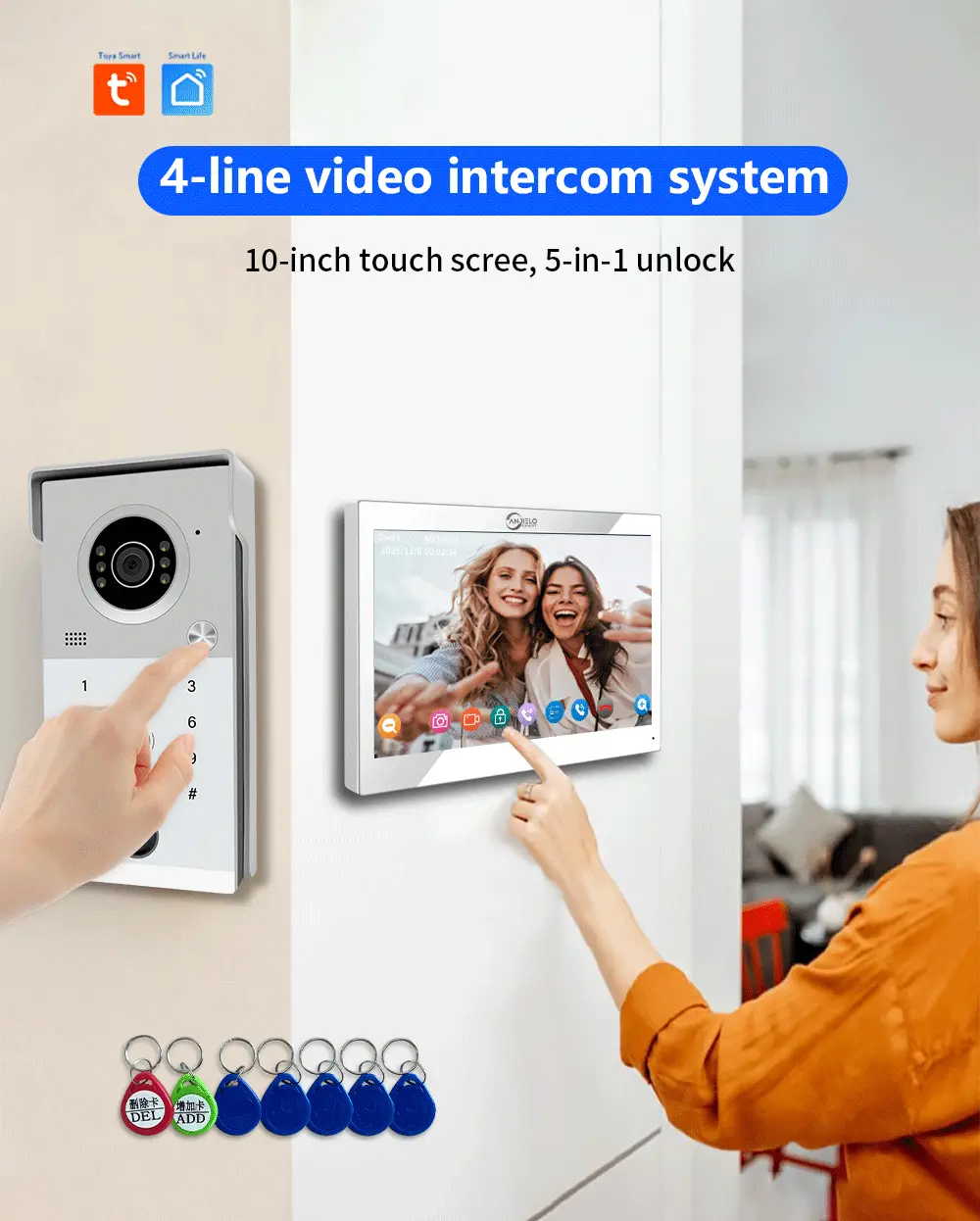
Smart Access, Effortless Convenience
5 Unlock Methods:
More
Outdoor unit
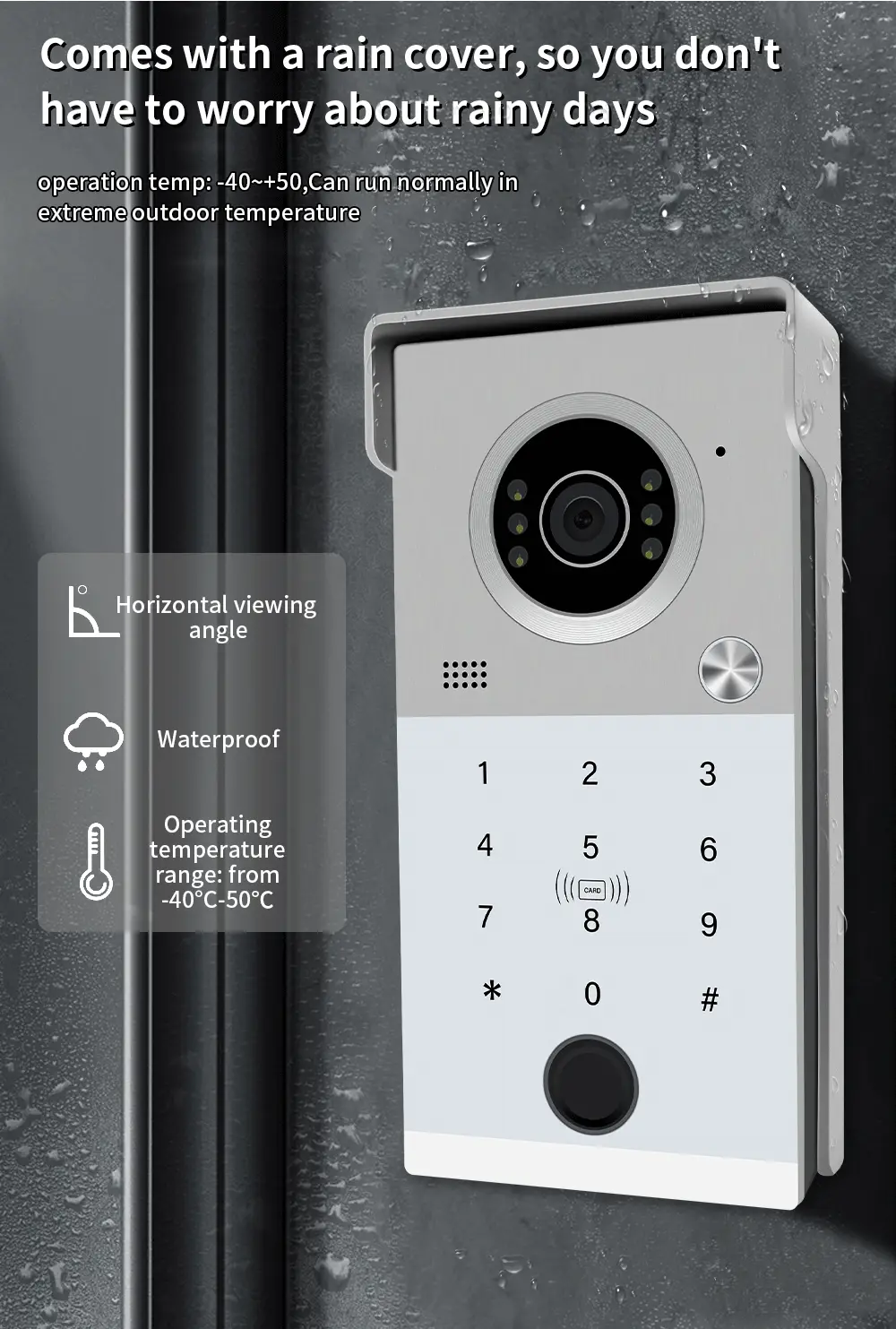
1. High-end and elegant brushed metal panel.
2. Translucent buttons with laser engraving for a more aesthetically pleasing appearance and longer lifespan.
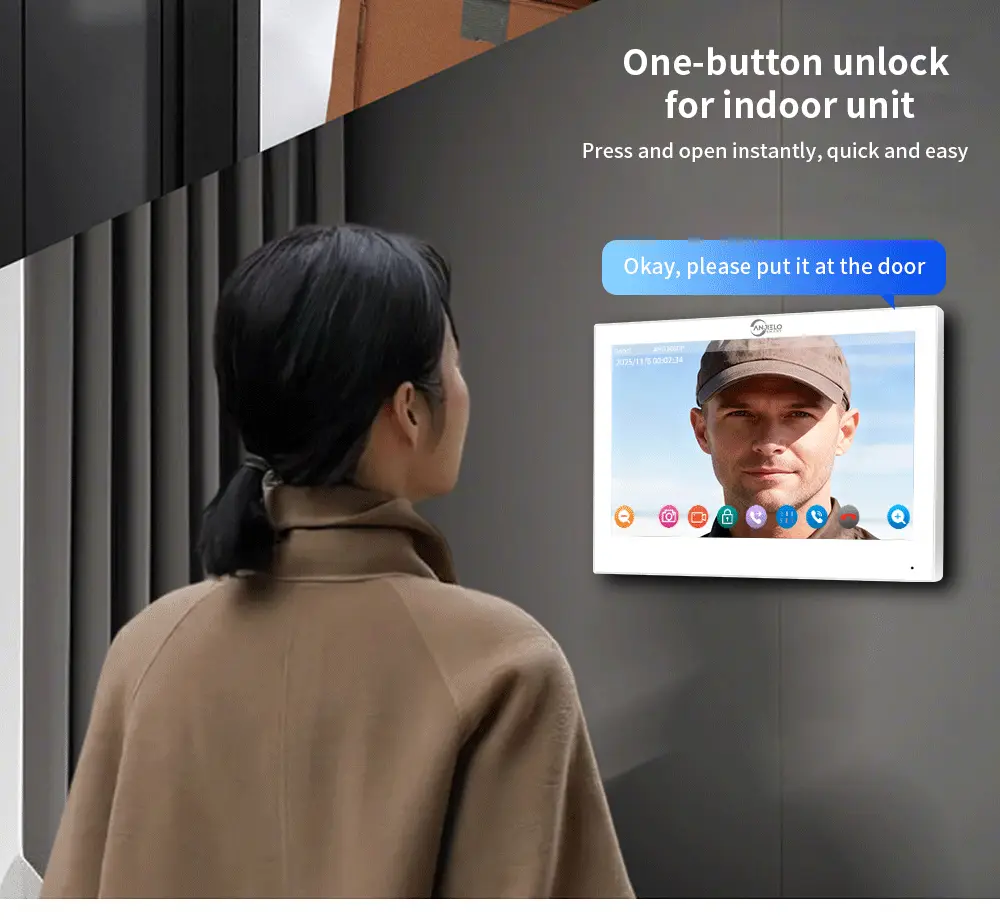
3. Multiple door opening methods including ID card access and indoor unit.
4. Two independent signal outputs: one voltage signal output and one normally open/normally closed signal output, suitable for various access control systems.
5. Built-in high-definition CCD color camera.
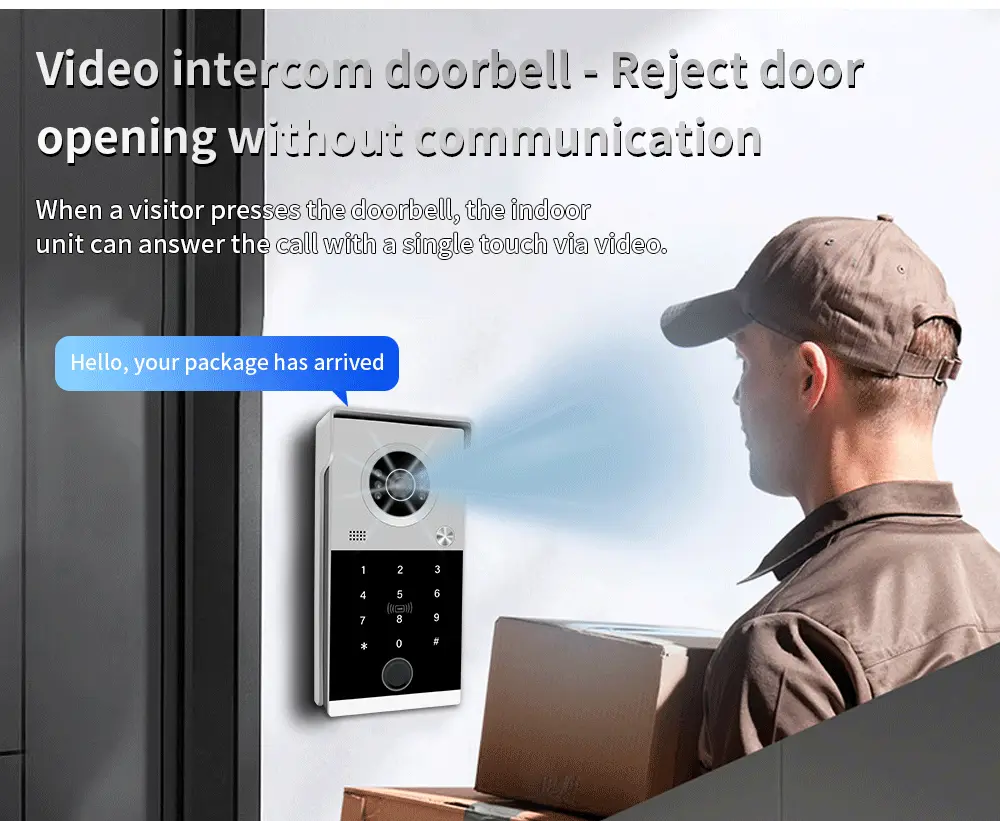
6. Can be connected to an external color video intercom unit for video intercom and door opening functions.
Specification:
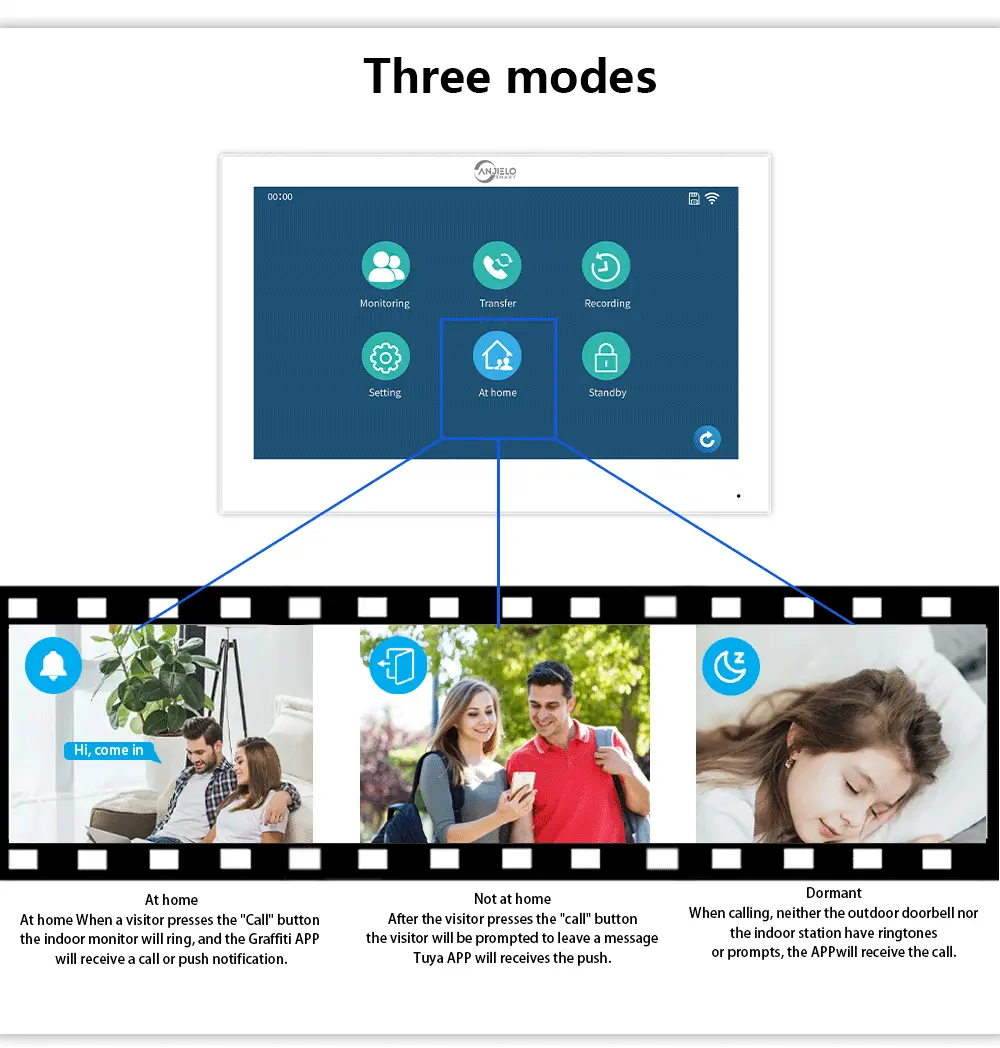
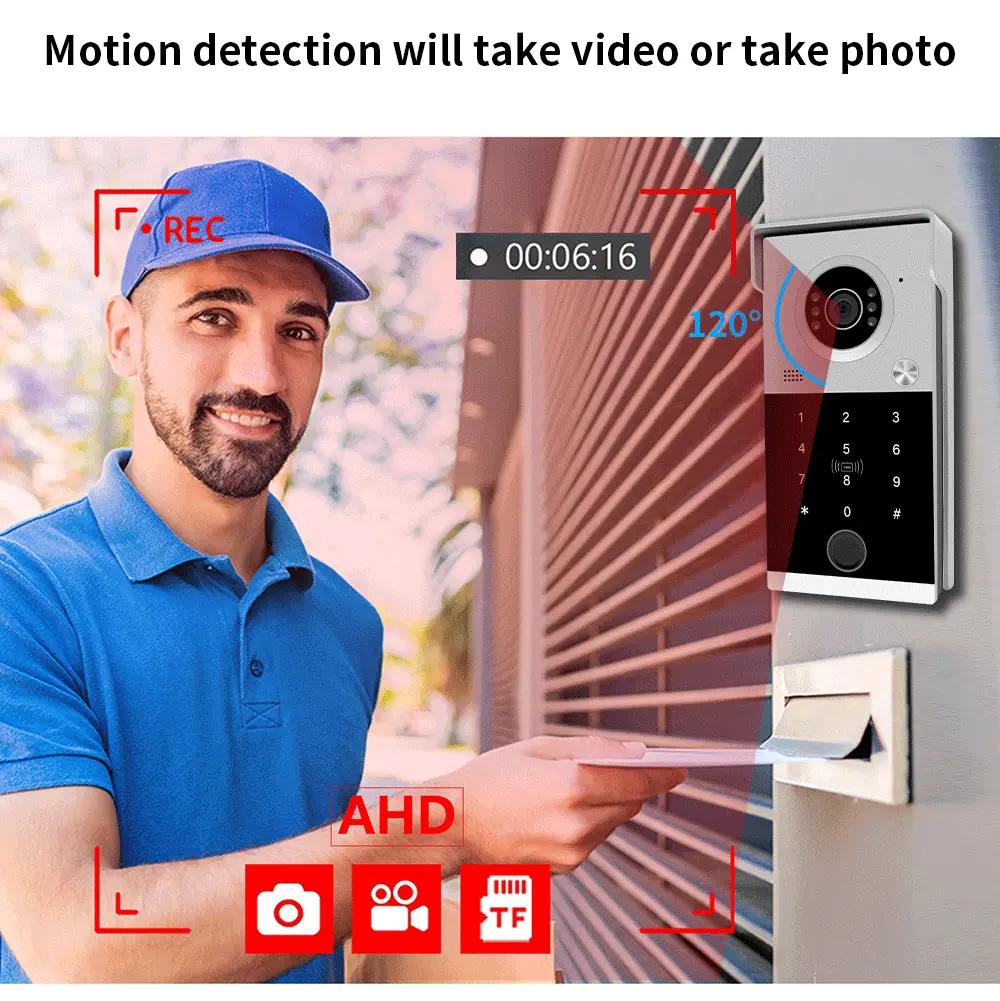
Motion Detection + Auto-Recording
Alerts and records suspicious activity with local storage (GDPR-compliant), prioritizing privacy and security.
Card Swiping Instructions
1. Adding a User Card
First, swipe the "Add Card" button. A single beep indicates entry into the "Add User Card" mode. Swipe a blank ID card; a single beep indicates successful learning. Swipe the "Add Card" button again to complete the addition.
2. Deleting a Single User Card
First, swipe the "Delete Card" button. A single beep indicates entry into the "Delete User Card" mode. Swipe the ID card of the user to be deleted; a single beep indicates successful deletion. Swipe the "Delete Card" button again to complete the deletion.
3. Deleting All User Cards
First, swipe the "Delete Card" button. A single beep indicates entry into the "Delete User Card" mode. Swipe the "Add Card" button, then swipe the "Delete Card" button. Three beeps ("beep beep" - "beep" - "beep") indicate all user cards have been deleted.
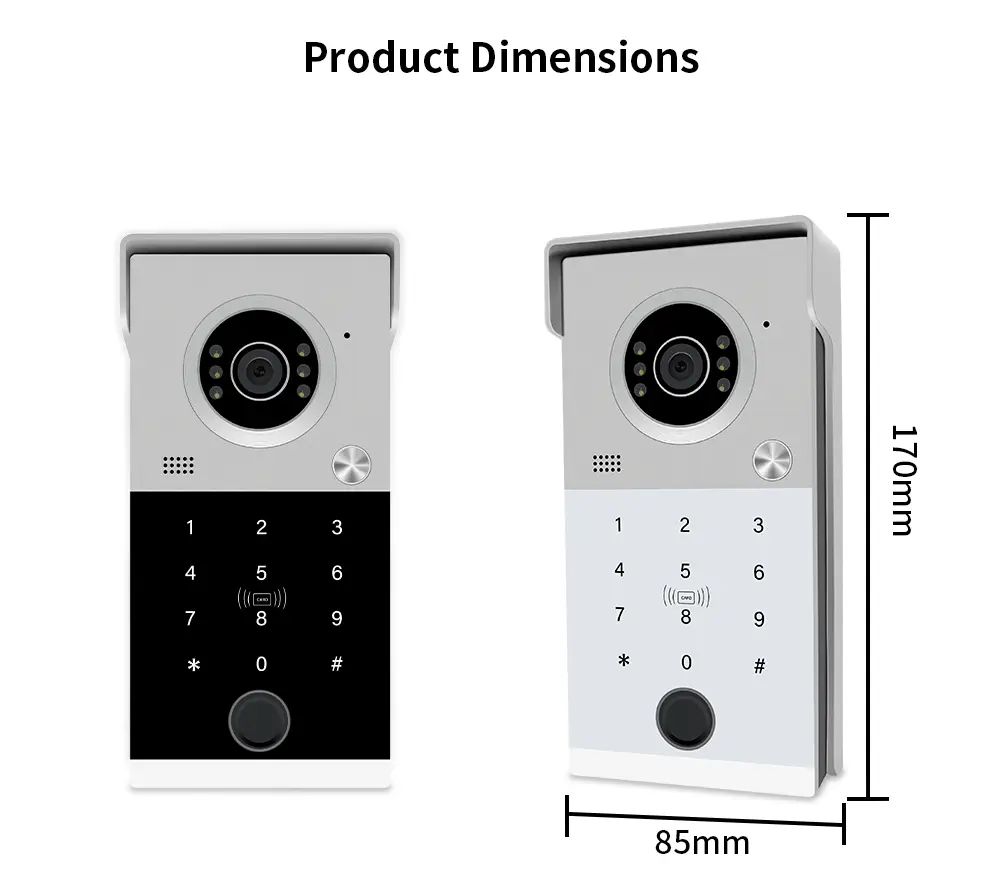
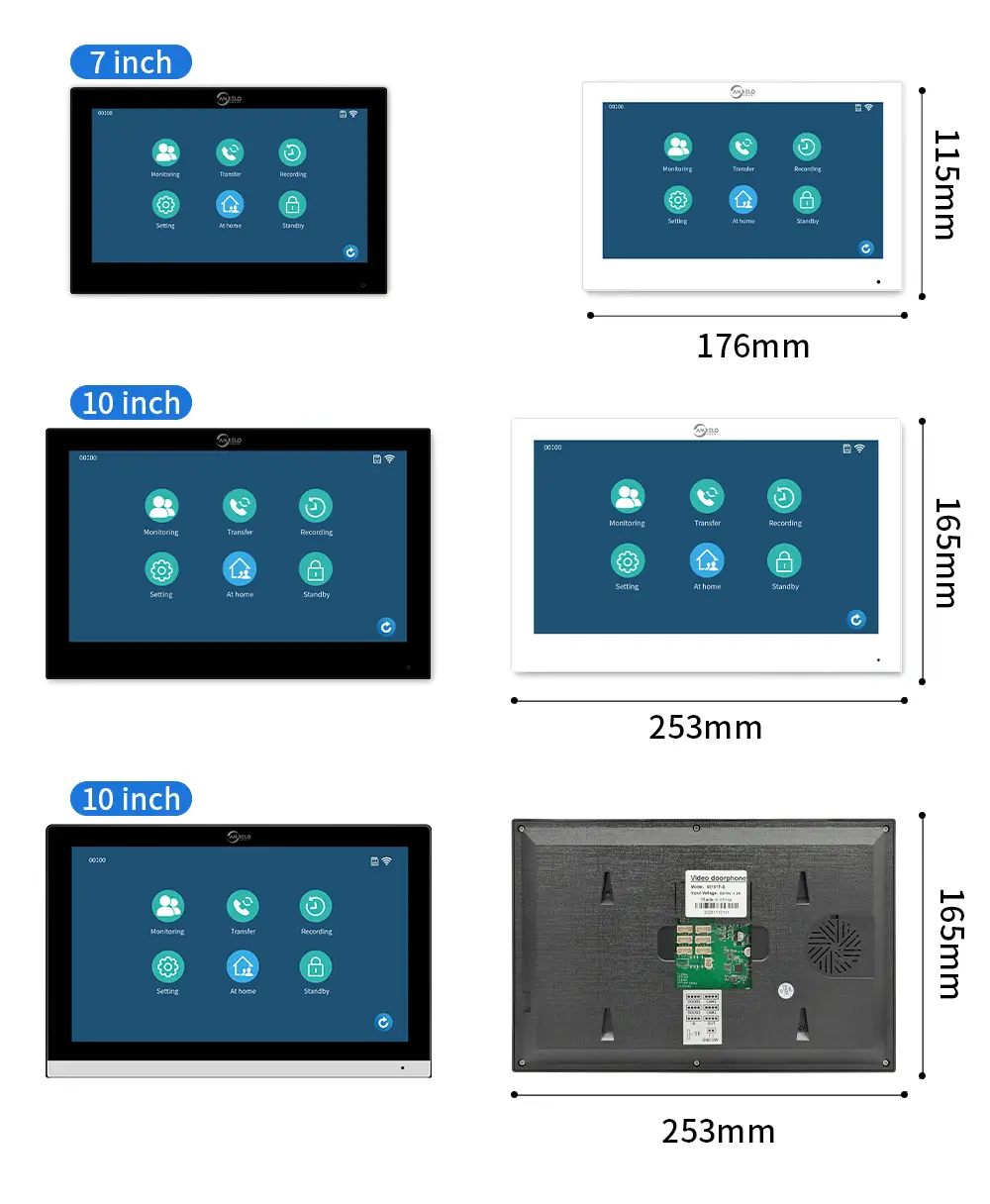
Fault Description
Fault Analysis: Check if the power interface has 12V power; check if the indoor unit is powered; check if the indoor unit is connected to power; check if the wiring is correct; check the power quality and whether there are any breaks or short circuits in the wiring.
Fault Analysis: Check if the card is a user card; check if the card is an ID card; check if the door station is powered; check if the unlocking wiring is correct.
Fault Analysis: Check if the audio cable is connected correctly; test if the speaker and microphone are working properly; note that the door station and indoor unit are best used within 100 meters.
Product details
You may also like
-48%
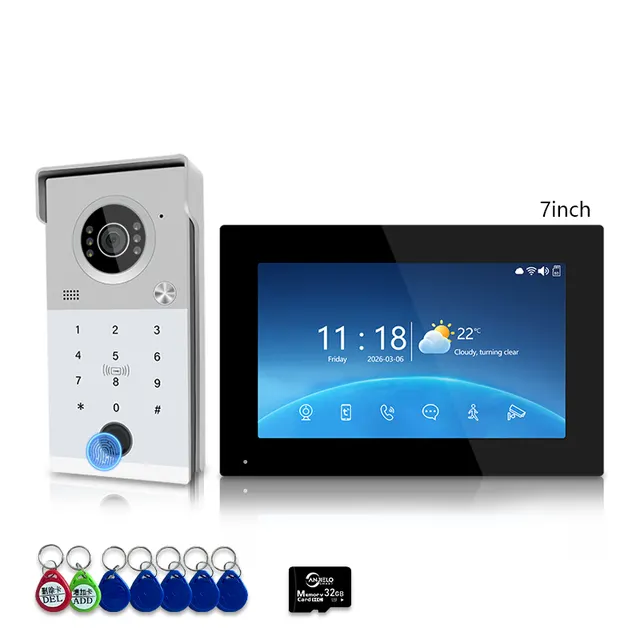 -45%
Anjielo Smart 4-Line Wired Video Intercom System Tuya Smart Life App 5-in-1 Unlock Waterproof Video Door Phone for Villa Home
From $110.03
Regular price$199.00
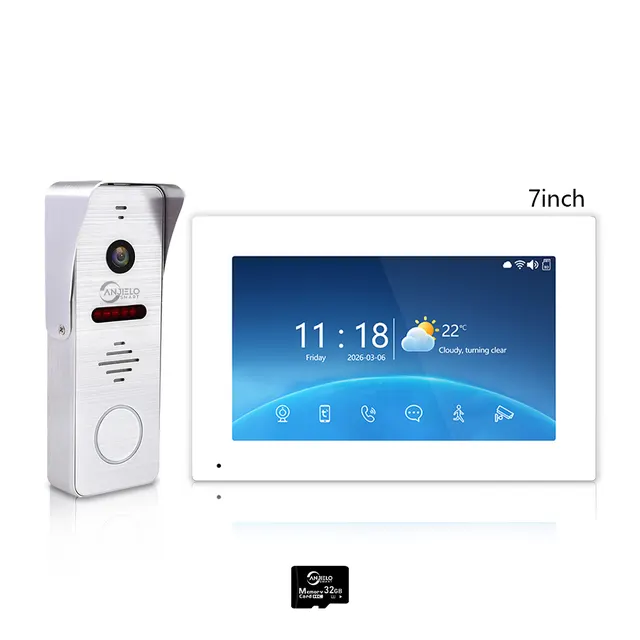 -47%
Tuya WiFi 4-Wire Video Door Phone Intercom | IP65 Waterproof Door Station + 7/10 Inch Touch Indoor Monitor for Villa
From $105.07
Regular price$199.00
 -17%