 -48%
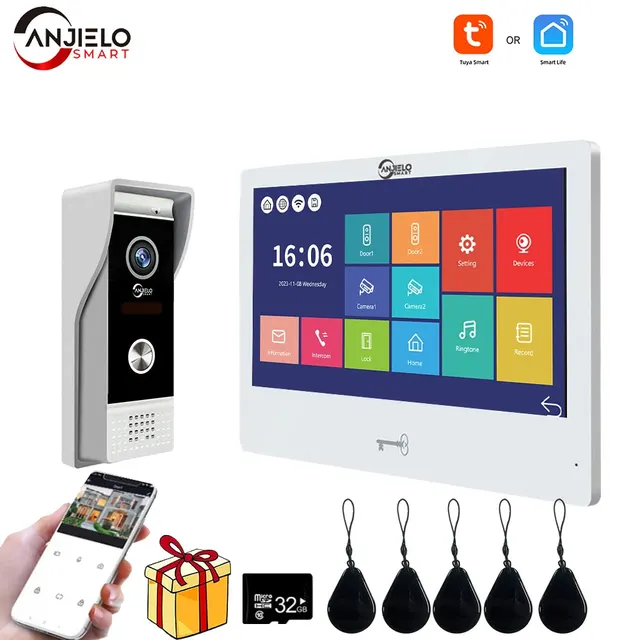
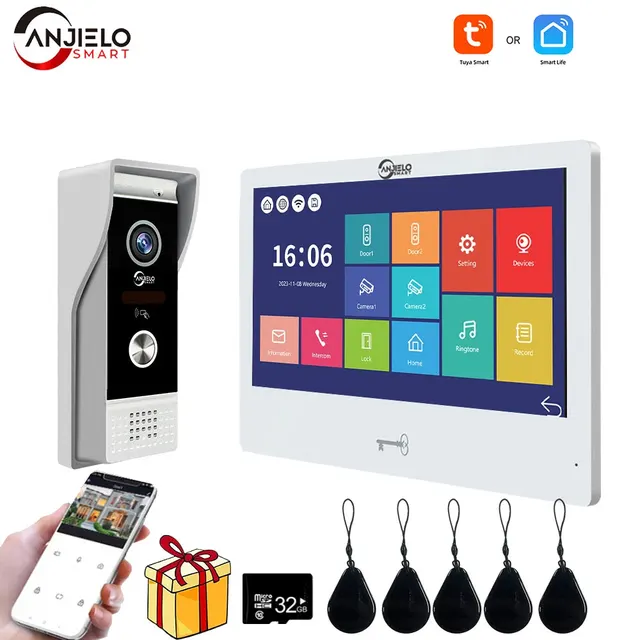
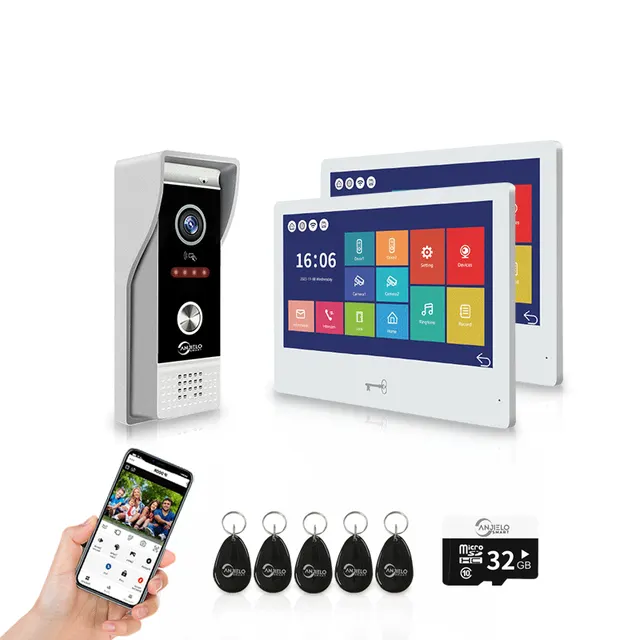
Video Intercom 1080P System DoorPhone for Home Wireless WiFi Smart Video Doorbell with Wired Doorbell TUYA APP Touch Monitor
Model: 64202BC + 65112-EX-W
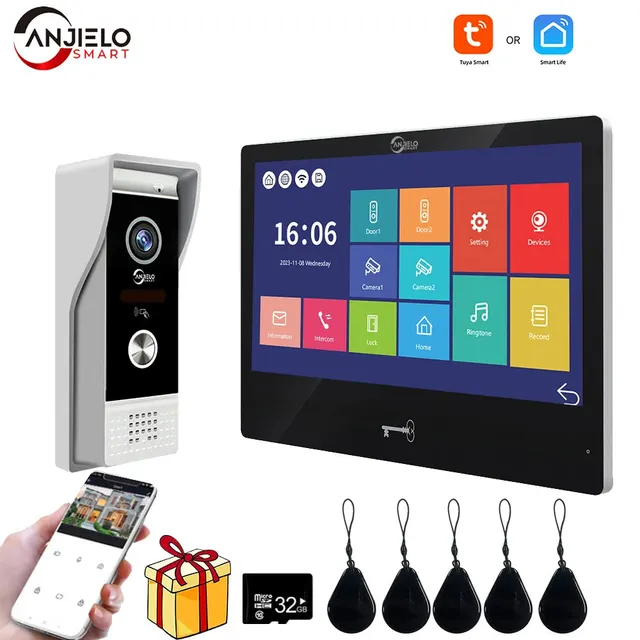
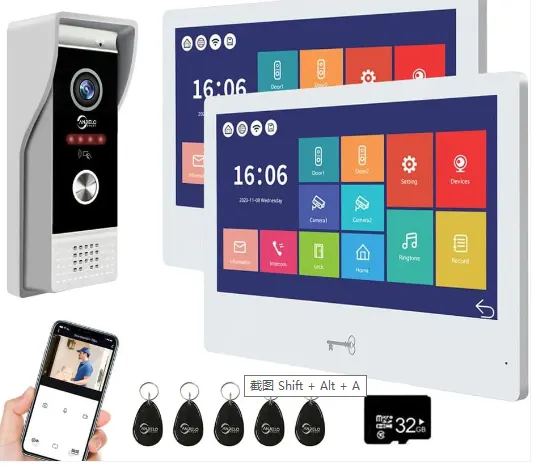
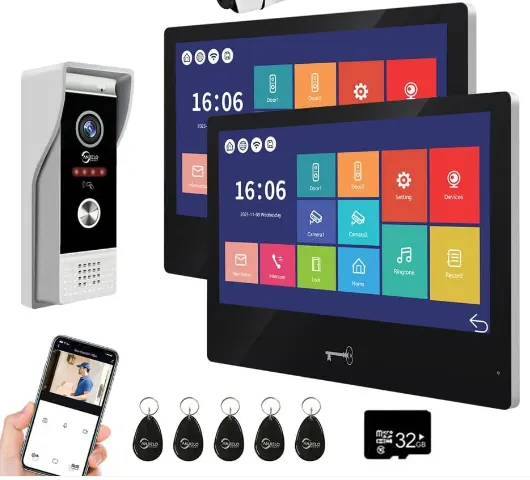
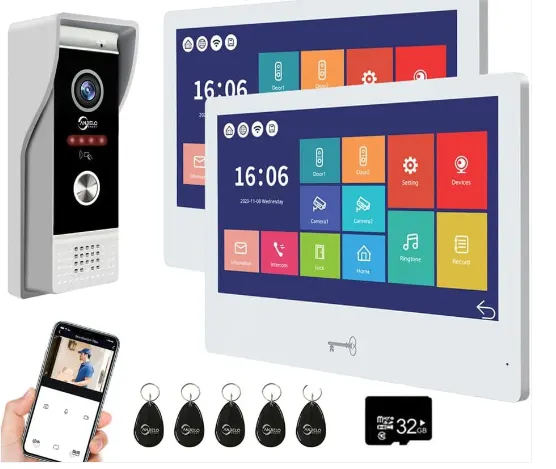
$144.00
Regular price$176.89
Save $32.89 (19%)
In stock
- No payment now. You send a request and we confirm the price and delivery by email.
- 30-day money-back guarantee and 18-month warranty
- Our own factory
Buying for a company? Request wholesale price
Specifications
| Factory Reset settings | All parameters are reset to factory mode. The devices must be deleted from the |
|---|
Product details
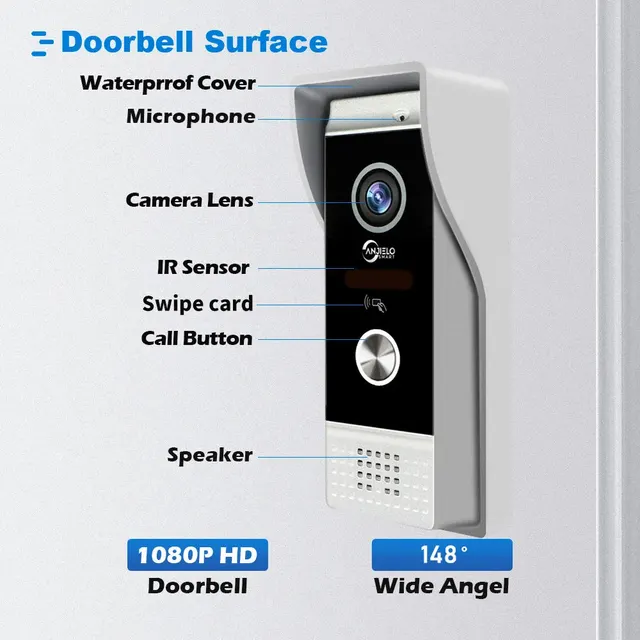
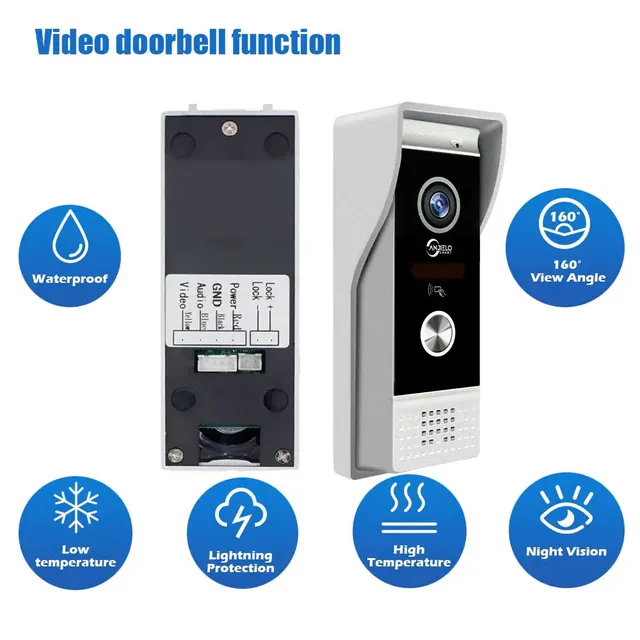
Video Intercom 1080P System DoorPhone for Home Wireless WiFi Smart Video Doorbell with Wired Doorbell TUYA APP Touch Monitor
4-Wire Digital-Analog Hybrid SystemAHD/TVI/CVI 2MP ResolutionTuya Smart/Smart Life APP
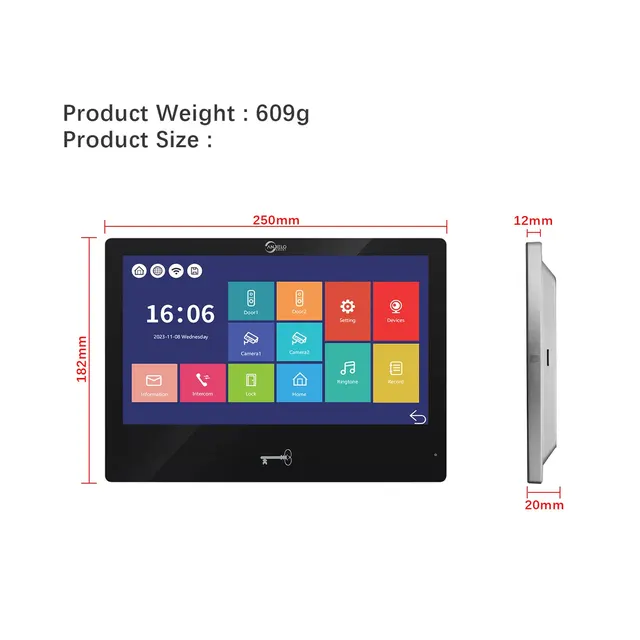
Display Screen 10.1-inch
Resolution 1024*600
Communication Mode Two-way communication
Talking Time 120S
Standby Current ≤ 150mA
Working Current ≤ 250mA
Power Supply External switching power supply: DC 12V Built-in power supply (Optional)
Working Temperature -10℃ to 50℃
Installation Surface mounting
TF Card ≤ 1TB
Video Format AHD / CVI / TVI / CVBS
Display Screen 10.1-inch
Resolution 1024*600
Communication Mode Two-way communication
Talking Time 120S
Standby Current ≤ 150mA
Working Current ≤ 250mA
Power Supply External switching power supply: DC 12V Built-in power supply (Optional)
Working Temperature -10℃ to 50℃
Installation Surface mounting
TF Card ≤ 1TB
Video Format AHD / CVI / TVI / CVBS
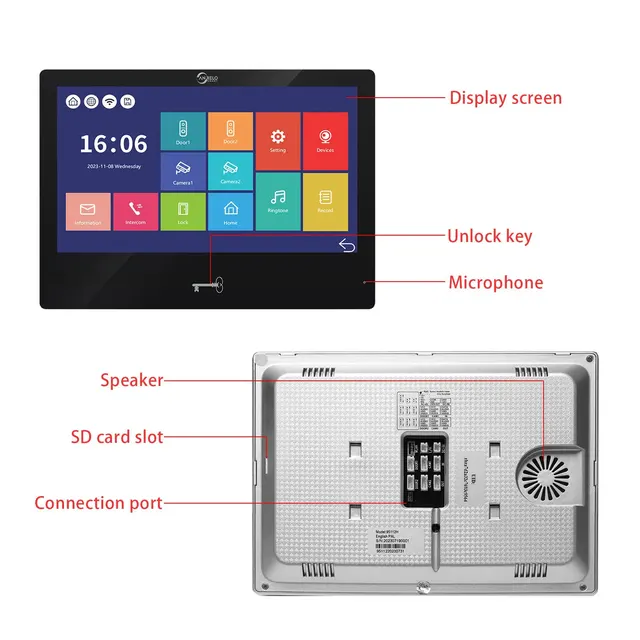
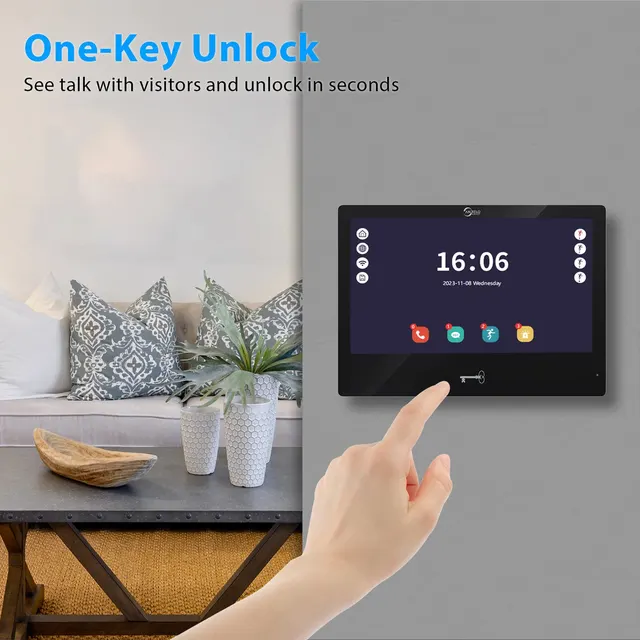
One click unlock
No need to turn on the screen, the touch screen below can unlock the door with just one clickPower plug
External power supply is more convenient. If you need an internal power supply, please contact our customers. Thank youMotion detection
When mobile detection is enabled, someone passing by the phone will push a message notification, constantly knowing the situation outside the door. Inserting an SD card can also automatically record a small video for youThe concise system interface makes you feel happy, and the operation is simpleSD card
Please prepare a SD card without any data saved inside. The system support up to 1TB SD card(not
included). When use 16/32GB TF card, please format with FAT32 on the computer before use. When use
64/128GB/256GB/512GB/1TB TF card, please format with EXFAT on the computer before use.
Please insert the SD card into the SD card slot of the indoor monitor. Please note if no SD card, there will
be no function for motion detection and no records could be saved in the indoor monitor. And also no
More
digital frame function .
Please format the SD card with the device again. Please save the pictures or ringtones under corresponding folder of the SD card. For example, put the pictures under “DigitalFrame” folder and put the ringtone
music under “Ring” folder.
Tuya smart or Smart life APP after factory reset. And please connect again with Tuya smart or Smart life
APP., otherwise it cannot be added and used by other accounts. Can not connect to the Internet.Mobile phone remote unlock
Connect to the Tuya app on your phone for remote video chat unlocking functionCheck the log of Call, Visitor Message, Motion Detection and Alarm. Long press and release the file to enter the
delete option.
Note: This function requires the indoor monitor to be inserted into an SD card.It is editable for the device display name. You can click and input the name you want.
Up to 9 characters can be entered. (Touch button is not available to edit the device name .)
The input video signal must be accurate, otherwise the video signal will not be displayed correctly. If you
cannot accurately know the resolution and format of the input signal, you can use the automatic
detection function.
Please turn on (Motion Detection) if you want receive notifications when there is something in front of the
door. You can choose Motion Motion refers to any change in front of the door.
When Motion Detection is ON, you can click to set the motion detection area. It is all motion detection area by default. Just click the square to change the area to be transparent color, it means it is not motion
detection area. If you want change it to be motion detection area again, just click the square again.Network fast connection
Product details
You may also like
-48%
 -45%
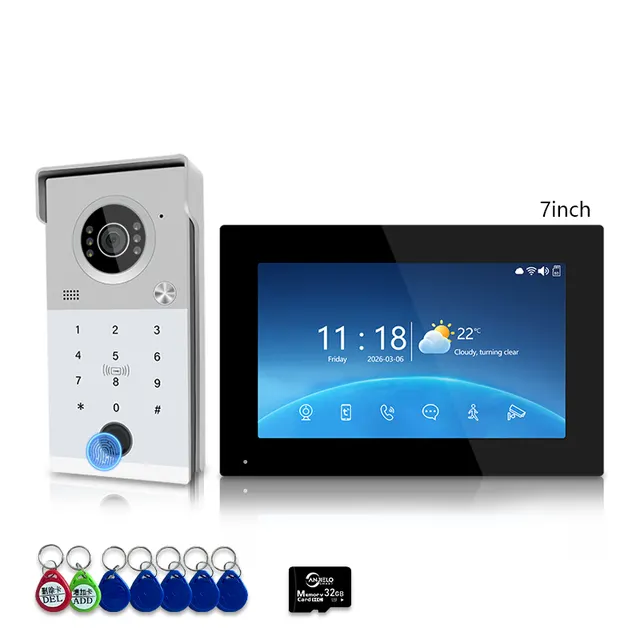
Anjielo Smart 4-Line Wired Video Intercom System Tuya Smart Life App 5-in-1 Unlock Waterproof Video Door Phone for Villa Home
From $110.03
Regular price$199.00
 -47%
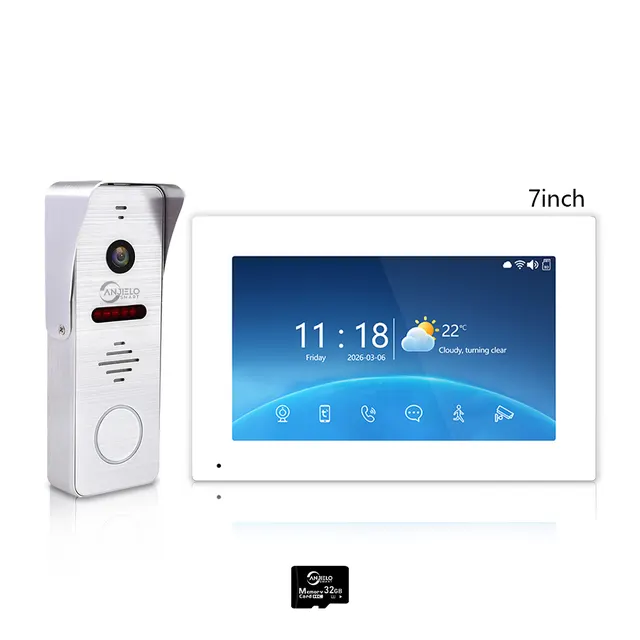
Tuya WiFi 4-Wire Video Door Phone Intercom | IP65 Waterproof Door Station + 7/10 Inch Touch Indoor Monitor for Villa
From $105.07
Regular price$199.00
 -17%